6 OPERATION
LACO Technologies TITAN VERSA Operations and Maintenance Manual 77
Stream Method The Stream Method of data logging allows for logging of live leak rate data at any time.
7. To configure the Stream Method, select Stream option from the Log Method and
press the Data Log Enable button.
1. Select the desired data log interval in seconds (0.5, 1, 2, 5, 10, 30, 60).
2. To begin logging, press the Data Log icon on the Quick Access toolbar. Or, user can
use the option button, if programmed for data logging. The data log icon will flash
with an “S” symbol when logging is active. The bottom of the test screen will read
“Data Logging Active”.
3. Alternatively, press the Option button to start a Stream data log. To stop data
logging, press the Data Log icon (or Option button) again and the logging will stop.
The icon will stop flashing.
➔ If a stream log is not stopped after 1 hour it will be automatically shut off.
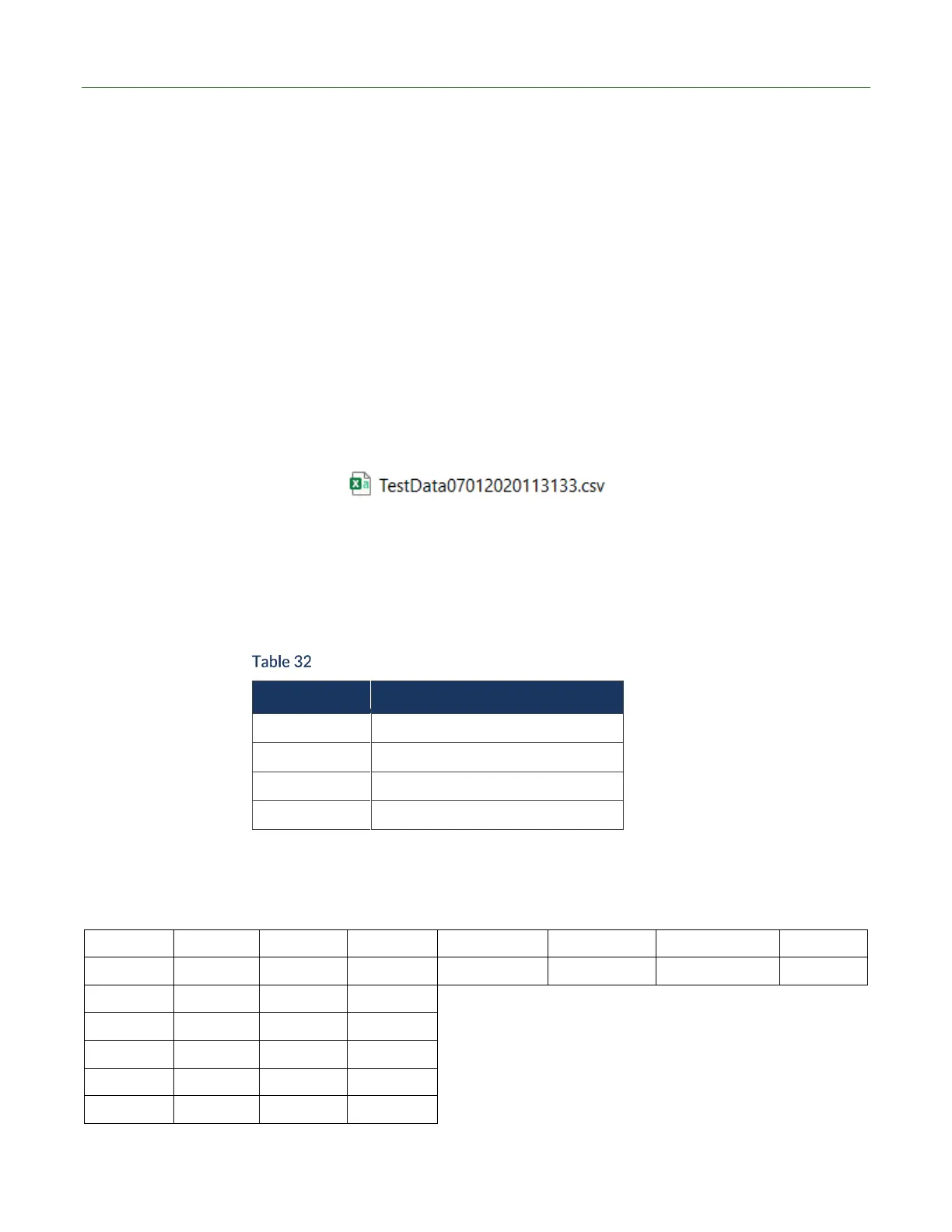
➔ After a stream data log concludes, a CSV file appears on the USB drive. The file
nomenclature is TestData (Date) (Time).csv. For example:
➔ Stream data is ideal for in-depth analysis of leak testing data.
Stream files contain pre-filled headers followed by the generated file data. The headers
include the following fields: Date, Time, Test Method, Vac Mode, Log Interval, Leak
Rate Units, Pressure Units, Vent valve Status, and Zero Status. Table 32 shows the data
fields that are logged per the data log interval.
Stream Data Log Field Summary



 To Next Page