6 OPERATION
LACO Technologies TITAN VERSA Operations and Maintenance Manual 55
Option Button
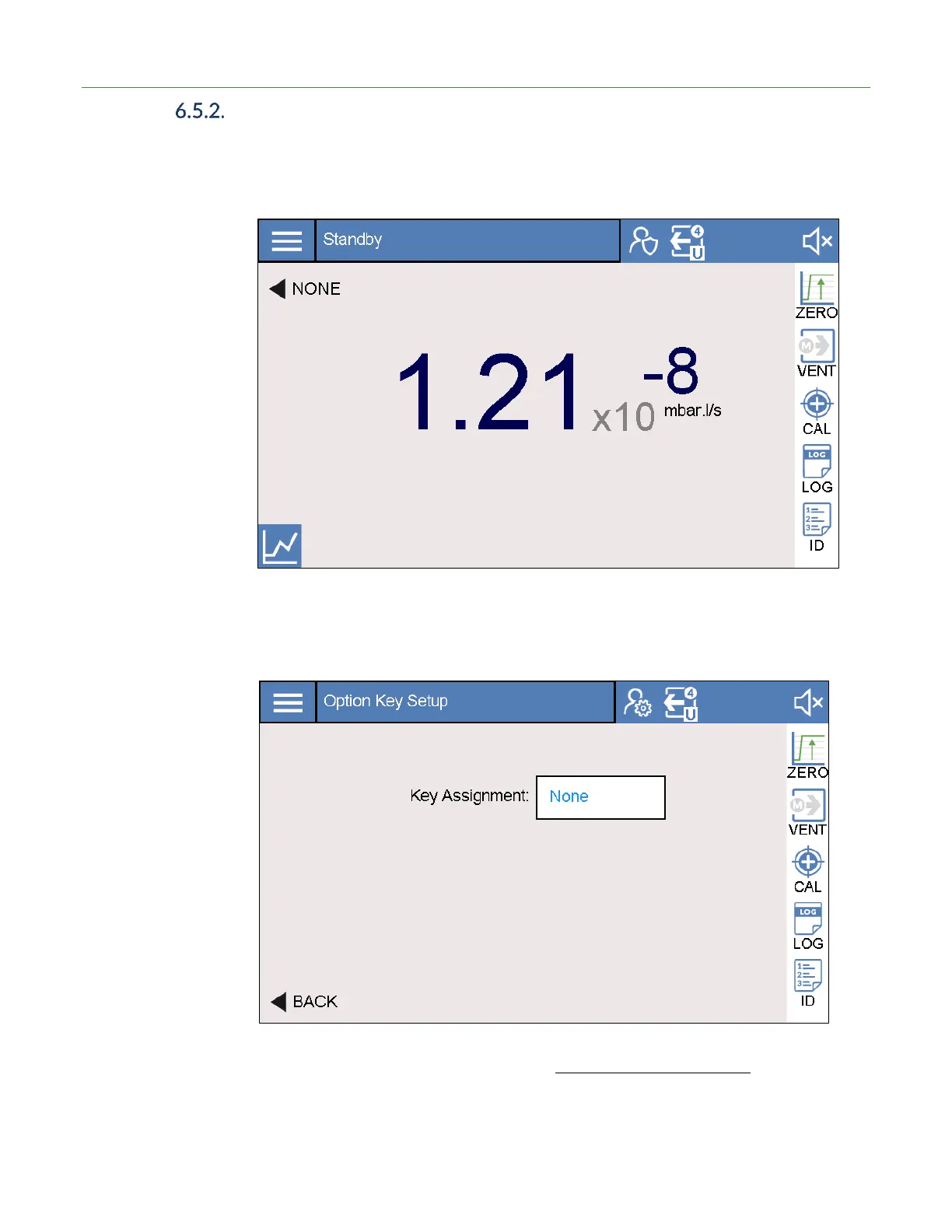
The Option button allows the user to have quick access to a custom programmed,
physical button for a commonly-used feature. The selection of the Option button is
located to the right of the physical button on the touchscreen.
➔ To edit the current configuration, press and hold the screen area for one second.
The following screen appears. The user can toggle through the various options as
outlined in Table 21.
The Option button can also be edited from Settings > System > Display.



 To Next Page