6 OPERATION
LACO Technologies TITAN VERSA Operations and Maintenance Manual 65
ID Review on Start When the user presses the Cycle Start button and this option is active, the user must
review all the test ID the variables before starting the test. After review, the user
presses the start button on the Test ID screen and the cycle starts.
Required If a field is defined as Required and the field data is empty, the Test ID screen will
automatically appear on cycle start command.
Clear After If a field is defined as Clear After, the field contents will be deleted when a full test is
completed. This field is helpful for unique field options such as serial number.
Settings Main Menu
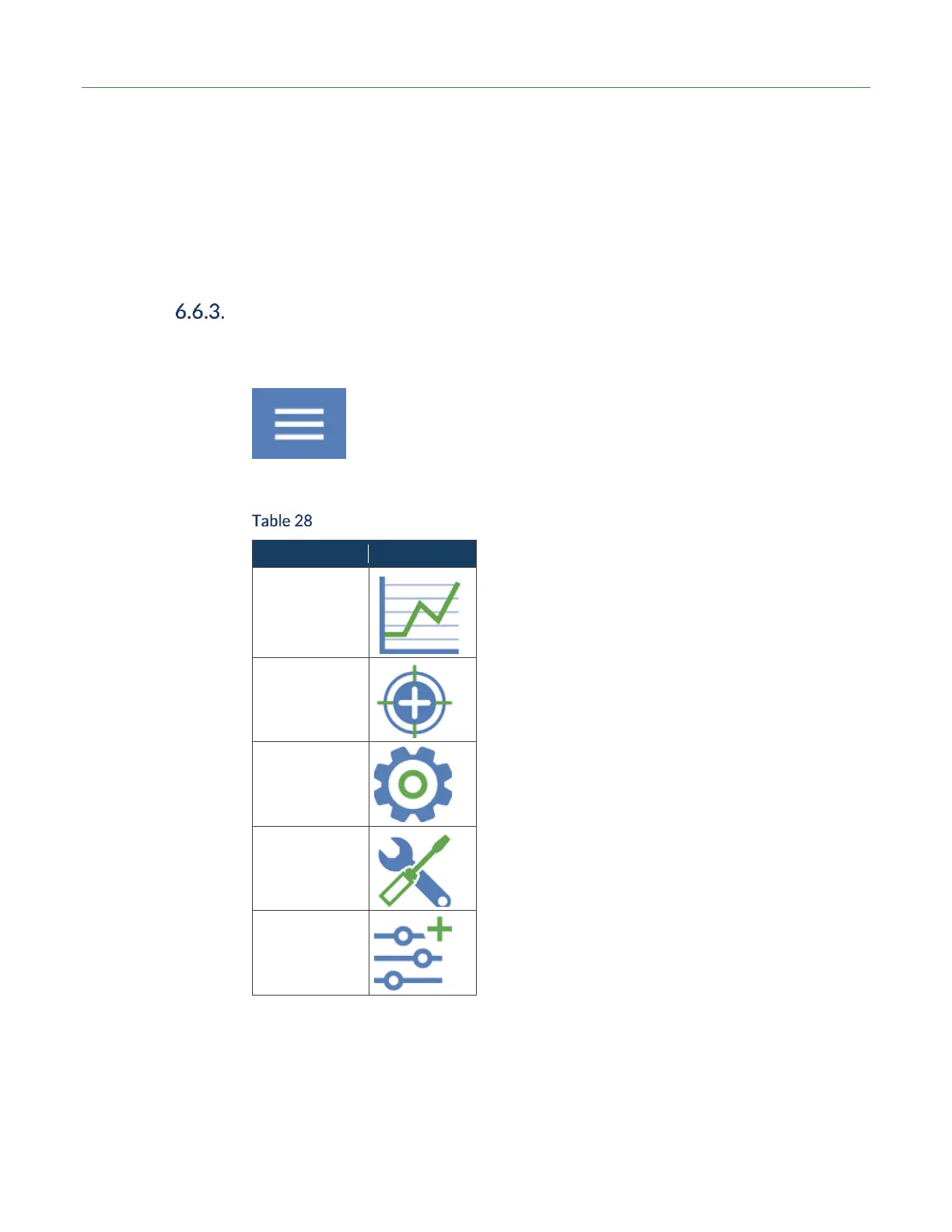
To access the main Settings menu from the test screens, press the menu icon (three
bars).
In the Settings main menu, the following setting categories are available.
Settings Menu Structure



 To Next Page