6 OPERATION
64 TITAN VERSA Operations and Maintenance Manual LACO Technologies
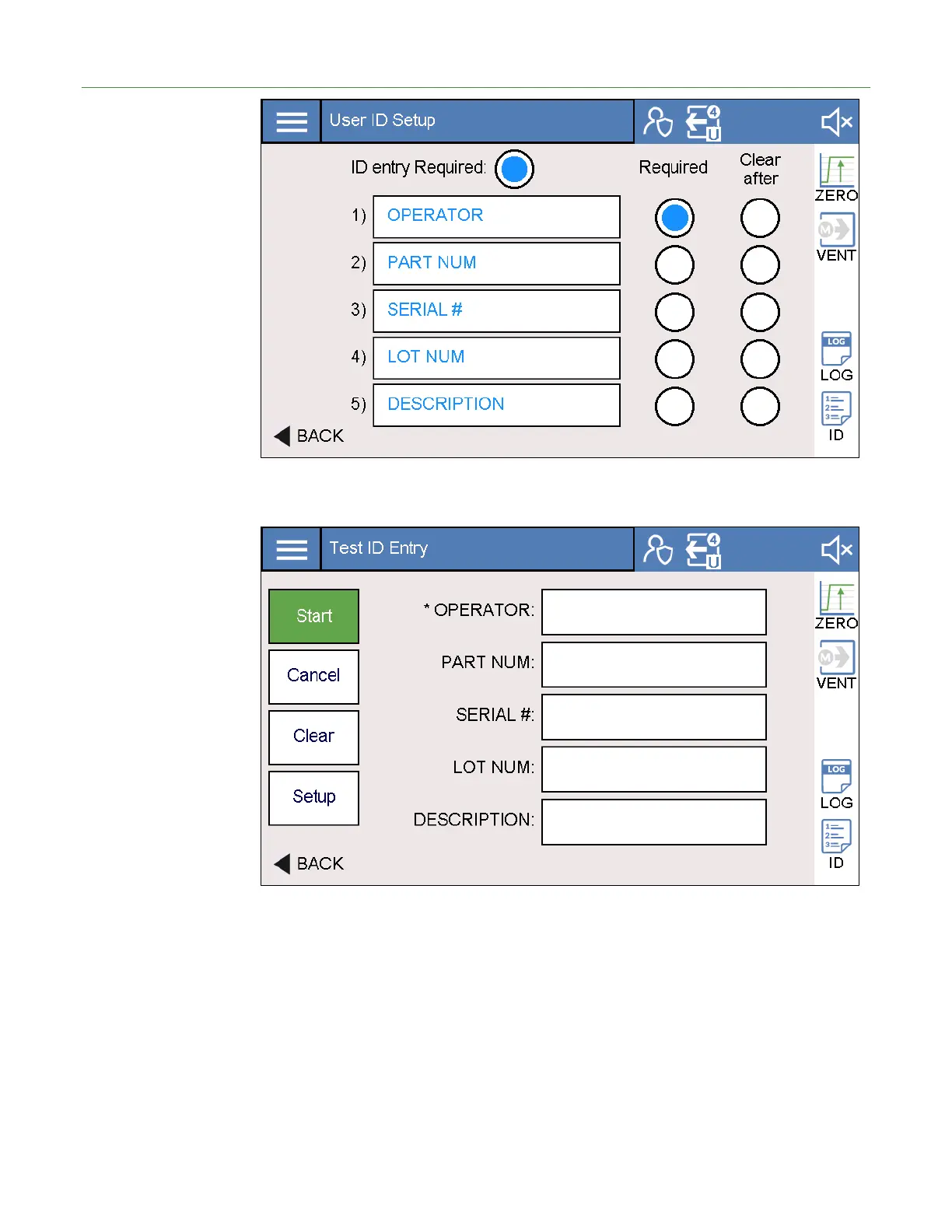
To access the Test ID settings, the user must first select the Test ID icon from the test
screen and then select the Setup option. The screen below appears.
Test ID Fields The user can define up to five user defined Test ID parameters. These parameters are
typically used in data logging. Examples include:
• Operator
• Part Number
• Serial Number
• Lot number
• Test Description



 To Next Page