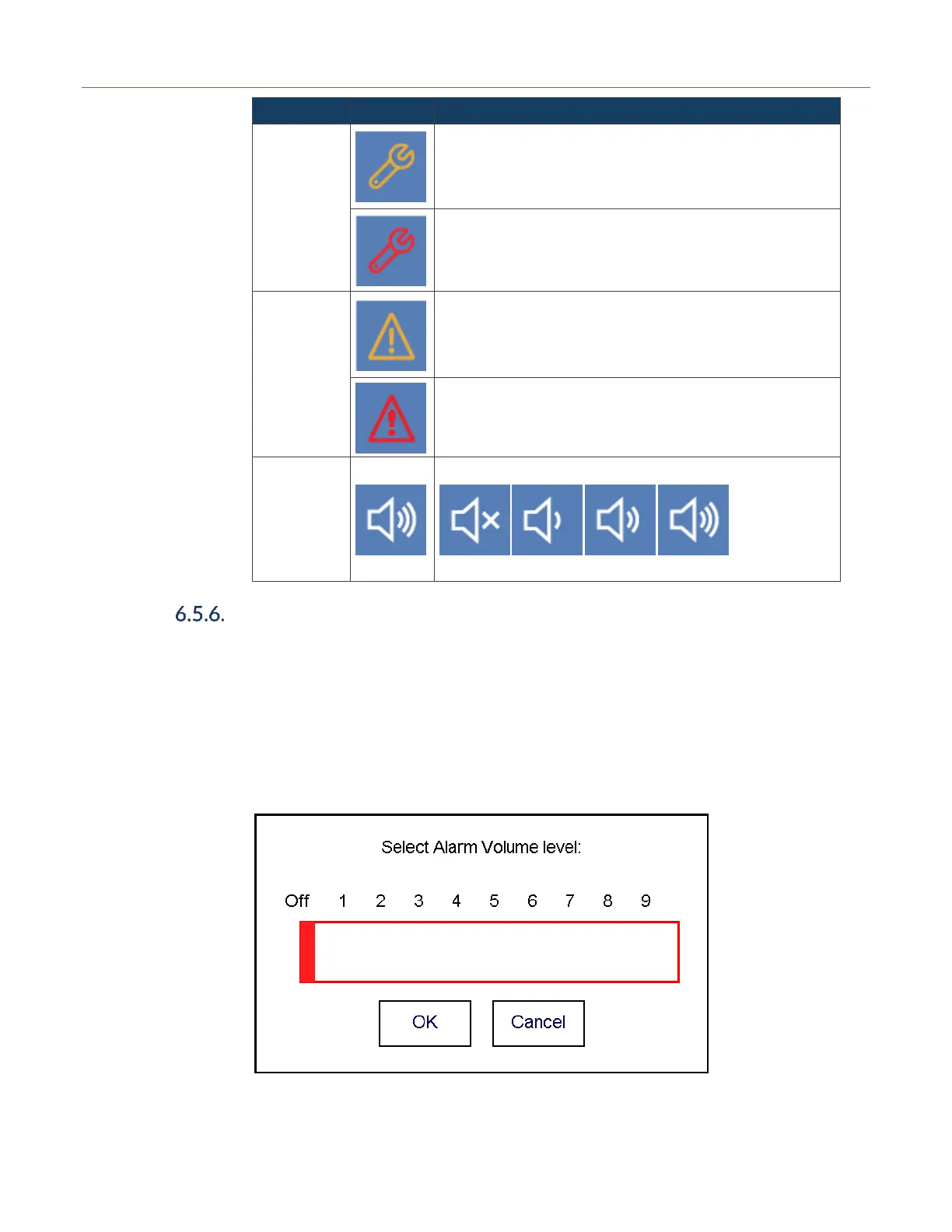
Warning active (A warning allows for the unit to continue in
operation, but the user should be aware of the condition(s)).
Press button to see popup dialog of warning details.
Volume Settings
The TITAN VERSA has an audio output signal that correlates with the current leak rate
vs the reject limit. The larger to difference between current leak rate and reject limit
the higher the pitch. If the audio is on and the leak rate is lower than the reject limit
than the audio signal will be off. Audio signals are ideal for sniff leak testing.
To adjust the audio settings, press the volume icon for more than one second and the
following sub screen will appear. Pressing near the zero level will turn off the audio
signal. Setting nine is the loudest signal.
If the audio is on and the user quickly presses on the audio icon, the signal will
automatically turn off.



 To Next Page