6 OPERATION
56 TITAN VERSA Operations and Maintenance Manual LACO Technologies
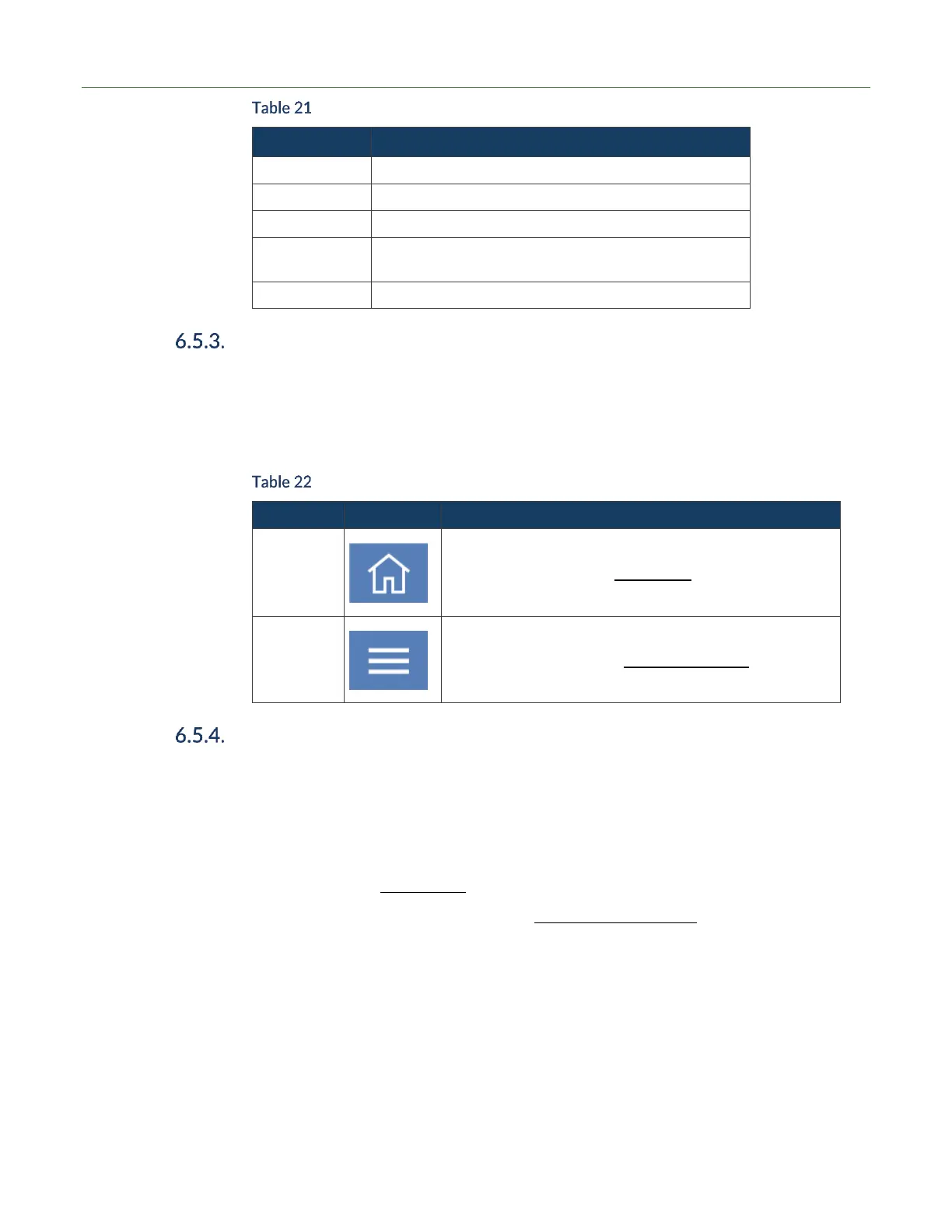
Option Button Selections
Only works in Manual zero method
Only works in Manual Vent options
Only works from stream method. Test Summary and
Cycle Combo methods will automatically data log.
Press button to quickly mute the audio
Screen Type Navigation
There are two main types of screens: Test or Settings. Test screens allow the user
perform leak tests, while the settings screen allow the user to change device settings.
In the upper-left of the touchscreen there are two main icons that allow for access to
either a settings screen or test screen.
Basic Screen Type Navigation
Press Home icon to get to test screens.
Press Settings icon to show settings main menu.
Touchscreen Layout
The common areas of the touch screen are outlined below.
1. Upper-left – Setting or test screen navigation icons.
2. Upper-middle – Status text or screen name. Note that status text is also displayed
on the bottom of the screen.
3. Upper-right – Status icons.
4. Right-side menu on test screens for Quick-Access features .



 To Next Page