Cycle Combo Method The Cycle Combo log method combines features of both stream and test summary
methods. This method logs automatically only during a test cycle and has all the
features of Stream and Test Summary methods as described above.
➔ Enter any test ID data that is desired before running the leak test (see Test ID ).
Entered data will be logged.
➔ This data log method is ideal for customer requiring traceability for their leak test
application.
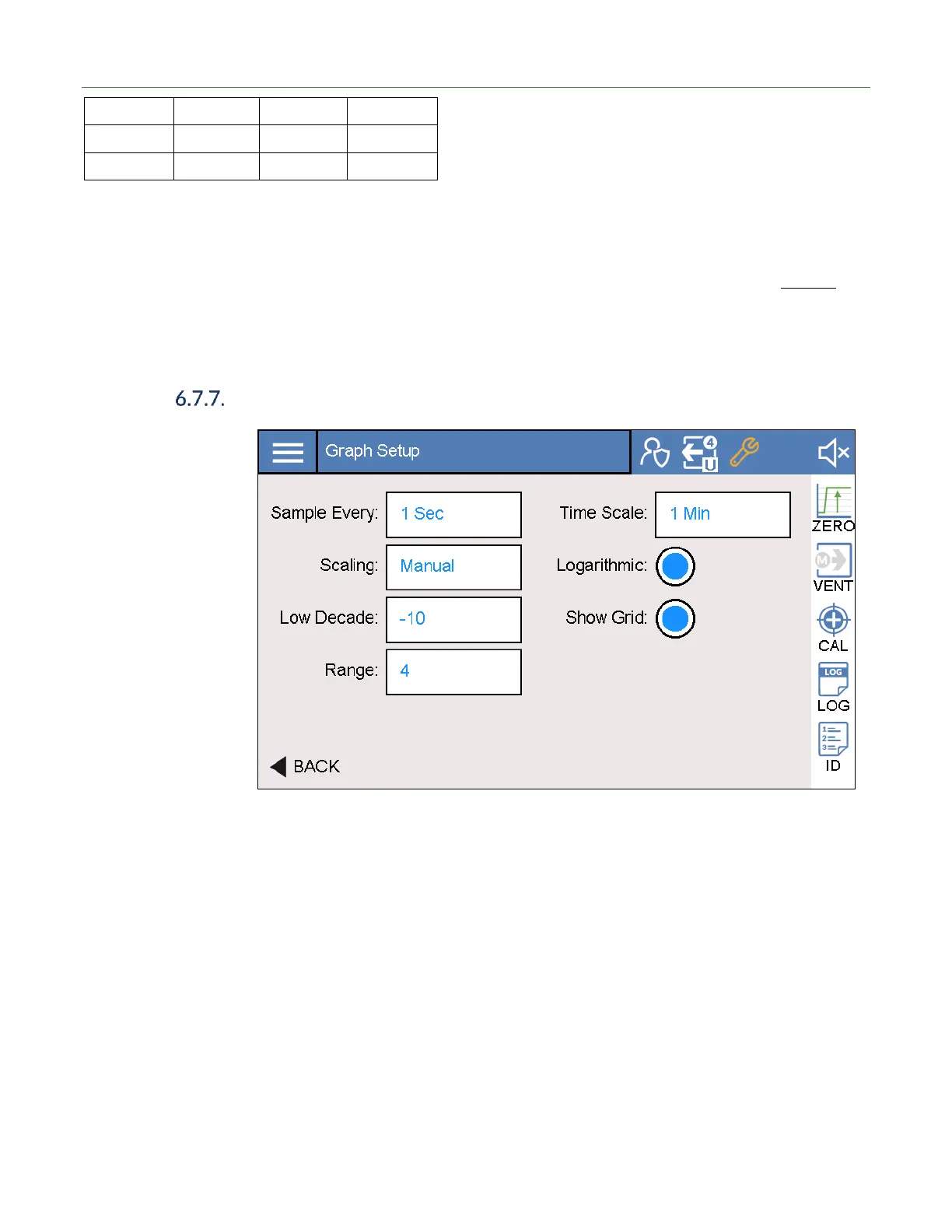
Graph Settings
On the Test Graph screen, the user can select the desired graphing options per the
parameters below. To edit graph settings, press the Setup button on the graph screen
or go to Settings > Test > Graph.
The following graph line colors are used.
• Black – Standby
• Blue – Rough
• Green – In cycle and below reject limit
• Red – In cycle and above reject limit



 To Next Page