Screed Lock Pins
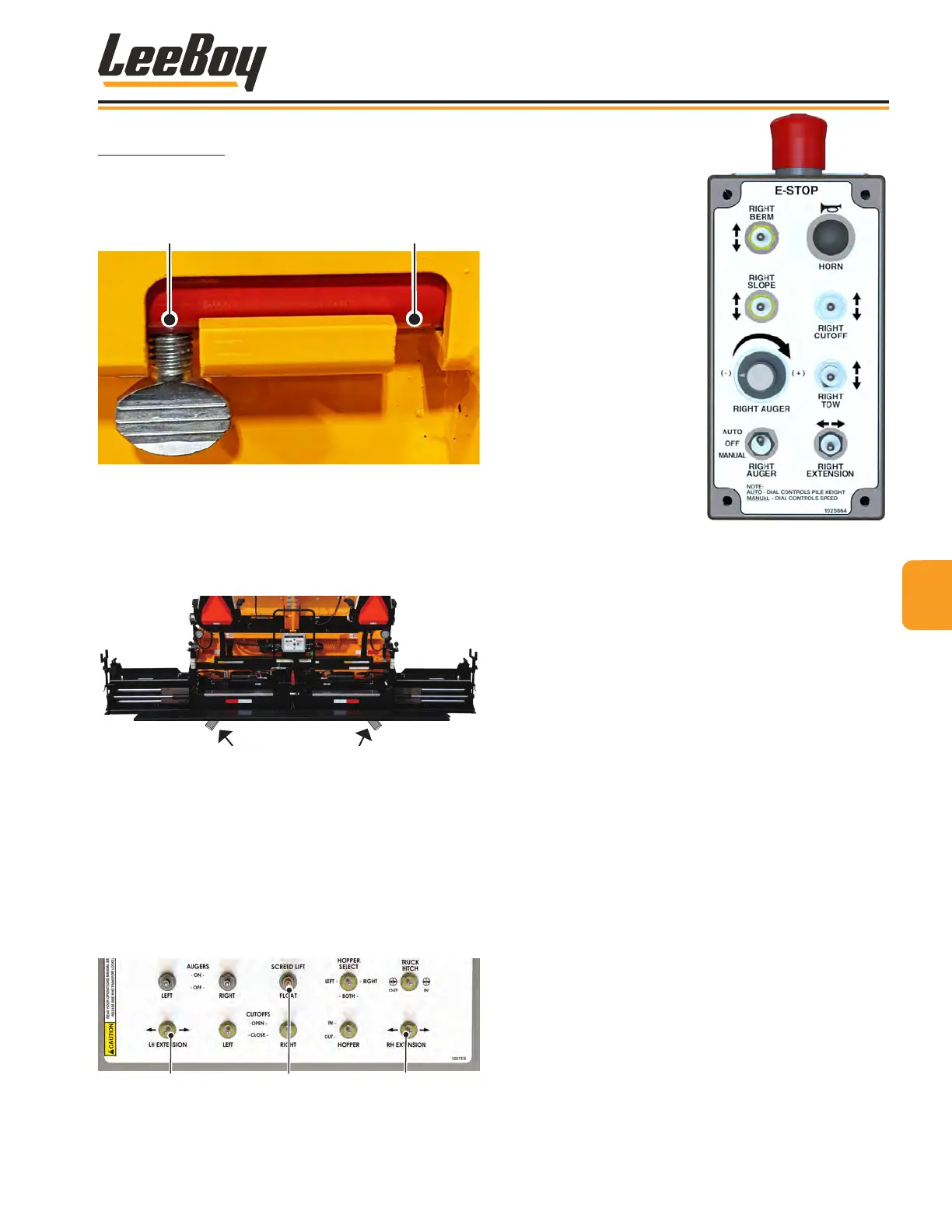
Screed lock pins (one on each side) adds additional
safety and stability during operation and transport.
(Figure 4-67)
Figure 4-67. Screed Lock Pin
NOTE: To set the depth, you can place small starter
blocks under the main screed while you
make adjustments. (Figure 4-68)
Figure 4-68. Starter Blocks Location
• Follow the instructions for heating the screed and
screed extensions. (Pages 4-27 to 4-28)
• Extend or retract the screed extension using the
extension switch on the main control panel (Figure
4-69) or screed control box (Figure 4-70).
• Use the Screed Lift/Float switch to lift the screen
when moving the paver to the starting position. Set
the switch to “oat” when paving.
Left Screed
Extension
Right Screed
Extension
Screed
Lift/Float
Figure 4-69. Screed Switches
A remote control box is
also provided on both
sides to extend or retract
the screed extensions,
select slope or berm,
open or close the cut-
offs, and turn the auger
on and off while paving.
Additional functions on the
9-Function control box
include berm and slope
controls, horn, E-Stop
button, auger dial, and tow
switch (left box shown).
(Figure 4-70).
Figure 4-70. Screed Box
Adjust the screed while paving using the following
procedures:
1. Move paver to the starting position for paving.
2. Extend the screed extensions to the desired width.
3. Level the screed using the tow point gauge. (Figure
4-62 on Page 4-31)
• Refer to the elevation gauge (one on each side
of the paver for your convenience). Raise or
lower until the rod end of the cable is ush with
“0” on the gauge.
• While paving, refer to both gauges and make
minor adjustments if needed.
4. Null the screed on starting surface (or starter
blocks) using ight screws. Make adjustments as
needed while paving.
5. On the rst pass, turn the end gate depth screw to
lower the endgate until it is about 1/4-inch below the
screed. (Figure 4-66)
NOTE: Never allow the end gate to carry the weight
of the screed to prevent uneven compaction.
44
Operation
8608 Commercial Paver 4-33



 To Next Page