June 2018
108 Legrand PDU User Guide
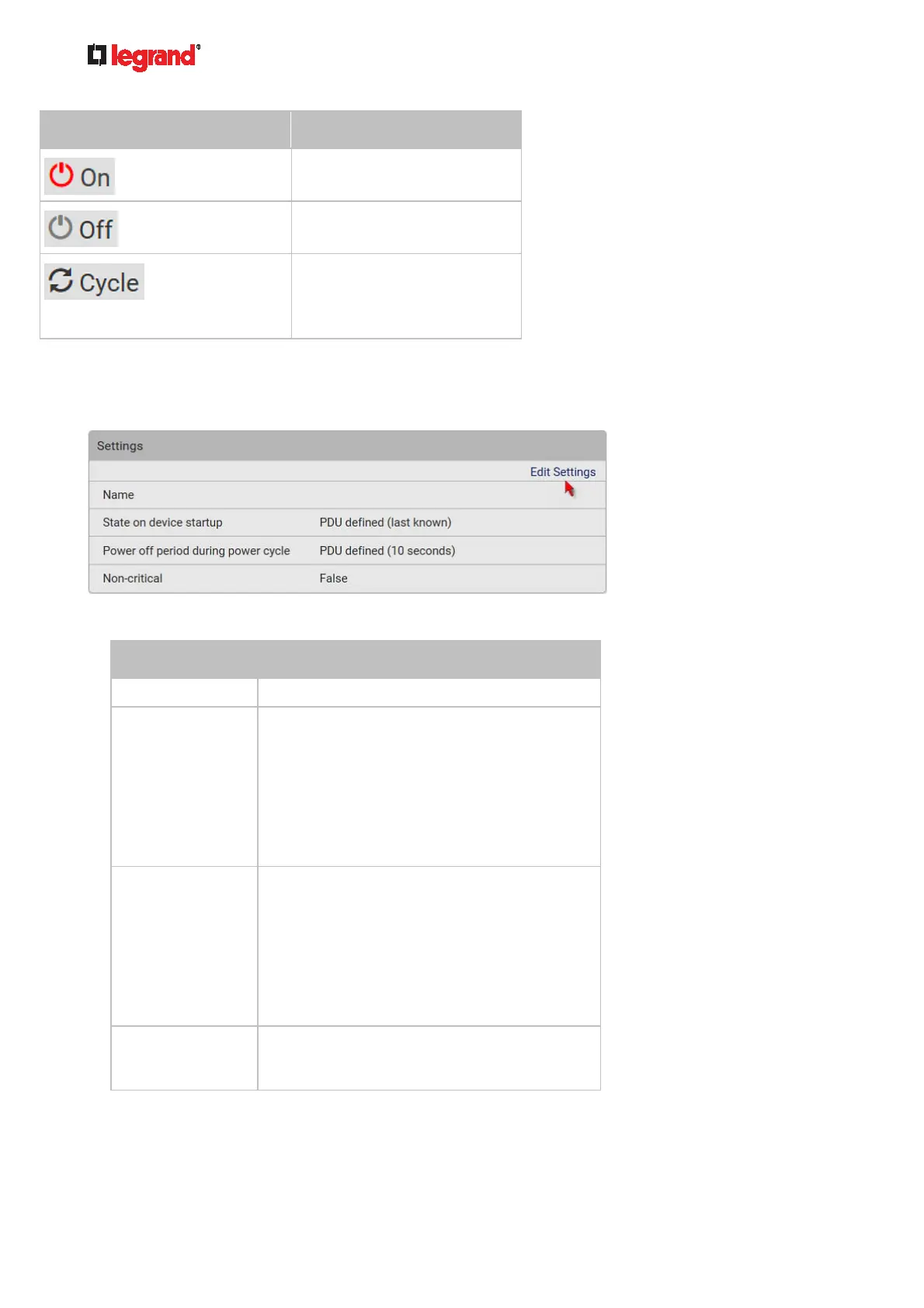
Button/command Action
Power ON.
Power OFF.
Power cycle.
Power cycling the outlet(s)
turns the outlet(s) off and
then back on.
2. Confirm it on the confirmation message.
To configure this outlet:
1. Click Edit Settings.
2. Configure available fields. Note that the fields marked with * are only available on outlet-switching
capable models.
Field Description
Name Type an outlet name up to 64 characters long.
*State on device
startup
Click this field to select this outlet's initial power
state after Legrand PDU powers up.
Options: on, off, last known and PDU
defined. See Options for Outlet State on
Startup (on page 96).
Note that any option other than "PDU
defined" will override the global outlet state
setting on this particular outlet.
*Power off period
during power cycle
Select an option to determine how long this
outlet is turned off before turning back on.
Options: PDU defined or customized time.
See Power-Off Period Options for
Individual Outlets (on page 110).
Note that any time setting other than "PDU
defined" will override the global power-off
period setting on this particular outlet.
*Non-critical Select this checkbox only when you want this
outlet to turn off in the load shedding mode. See
Load Shedding Mode (on page 105).
3. Click Save.
4. The outlet's custom name, if available, is displayed in the outlets list, following by its label in
parentheses.



 To Next Page