June 2018
24 Legrand PDU User Guide
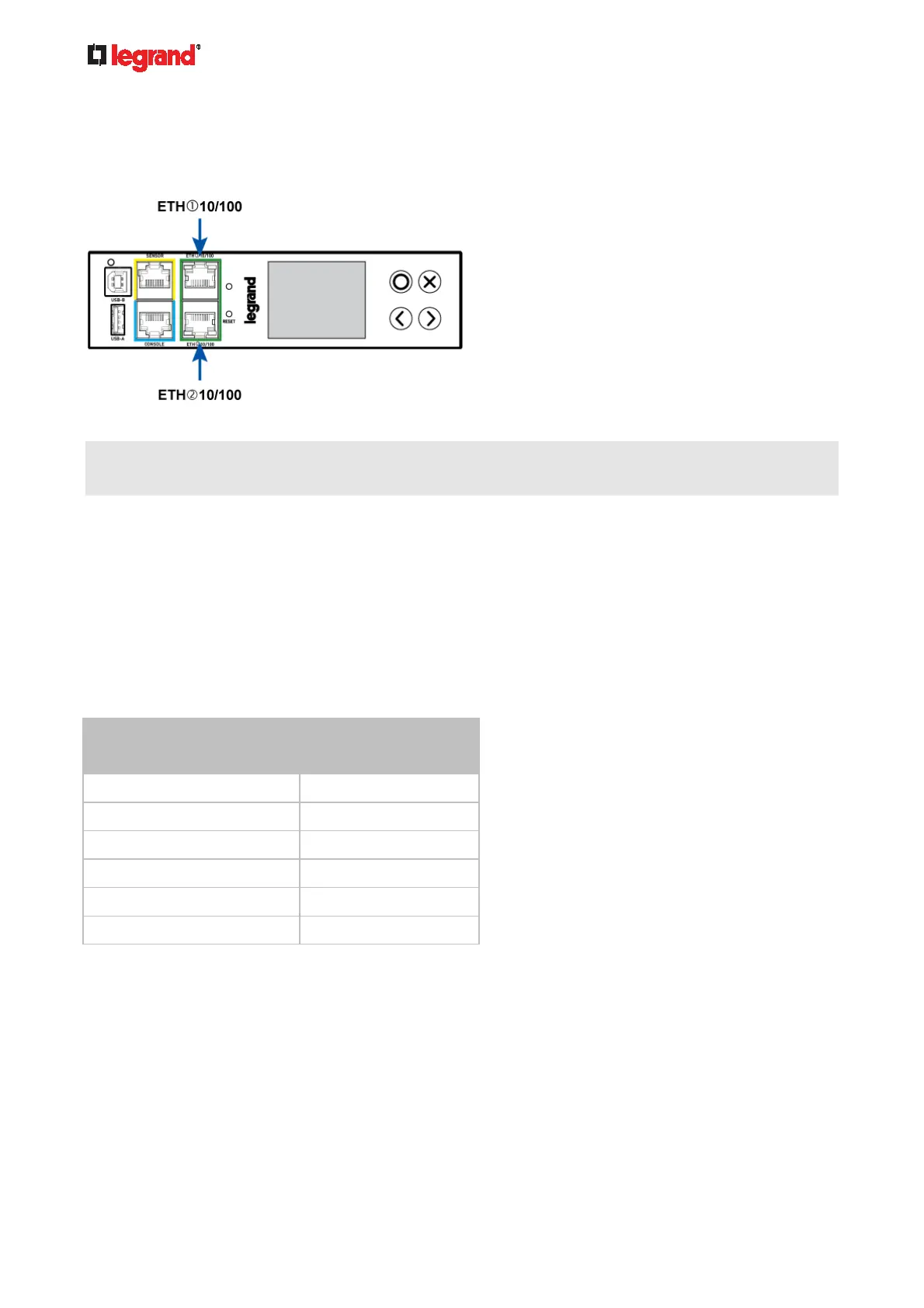
You can connect either Ethernet port of the Legrand PDU to the LAN -- ETH1 or ETH2.
You can also connect both Ethernet ports to the LAN. See Dual Ethernet Connection (on page 25).
Below illustrates the Ethernet ports on Zero
U models.
Warning: Accidentally plugging an RS-232 RJ-45 connector into the Ethernet port can cause permanent
damage(s) to the Ethernet hardware.
To make a wireless connection:
Do one of the following:
Plug a supported USB wireless LAN adapter into the USB-A port on your Legrand PDU.
Connect a USB hub to the USB-A port on the Legrand PDU. Then plug the supported USB wireless
LAN adapter into the appropriate USB port on the hub.
See USB Wireless LAN Adapters (on page 24) for a list of supported wireless LAN adapters.
USB Wireless LAN Adapters
The Legrand PDU supports the following USB Wi-Fi LAN adapters.
Wi-Fi LAN adapters Supported 802.11
protocols
SparkLAN WUBR-508N A/B/G/N
Proxim Orinoco 8494 A/B/G
Zyxel NWD271N B/G
Edimax EW-7722UnD A/B/G/N
TP-Link TL-WDN3200 v1 A/B/G/N
Raritan USB WIFI A/B/G/N
Supported Wireless LAN Configuration
If wireless networking is preferred, ensure that the wireless LAN configuration of your Legrand PDU matches
the access point. The following is the wireless LAN configuration that the Legrand PDU supports.
Network type: 802.11 A/B/G/N
Protocol: WPA2 (RSN)
Key management: WPA-PSK, or WPA-EAP with PEAP and MSCHAPv2 authentication
Encryption: CCMP (AES)



 To Next Page