June 2018
Legrand PDU User Guide 165
Configuring Security Settings
The Legrand PDU provides tools to control access. You can enable the internal firewall, create firewall rules,
and set login limitations. In addition, you can create and install the certificate or set up external authentication
servers for access control. This product supports SHA-2 TLS certificates.
Tip: To force all HTTP accesses to the Legrand PDU to be redirected to HTTPS, see Changing HTTP(S)
Settings (on page 158).
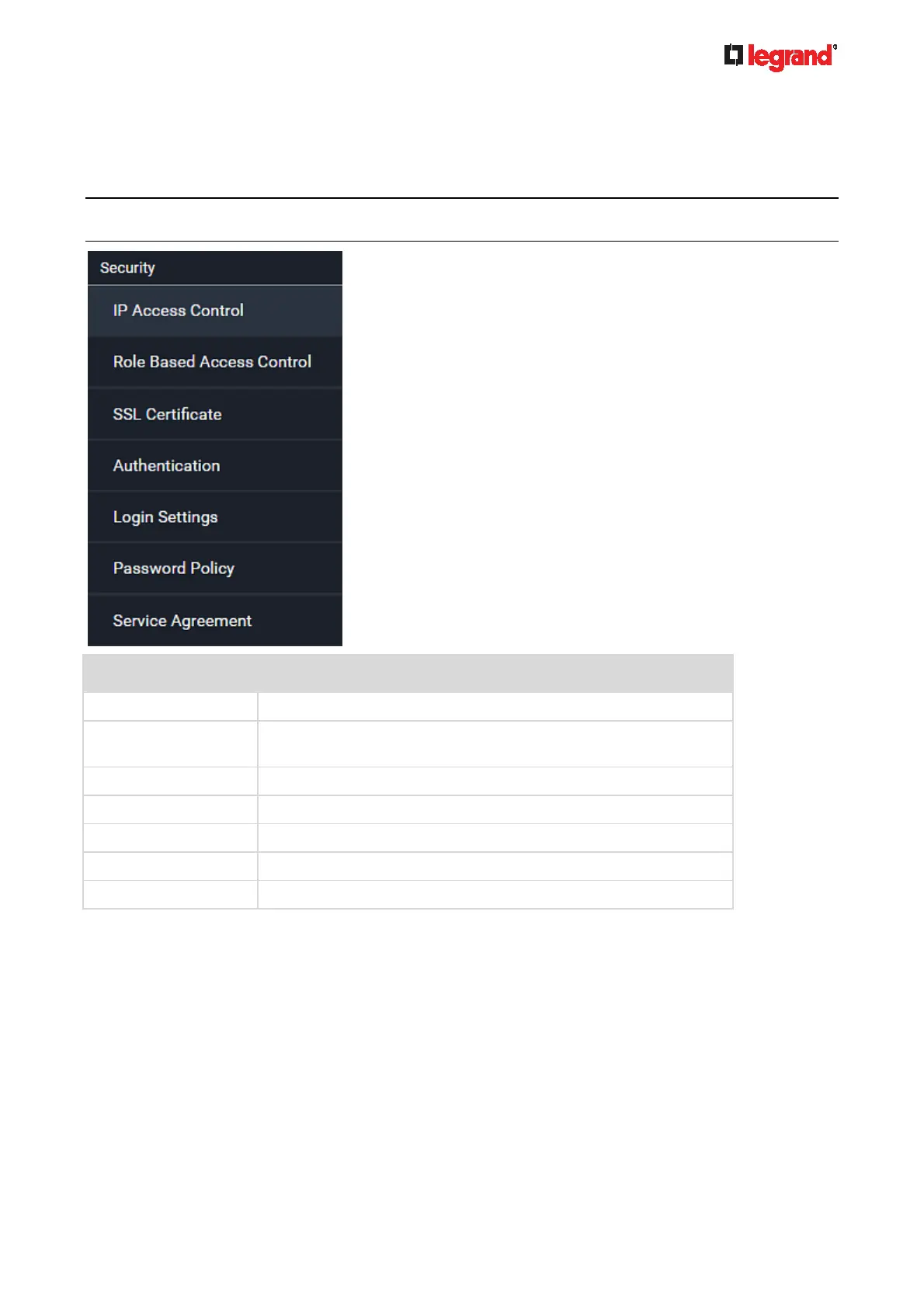
Submenu command Refer to
IP Access Control Creating IP Access Control Rules (on page 165)
Role Based Access
Control
Creating Role Based Access Control Rules (on page 168)
SSL Certificate Setting Up an SSL/TLS Certificate (on page 170)
Authentication Setting Up External Authentication (on page 173)
Login Settings Configuring Login Settings (on page 179)
Password Policy Configuring Password Policy (on page 180)
Service Agreement Enabling the Restricted Service Agreement (on page 181)
Creating IP Access Control Rules
IP access control rules (firewall rules) determine whether to accept or discard traffic to/from the Legrand
PDU, based on the IP address of the host sending or receiving the traffic. When creating rules, keep these
principles in mind:
Rule order is important.
When traffic reaches or is sent from the Legrand PDU, the rules are executed in numerical order. Only
the first rule that matches the IP address determines whether the traffic is accepted or discarded. Any
subsequent rules matching the IP address are ignored.



 To Next Page