June 2018
136 Legrand PDU User Guide
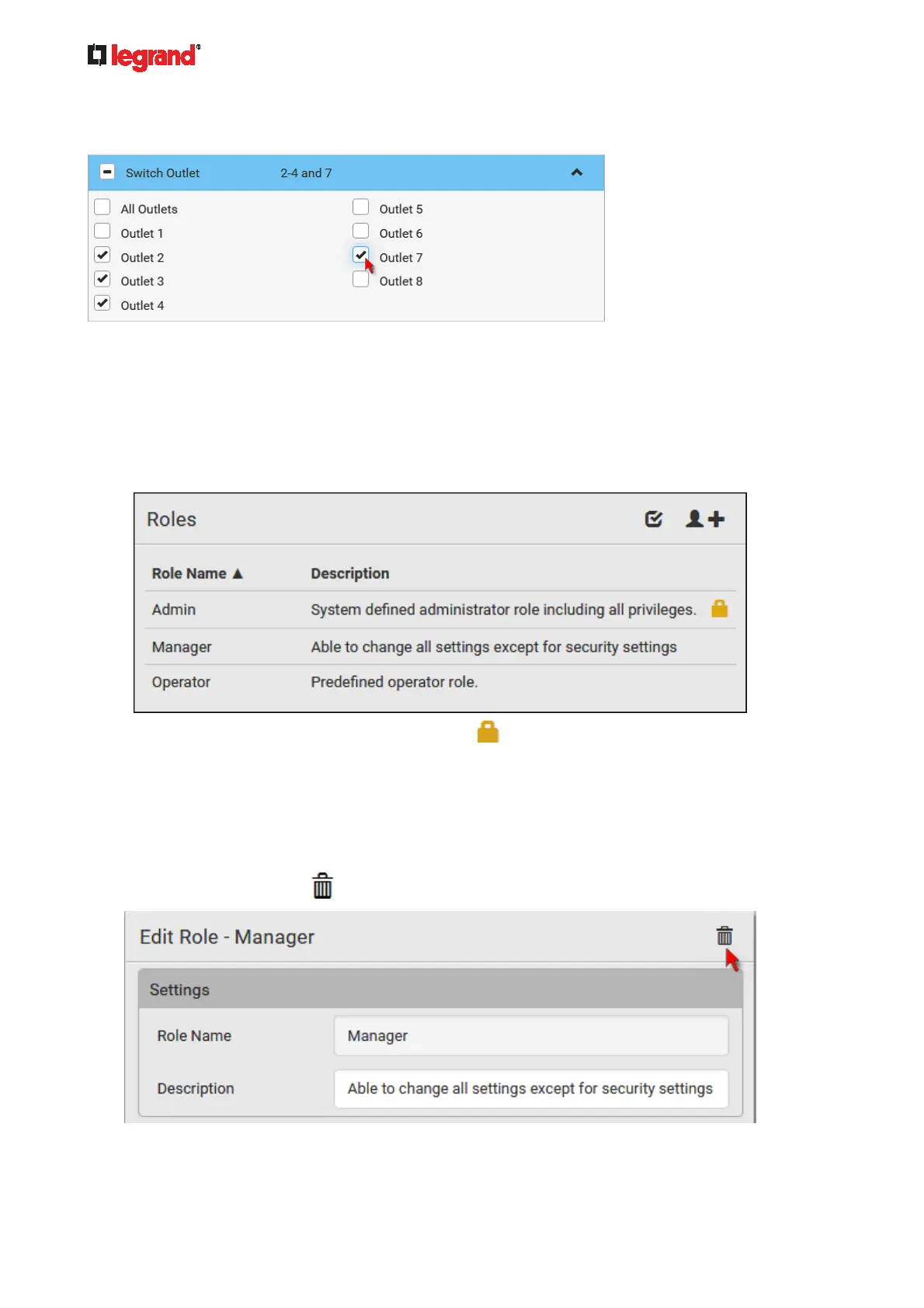
For example, on an outlet-switching capable model, you can specify the outlets that users can switch
on/off as shown below. To select all outlets, select the 'All Outlets' checkbox instead.
6. Click Save.
Now you can assign the role to any user. See Creating Users (on page 130) or Editing or Deleting Users
(on page 133
).
Editing or Deleting Roles
Choose User Management > Roles to open the Roles page, which lists all roles.
If wanted, you can resort the list by clicking the desired column header. See Sorting a List (on page 86).
The Admin role is not user-configurable so the lock icon
displays, indicating that you are not allowed to
configure it.
To edit a role:
1. On the Roles page, click the desired role. The Edit Role page opens.
2. Make changes as needed.
The role name cannot be changed.
To delete this role, click
, and confirm the operation.
3. Click Save.



 To Next Page