June 2018
Legrand PDU User Guide 473
host mypx {
option dhcp-client-identifier = 00:50:45:47:31:41:30:30:30:30:33;
fixed-address 192.168.20.1;
}
Illustration without ASCII code conversion:
1. Use the original client identifier of the desired network interface. DO NOT convert them into ASCII codes.
2. A prefix "\000" must be added to the beginning of the client identifier.
For example, the client identifier of the ETH1 interface looks like the following:
\000PEG1A00003
3. Now enter the original client identifier with the following syntax. The client identifier is enclosed in
quotation marks.
host mypx {
option dhcp-client-identifier = "\000PEG1A00003";
fixed-address 192.168.20.1;
}
Sensor Threshold Settings
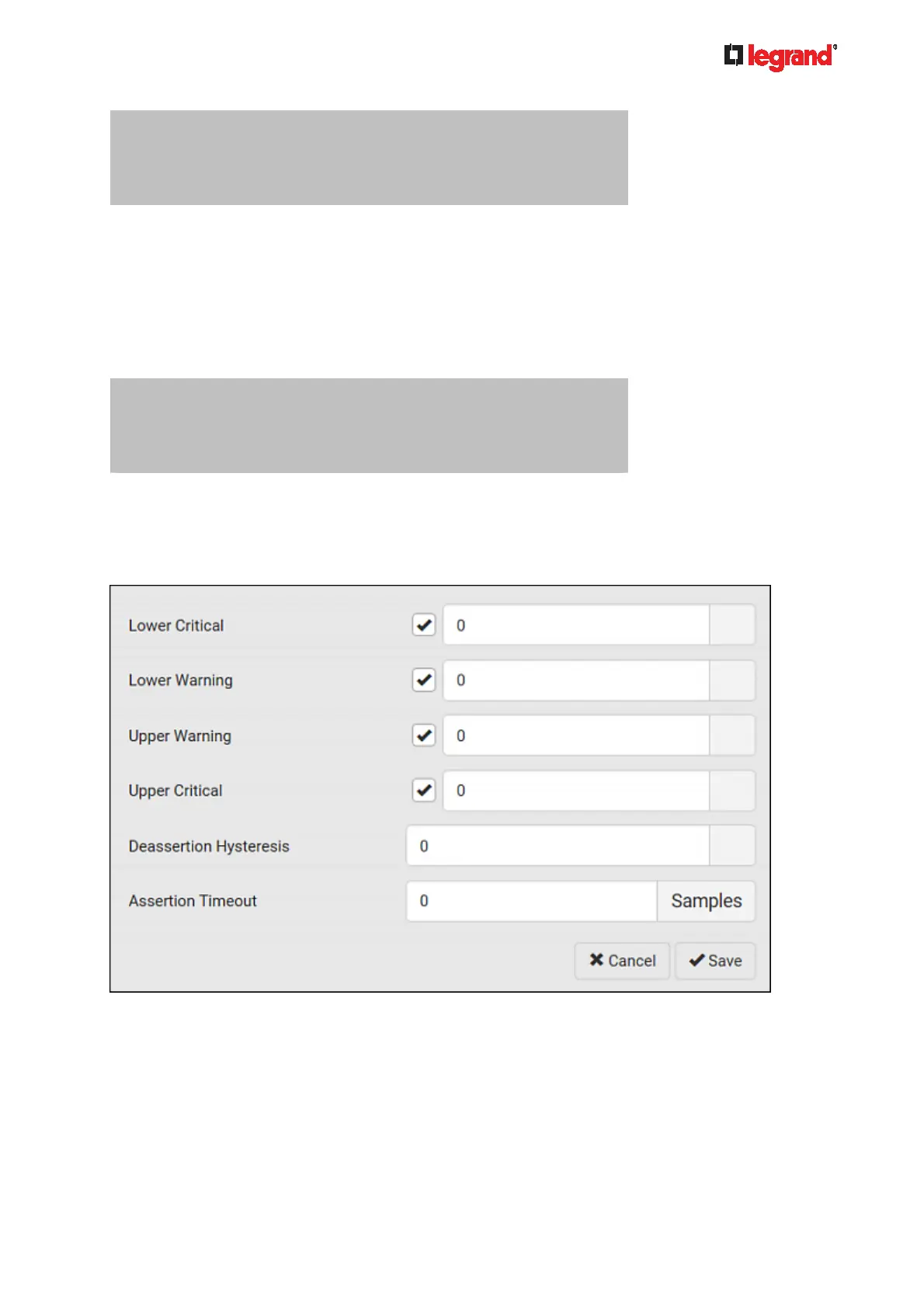
This section explains the thresholds settings for a numeric sensor.
Thresholds and Sensor States
A numeric sensor has four thresholds: Lower Critical, Lower Warning, Upper Warning and Upper Critical.
The threshold settings determine how many sensor states are available for a certain sensor and the range of
each sensor state. The diagram below shows how each threshold relates to each state.



 To Next Page