June 2018
Legrand PDU User Guide 129
Note: Per default you can turn on as many dry contact actuators as possible, but only one "powered dry
contact" actuator can be turned on at the same time. To change this limitation of "powered dry contact"
actuators, modify the active powered dry contact setting. See PDU (on page 94).
Other operations:
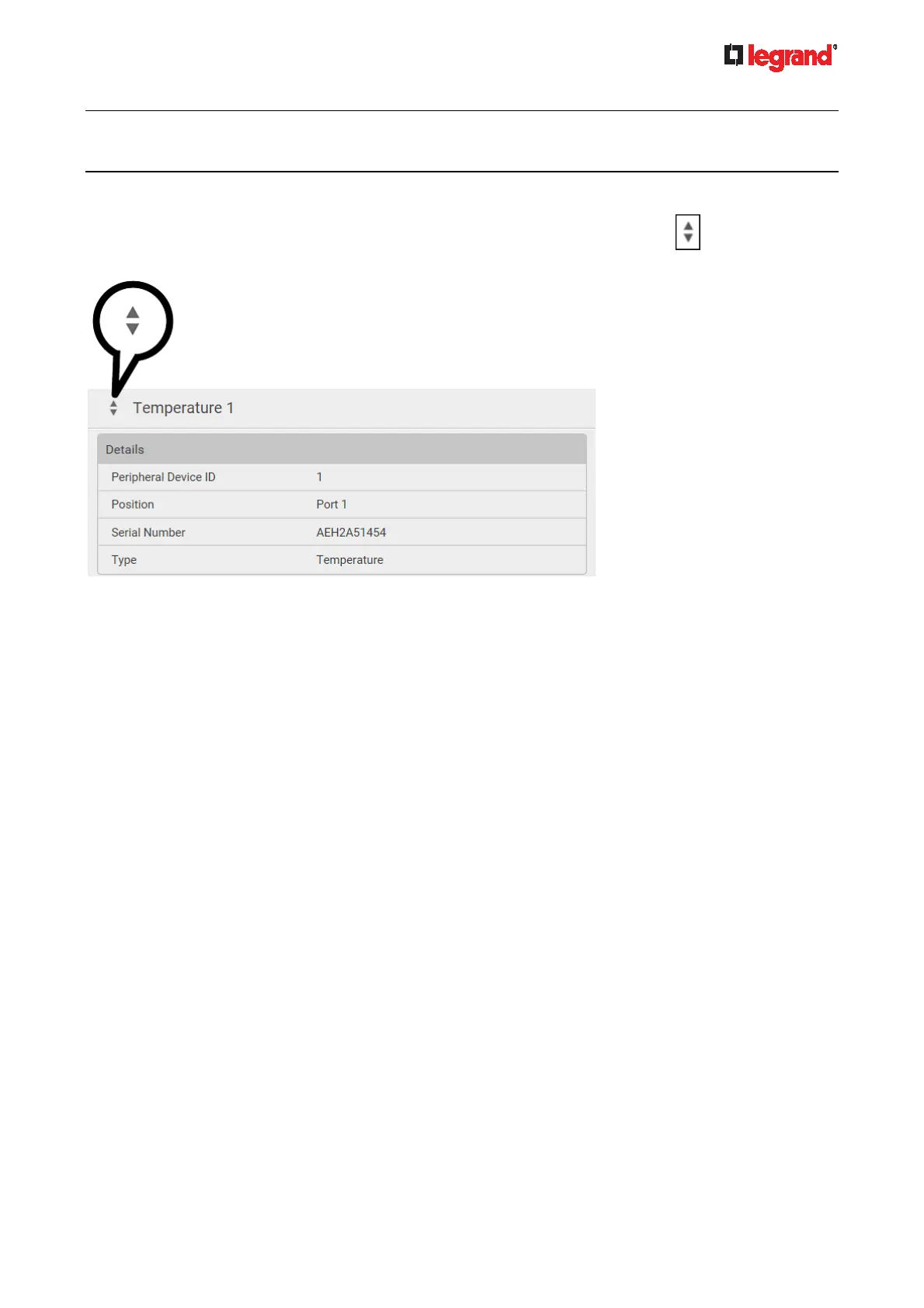
You can go to another sensor's or actuator's data/setup page by clicking the selector
on the top-left
corner.
Sensor/Actuator Location Example
Use the X, Y and Z coordinates to describe each sensor's or actuator's physical location in the data center.
See Individual Sensor/Actuator Pages (on page 125).
The X, Y and Z values act as ad
ditional attributes and are not tied to any specific measurement scheme.
Therefore, you can use non-measurement values.
Example:
X = Brown Cabinet Row
Y = Third Rack
Z = Top of Cabinet
Values of the X, Y and Z coordinates:
X and Y: They can be any alphanumeric values comprising 0 to 24 characters.
Z: When the Z coordinate format is set to Rack Units, it can be any number ranging from 0 to 60. When
its format is set to Free-Form, it can be any alphanumeric value comprising 0 to 24 characters. See PDU
(on page 94).



 To Next Page