June 2018
110 Legrand PDU User Guide
Power-Off Period Options for Individual Outlets
There are two options for setting the power-off period during the power cycle on each individual outlet's page.
See Individual Outlet Pages (on page 107).
Option Function
PDU defined
(xxx)
Follows the global power-off period setting, which is
set on PDU (on page 94). The value xxx in
parentheses i
s the current global value.
Customized
time
If selecting this option, do either of the following:
Click
to select an existing time option.
Type a new value with an appropriate time unit
added. See Time Units (on page 98).
OCPs
The OCPs page is available only when your Legrand PDU has overcurrent protectors, such as circuit
breakers.
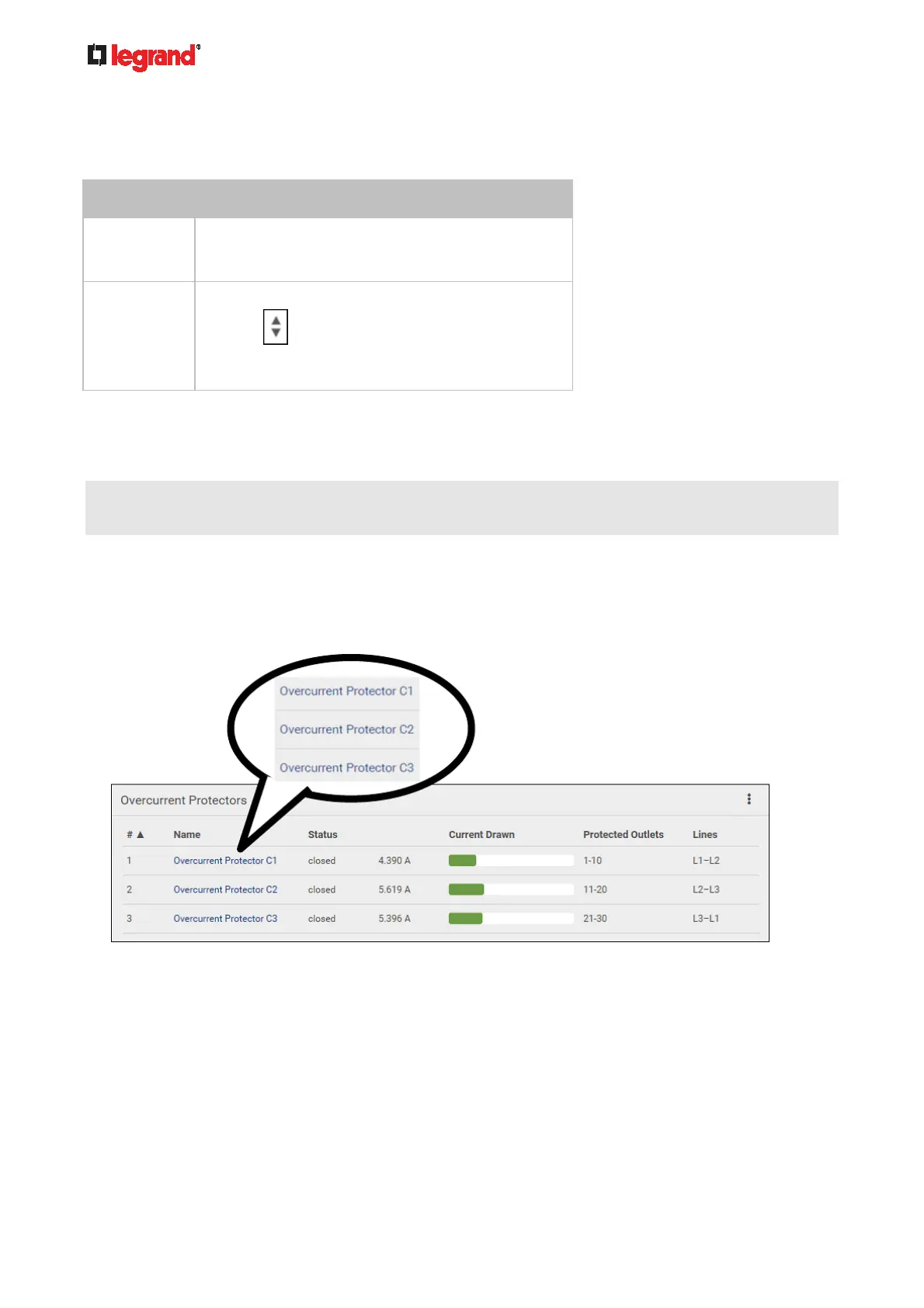
The OCPs page lists all overcurrent protectors as well as their status. If any OCP trips or its current level
enters the alarmed state, it is highlighted in red or yellow. See Yellow- or Red-Highlighted Sensors (on
page 120).
To ope
n the OCPs
page, click 'OCPs' in the Menu (on page 84).
You can go to each OCP's data/setup page by cli
cking its name on this page.
If wanted, you can resort the list by clicking the desired column header. See Sorting a List (on page 86).
Overcurrent protecto
r overview:
OCP status - open (tripped) or closed
Current drawn and current bar
The RMS current bars change colors to indicate the status if the OCP thresholds have been configured
and enabled.



 To Next Page