June 2018
Legrand PDU User Guide 93
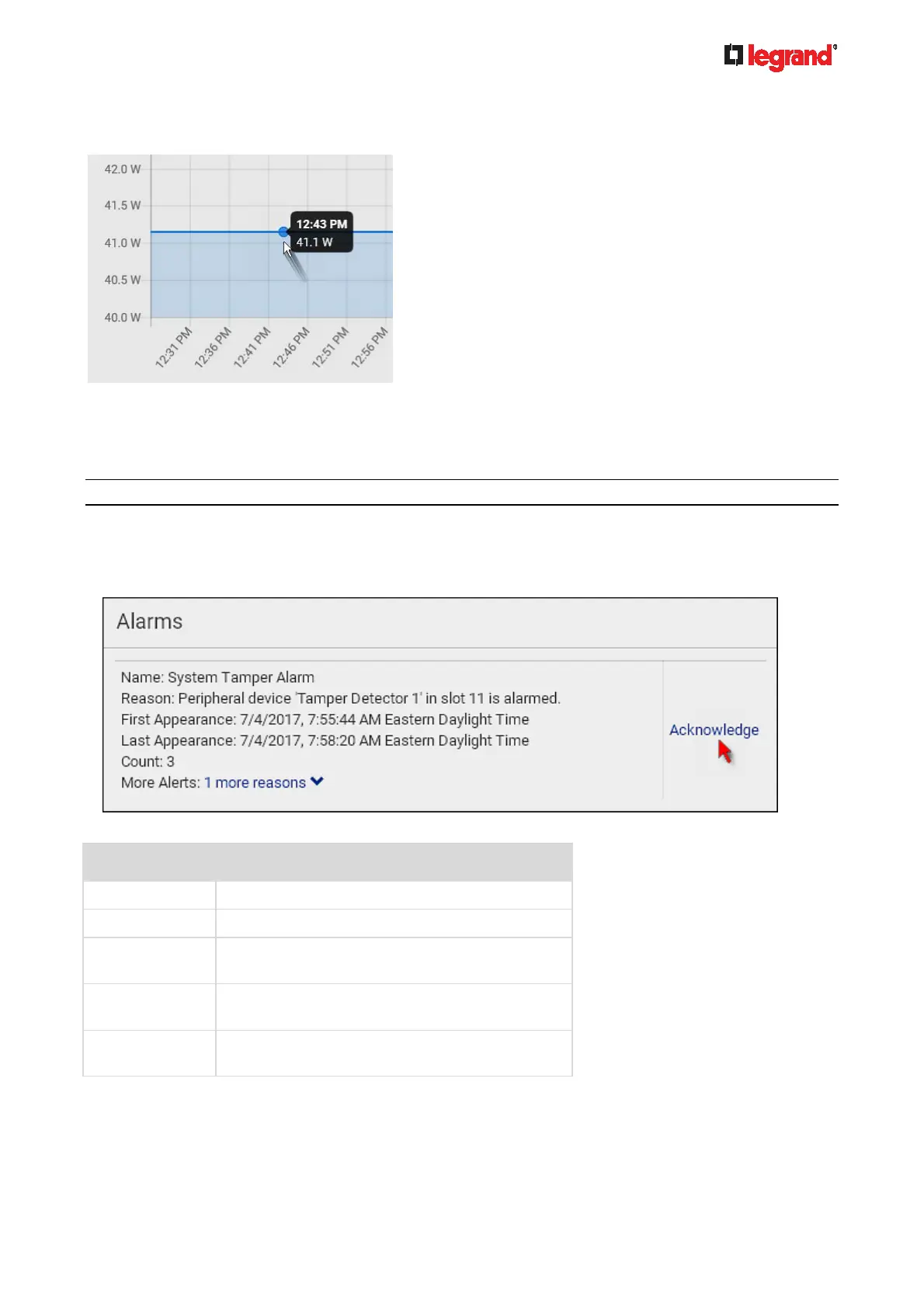
To retrieve the exact data at a particular time, hover your mouse over the data line in the chart. Both
the time and data are displayed as illustrated below.
Dashboard - Alarms
If configuring any event rules which require users to take the acknowledgment action, the Alarms section will
list any event which no one acknowledges yet since event occurrence.
Note: For information on event rules, see Event Rules and Actions (on page 184).
Only users with the 'Acknowledge Alarms' permission can manually acknowledge an alarm.
To acknowledge an alarm:
Click Acknowledge, and that alarm then disappears from the Alarms section.
This table explains each column of the alarms list.
Field Description
Name Custom name of the Alarm action.
Reason The first event that triggers the alert.
First Appearance Date and time when the event indicated in the
Reason column occurred for the first time.
Last Appearance Date and time when the event indicated in the
Reason column occurred for the last time.
Count Number of times the event indicated in the
Reason column has occurred.



 To Next Page