June 2018
Legrand PDU User Guide 87
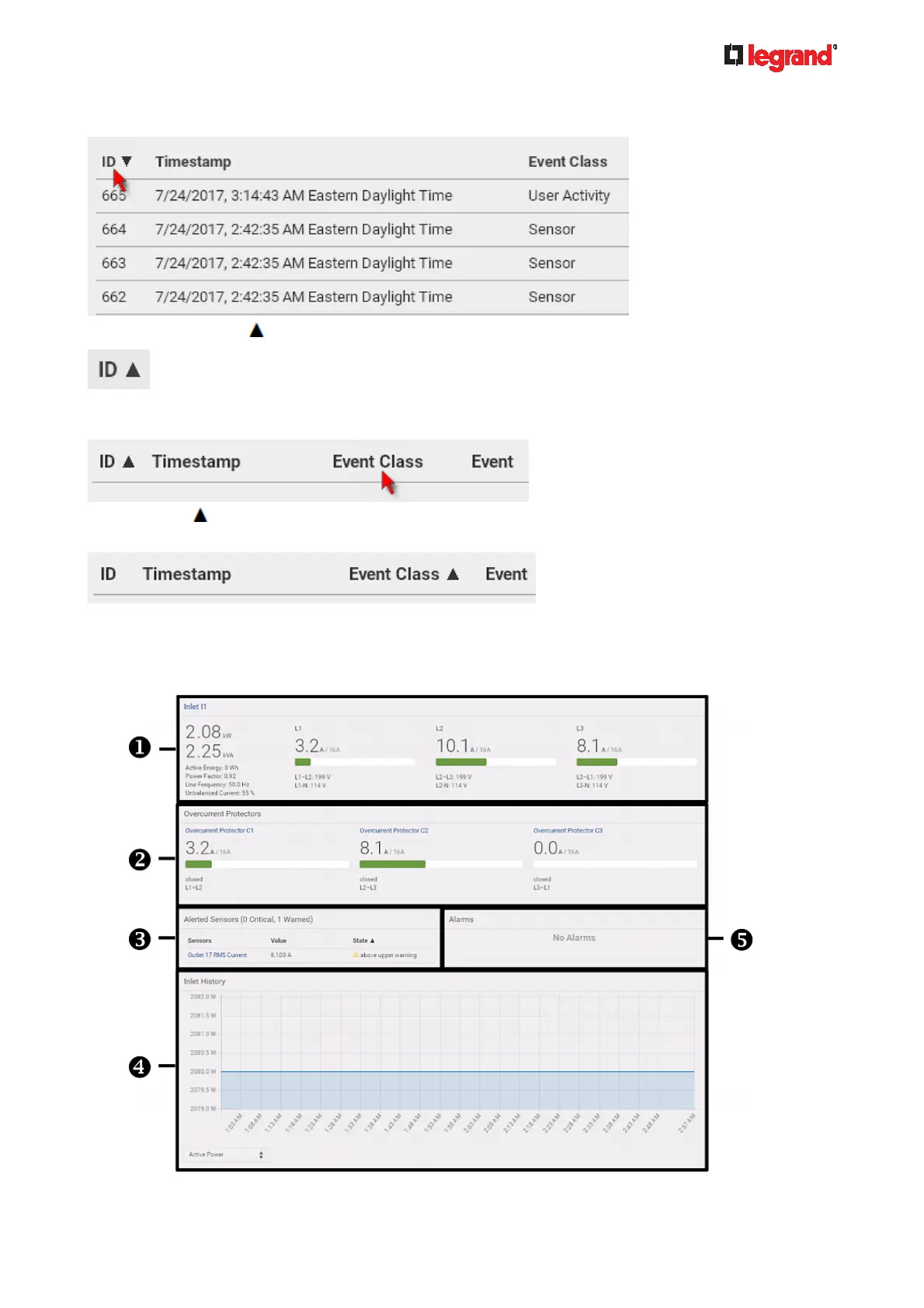
2. To have it resorted in the ascending order based on the same column, click the ID header.
3. The arrow turns to
, indicating the list is sorted in the "ascending" order.
4. To resort the list based on a different column, click a different column header. In this example, the 'Event
Class' column is clicked.
5. The arrow
now appears adjacent to the selected column 'Event Class,' indicating the list is sorted in
the ascending order based on that column.
Dashboard
The Dashboard page contains four to five sections, depending on your model.



 To Next Page