June 2018
Legrand PDU User Guide 133
Field Description
Length Unit Preferred units for length or height -- Meter or
Feet.
Pressure Unit Preferred units for pressure -- Pascal or Psi.
Pascal = one newton per square meter
Psi = pounds per square inch
Note: Users can change the measurement units at any time by setting their own preferences. See Setting
Your Preferred Measurement Units (on page 137).
Roles:
Select one or multiple roles to determine the user's permissions.
To select all roles, select the topmost checkbox in the header row. However, a user can have a maximum of
32 roles only.
If the built-in roles do not satisfy your needs, add new roles by clicking
. This
newly-created role will be then automatically assigned to the user account currently being created. See
Creating Roles (on page 135).
Built-in role Description
Admin Provide full permissions.
Operator Provide frequently-used permissions, including:
Acknowledge Alarms
Change Own Password
Change Pdu, Inlet, Outlet & Overcurrent
Protector Configuration
Switch Outlet (if your Legrand PDU is
outlet-switching capable)
View Event Settings
View Local Event Log
Note: With multiple roles selected, a user has the union of all roles' permissions.
Editing or Deleting Users
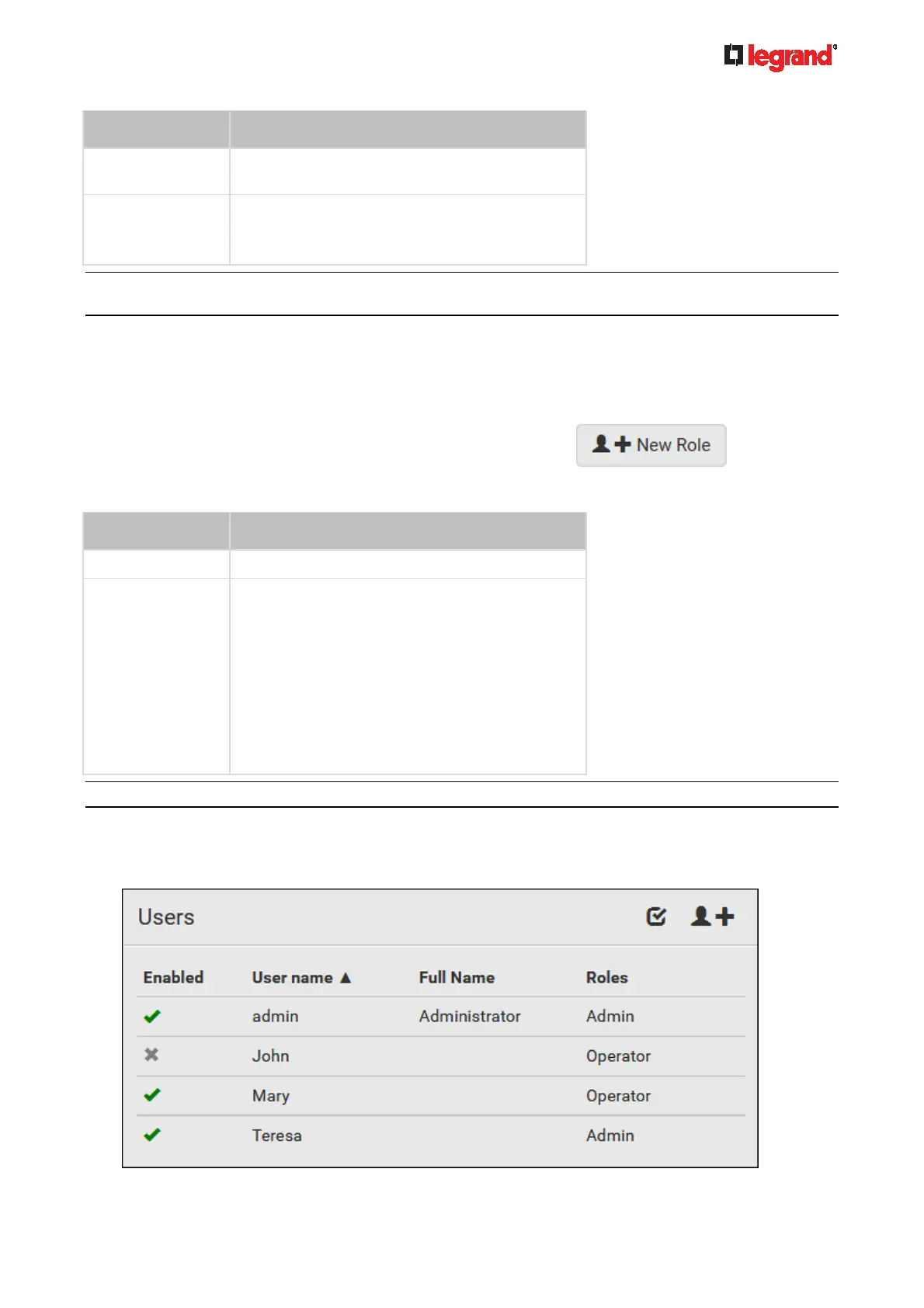
To edit or delete users, choose User Management > Users to open the Users page, which lists all users.



 To Next Page