June 2018
134 Legrand PDU User Guide
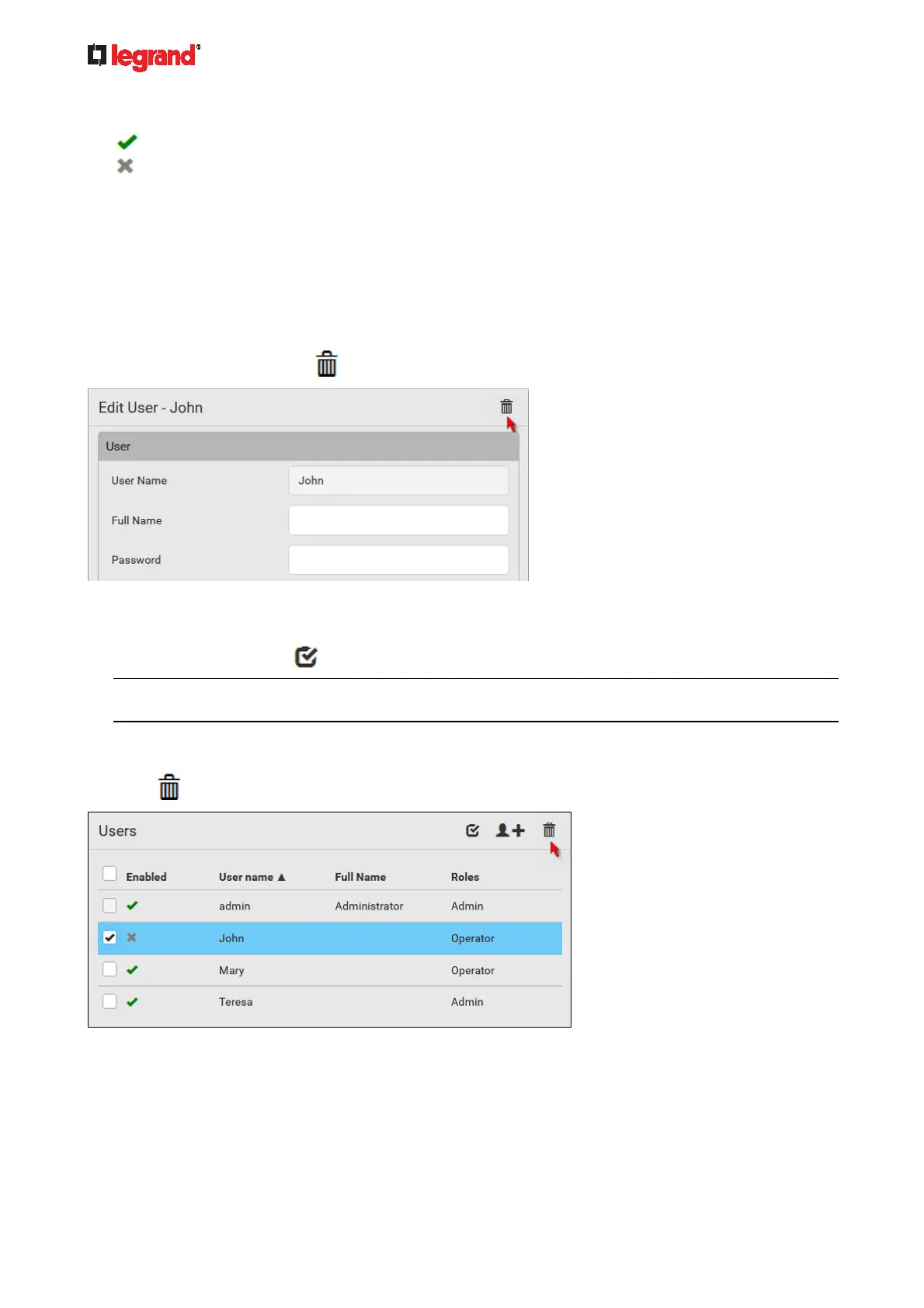
In the Enabled column:
: The user is enabled.
: The user is disabled.
If wanted, you can resort the list by clicking the desired column header. See Sorting a List (on page 86).
To edit or delete a user
account:
1. On the Users page, click the desired user. The Edit User page for that user opens.
2. Make changes as needed.
For information on each field, see Creating Users (on page 130).
To chang
e the password, type a new password in the Password and Confirm Password fields. If the
password field is left blank, the password remains unchanged.
To delete this user, click
, and confirm the operation.
3. Click Save.
To delete multiple user accounts:
1. On the Users page, click
to make checkboxes appear in front of user names.
Tip: To delete only one user, you can simply click that user without making the checkboxes appear.
Refer to the above procedure.
2. Select one or multiple users.
To select all roles, except for the admin user, select the topmost checkbox in the header row.
3. Click
.
4. Click Delete on the confirmation message.



 To Next Page