June 2018
438 Legrand PDU User Guide
5. Type rciusergroup in the LDAP Display Name field.
6. Type 1.3.6.1.4.1.13742.50 in the Unique x5000 Object ID field.
7. Type a meaningful description in the Description field.
8. Click the Syntax drop-down arrow and choose Case Insensitive String from the list.
9. Type 1 in the Minimum field.
10. Type 24 in the Maximum field.
11. Click OK to create the new attribute.
Adding Attributes to the Class
To add attributes to the class:
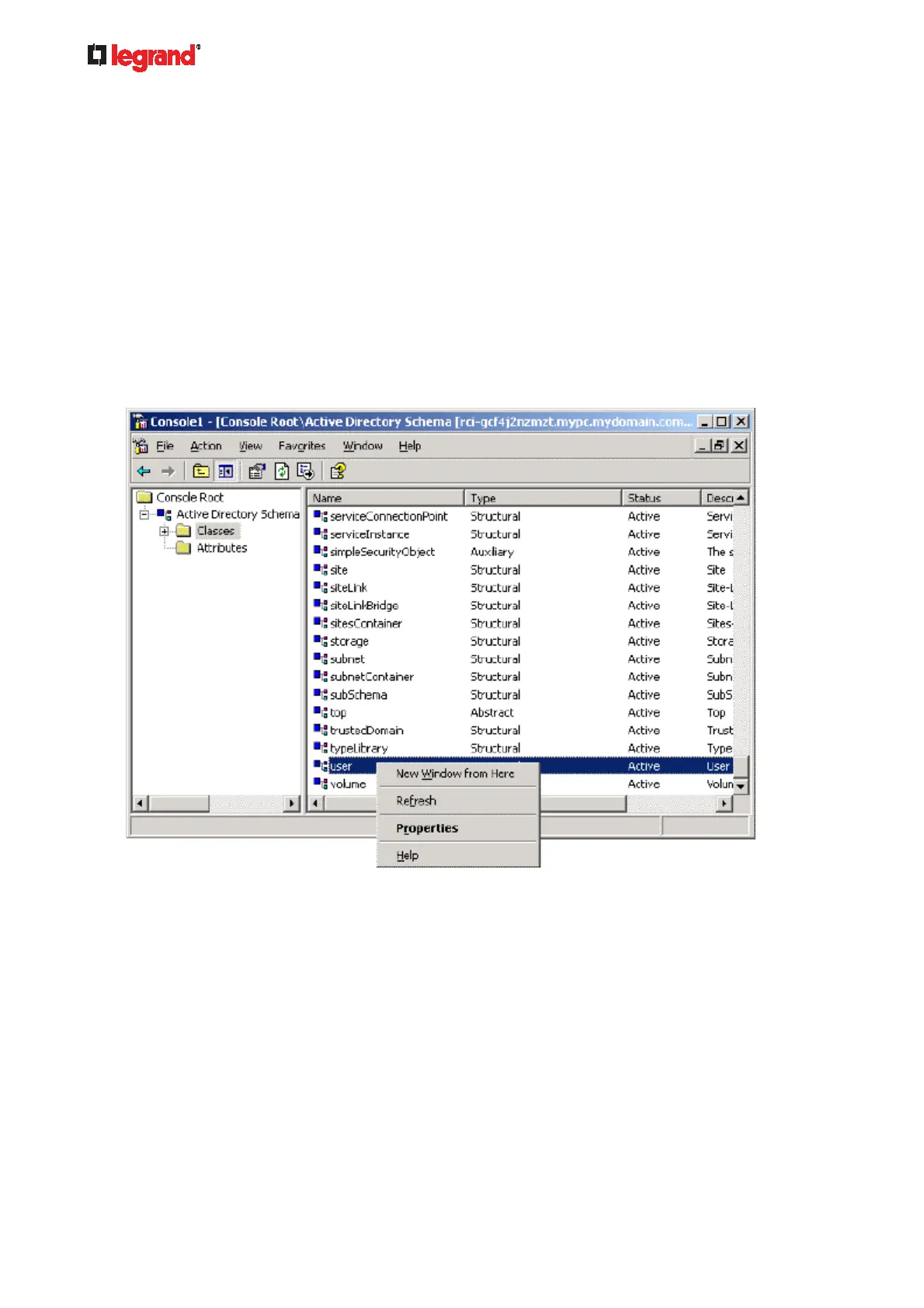
1. Click Classes in the left pane of the window.
2. Scroll to the user class in the right pane and right-click it.
3. Choose Properties from the menu. The user Properties dialog appears.
4. Click the Attributes tab to open it.
5. Click Add.



 To Next Page