June 2018
290 Legrand PDU User Guide
Server Reachability Information for a Specific Server
To show the server reachability information for a certain IT device only, use the following command.
# show serverReachability server <n>
To show detailed information, add the parameter "details" to the end of the command.
# show serverReachability server <n> details
Variables:
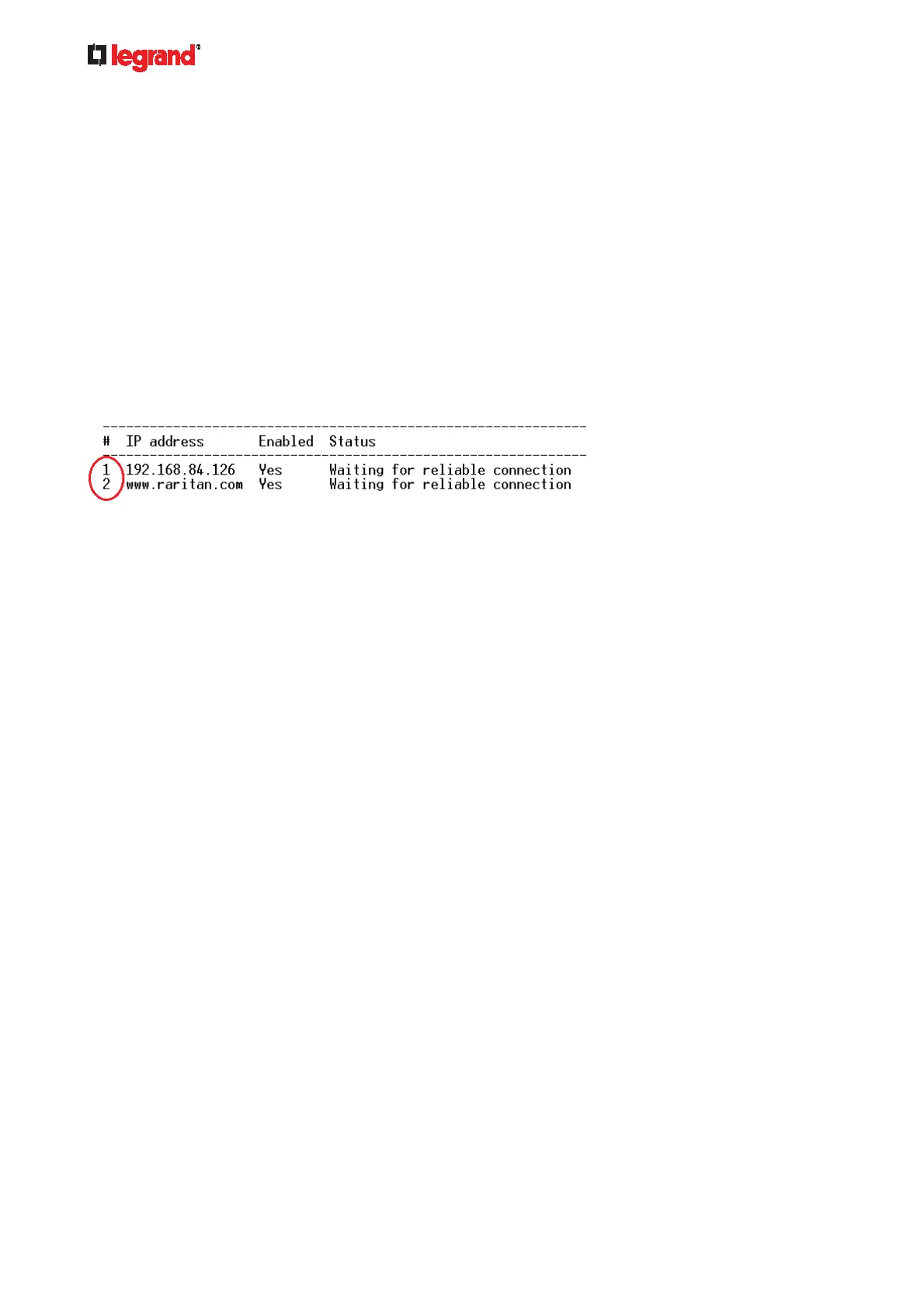
<n> is a number representing the sequence of the IT device in the monitored server list.
You can find each IT device's sequence number using the CLI command of show
serverReachability as illustrated below.
Displayed information:
Without the parameter "details," only the specified device's IP address, monitoring enabled/disabled
state and current status are displayed.
With the parameter "details," more settings for the specified device are displayed, such as number of
pings and wait time prior to the next ping.
Command History
This command shows the command history for current connection session.
# show history
Displayed information:
A list of commands that were previously entered in the current session is displayed.
Reliability Data
This command shows the reliability data.
# show reliability data



 To Next Page