June 2018
472 Legrand PDU User Guide
Reserving IP in Linux
There are two methods to reserve the IP address of any network interface in the standard Linux DHCP
server (ISC DHCP server):
Convert an interface's client identifier into hexadecimal ASCII codes.
Use an interface's original client identifier without converting it into ASCII codes.
For each interface's client identifier, see Reserving IP Addresses in DHCP Servers (on page 470).
In the following illustration
s, it is assumed that the Legrand PDU serial number is PEG1A00003, and the IP
address you want to reserve is 192.168.20.1.
Illustration with ASCII code conversion:
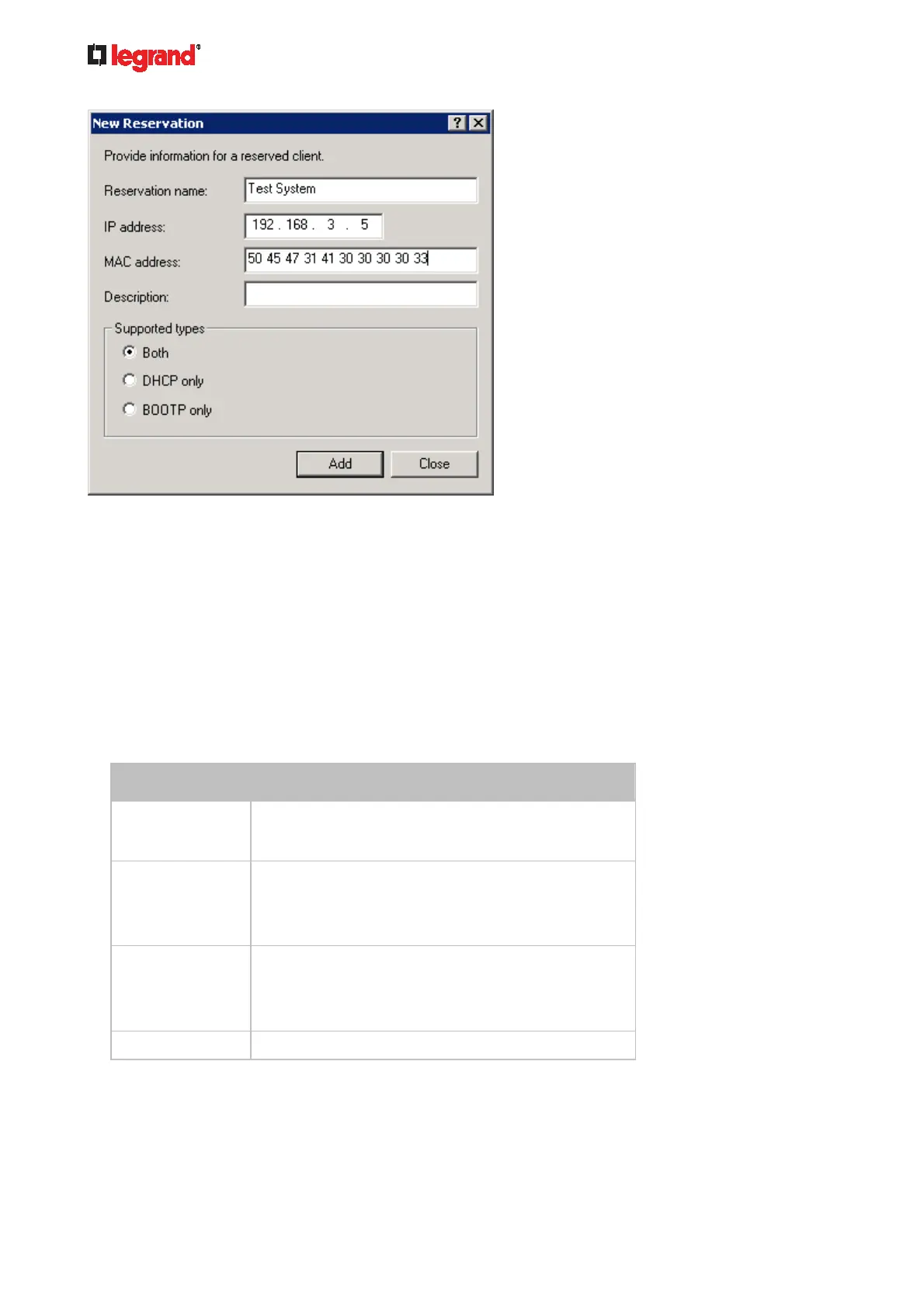
1. Convert the client identifier of the desired network interface into ASCII codes (hexadecimal).
Interface Client identifier conversion
ETH1
PEG1A00003 = 50 45 47 31 41 30 30 30 30 33
ETH2
PEG1A00003-ETH2 = 50 45 47 31 41 30 30 30 30 33
2D 45 54 48 32
The suffix comprising the dash symbol and the
word "ETH2" is also converted.
WIRELESS PEG1A00003-WIRELESS = 50 45 47 31 41 30 30 30
30 33 2D 57 49 52 45 4C 45 53 53
The suffix comprising the dash symbol and the
word "WIRELESS" is also converted.
BRIDGE PEG1A00003 = 50 45 47 31 41 30 30 30 30 33
1. Separate the converted ASCII codes with a colon, and a prefix "00:" must be added to the beginning of
the converted codes.
For example, the converted client identifier of the ETH1 interface looks like the following:
00:50:45:47:31:41:30:30:30:30:33
2. Now enter the converted client identifier with the following syntax.



 To Next Page