June 2018
170 Legrand PDU User Guide
Setting Up an SSL/TLS Certificate
Important: Legrand uses TLS instead of SSL 3.0 due to published security vulnerabilities in SSL 3.0. Make sure
your network infrastructure, such as LDAP and mail services, uses TLS rather than SSL 3.0.
Having an X.509 digital certificate ensures that both parties in an SSL/TLS connection are who they say they
are.
Besides, you can create or apply for a multi-domain certificate with subject alternative names.
To obtain a CA-signed certificate:
1. Create a Certificate Signing Request (CSR) on the Legrand PDU. See Creating a CSR (on page 170).
2. Submit it to a ce
rtificate authority (CA). After the CA processes the information in the CSR, it provides
you with a certificate.
3. Import the CA-signed certificate onto the Legrand PDU. See Installing a CA-Signed Certificate (on
page 171).
Note: If you are u
sing a certificate that is part of a chain of certificates, each part of the chain is signed during
the validation process.
A CSR is not required in either scenario below:
Make the Legrand PDU create a self-signed certificate. See Creating a Self-Signed Certificate (on
page 172).
Appropri
ate, valid certificate and key files are already available, and you just need to import them. See
Installing or Downloading Existing Certificate and Key (on page 173).
Creating a CSR
Follow this procedure to create the CSR for your Legrand PDU.
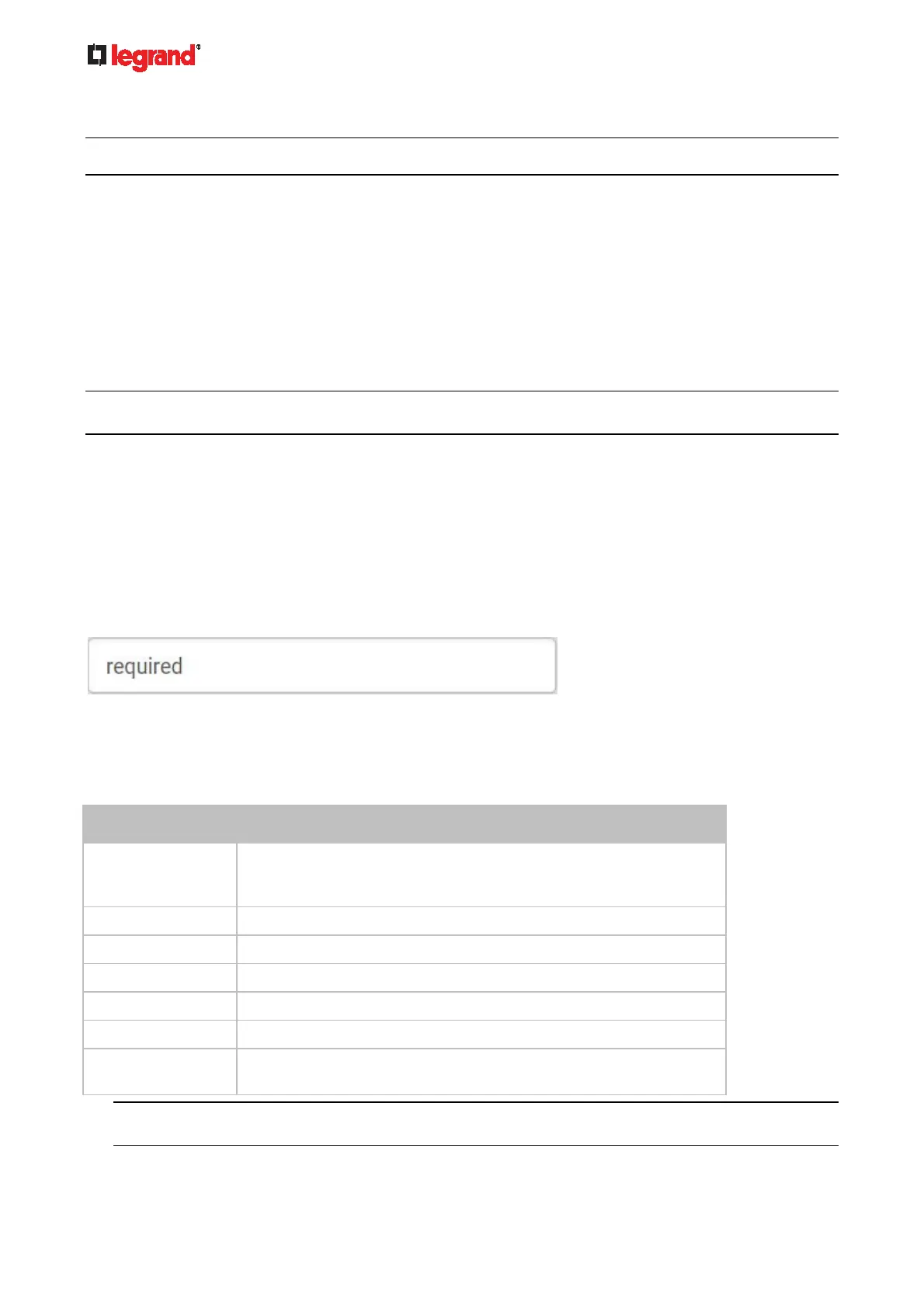
Note that you must enter information in the fields showing the message 'required.'
To create a CSR:
1. Choose Device Settings > Security > SSL Certificate.
2. Provide the information requested.
Subject:
Field Description
Country The country where your company is located. Use the standard ISO
country code. For a list of ISO codes, visit the ISO website
(http://www.iso.org/iso/country_codes/iso_3166_code_lists.htm).
State or Province The full name of the state or province where your company is located.
Locality The city where your company is located.
Organization The registered name of your company.
Organizational Unit The name of your department.
Common Name The fully qualified domain name (FQDN) of your Legrand PDU.
Email Address An email address where you or another administrative user can be
reached.
Warning: If you generate a CSR without values entered in the required fields, you cannot obtain
third-party certificates.
Subject Alternative Names:



 To Next Page