June 2018
Legrand PDU User Guide 181
Enabling the Restricted Service Agreement
The restricted service agreement feature, if enabled, forces users to read a security agreement when they
log in to the Legrand PDU.
Users must accept the agreement, or they cannot log in.
An event notifying you if a user has accepted or declined the agreement can be generated. See Default Log
Messages (on page 189)
To enable th
e servi
ce agreement:
1. Click Device Settings > Security > Service Agreement.
2. Select the Enforce Restricted Service Agreement checkbox.
3. Edit or paste the content as needed.
A maximum of 10,000 characters can be entered.
4. Click Save.
Login manner after enabling the service agreement:
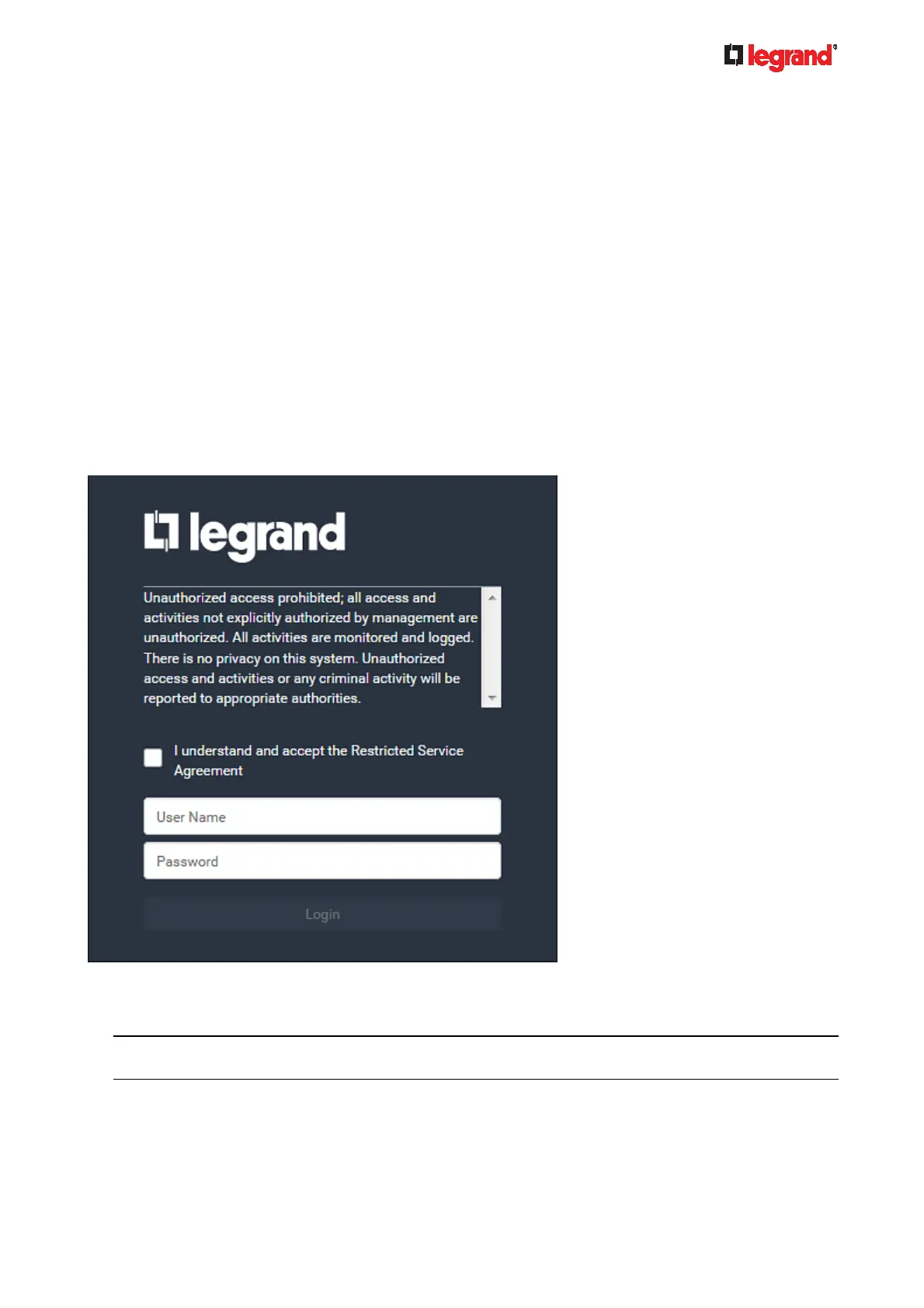
After the Restricted Service Agreement feature is enabled, the agreement's content is displayed on the login
screen.
Do either of the following, or the login fails:
In the web interface, select the checkbox labeled "I understand and accept the Restricted Service
Agreement."
Tip: To select the agreement checkbox using the keyboard, first press Tab to go to the checkbox and
then Enter.
In the CLI, type y when the confirmation message "I understand and accept the Restricted Service
Agreement" is displayed.



 To Next Page