June 2018
Legrand PDU User Guide 131
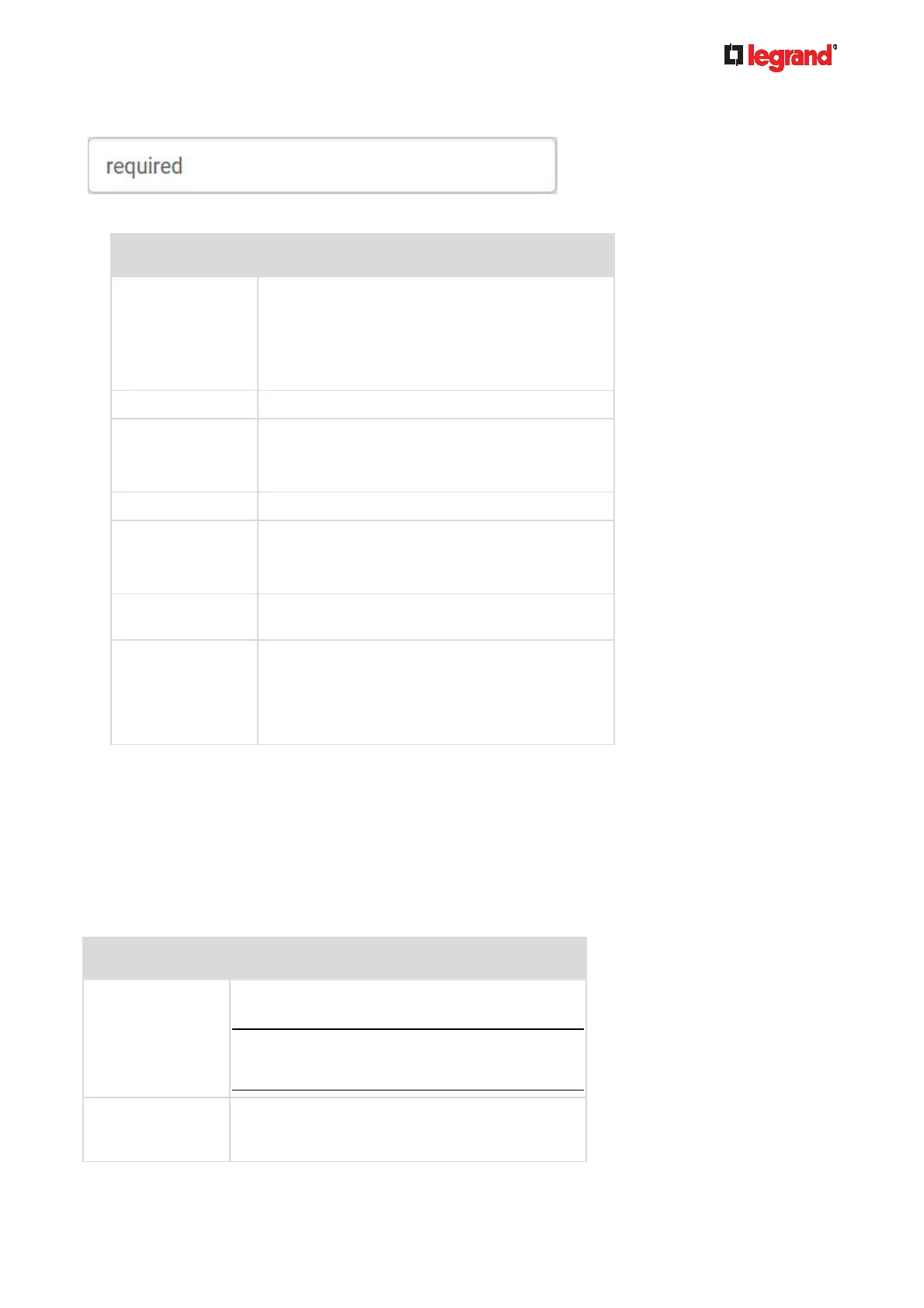
Note that you must enter information in the fields showing the message 'required.'
User information:
Field/setting Description
User Name The name the user enters to log in to the Legrand
PDU.
4 to 32 characters
Case sensitive
Spaces are NOT permitted.
Full Name The user's first and last names.
Password,
Confirm Password
4 to 64 characters
Case sensitive
Spaces are permitted.
Telephone Number The user's telephone number
eMail Address The user's email address
Up to 128 characters
Case sensitive
Enable When selected, the user can log in to the Legrand
PDU.
Force password
change on next
login
When selected, a password change request
automatically appears when next time the user
logs in.
For details, see Changing Your Password (on
page 81).
SSH:
You need to enter the SSH public key only if the public key authentication for SSH is enabled. See
Changing SSH Settings (on page 162).
1. Open the SSH publi
c key with a text editor.
2. Copy and paste all content in the text editor into the SSH Public Key field.
SNMPv3:
The SNMPv3 access permission is disabled by default.
Field/setting Description
Enable SNMPv3
Select this checkbox when intending to permit the
SNMPv3 access by this user.
Note: The SNMPv3 protocol must be enabled for
SNMPv3 access. See Configuring SNMP
Settings (on page 160).
Security Level Click the field to select a preferred security level
from the list:
None: No authentication and no privacy. This



 To Next Page