June 2018
Legrand PDU User Guide 161
sysName - the name assigned to the system
sysLocation - the location of the system
4. To configure SNMP notifications:
a. Select the Enable SNMP Notifications checkbox.
b. Select a notification type -- SNMPv2c Trap, SNMPv2c Inform, SNMPv3 Trap, and SNMPv3 Inform.
c. Specify the SNMP notification destinations and enter necessary information. For details, refer to:
SNMPv2c Notifications (on page 262)
SNM
Pv3 Notifications
(on page 263)
Note: Any change
s made to the 'SNMP Notifications' section on the SNMP page will update the settings
of the System SNMP Notification Action, and vice versa. See Available Actions (on page 196). To add
more than three SNMP destinations, you can create new SNMP notification actions. See Send an
SNMP Notification (on page 202).
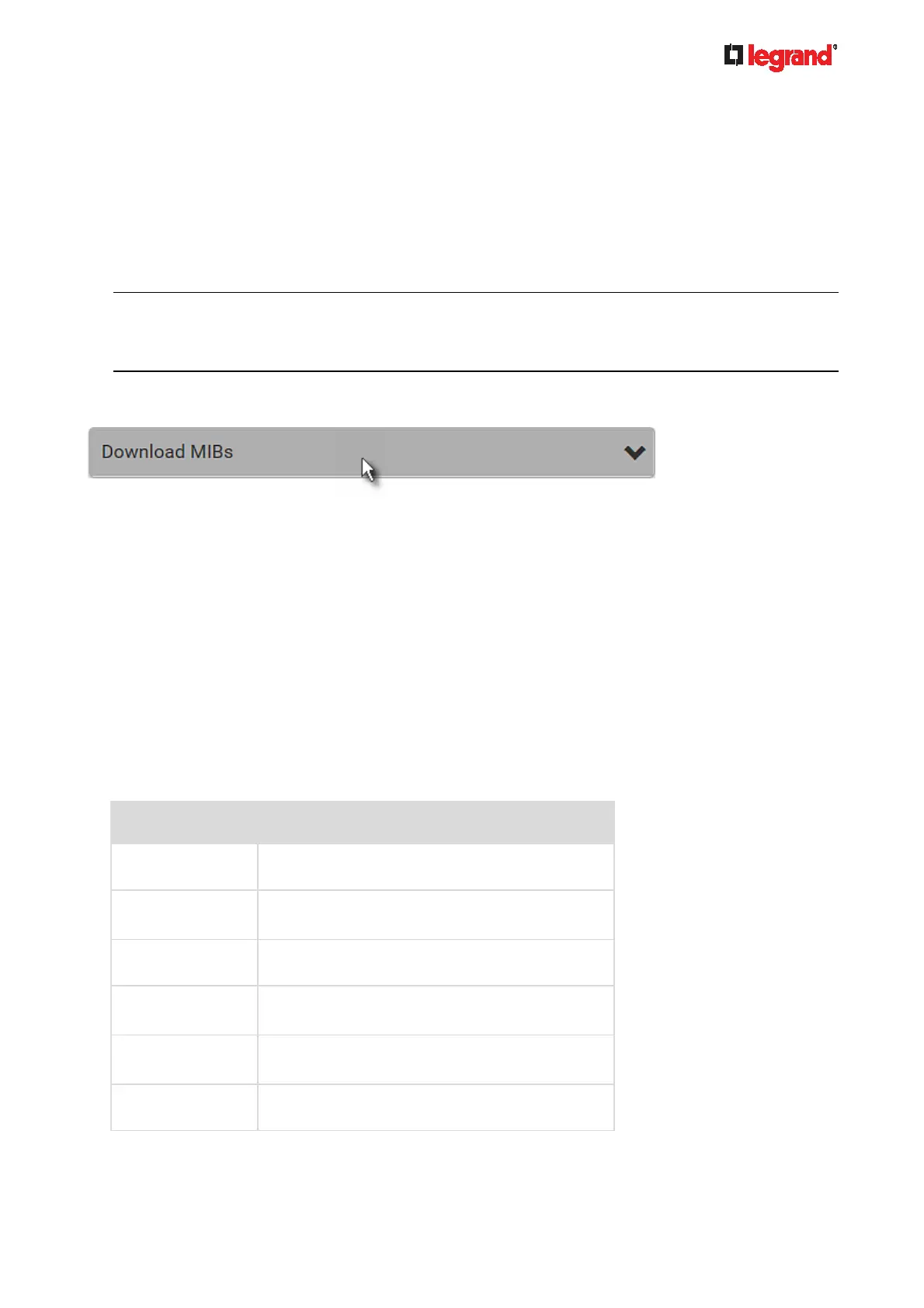
5. You must download the SNMP MIB for your Legrand PDU to use with your SNMP manager.
a. Click the Download MIBs title bar to show the download links.
b. Click the PDU2-MIB download link. See Downloading SNMP MIB (on page 265).
6. Click Save.
Configuring SMTP Settings
The Legrand PDU can be configured to send alerts or event messages to a specific administrator by email.
See Event Rules and Actions (on page 184).
To send emails, you have to config
ure the SMTP settings and enter an IP address for your SMTP server and
a sender's email address.
If any email messages fail to be sent successfully, the failure event and reason are available in the event log.
See Viewing or Clearing the Local Event Log (on page 236).
To set SMTP
server
settings:
1. Choose Device Settings > Network Services > SMTP Server.
2. Enter the information needed.
Field Description
IP Address/Host
Name
Type the name or IP address of the mail server.
Port Type the port number.
Default is 25
Sender Email
Address
Type an email address for the sender.
Number of Sending
Retries
Type the number of email retries.
Default is 2 retries
Time Between
Sending Retries
Type the interval between email retries in minutes.
Default is 2 minutes.
Server Requires
Authentication
Select this checkbox if your SMTP server requires
password authentication.



 To Next Page