June 2018
Legrand PDU User Guide 167
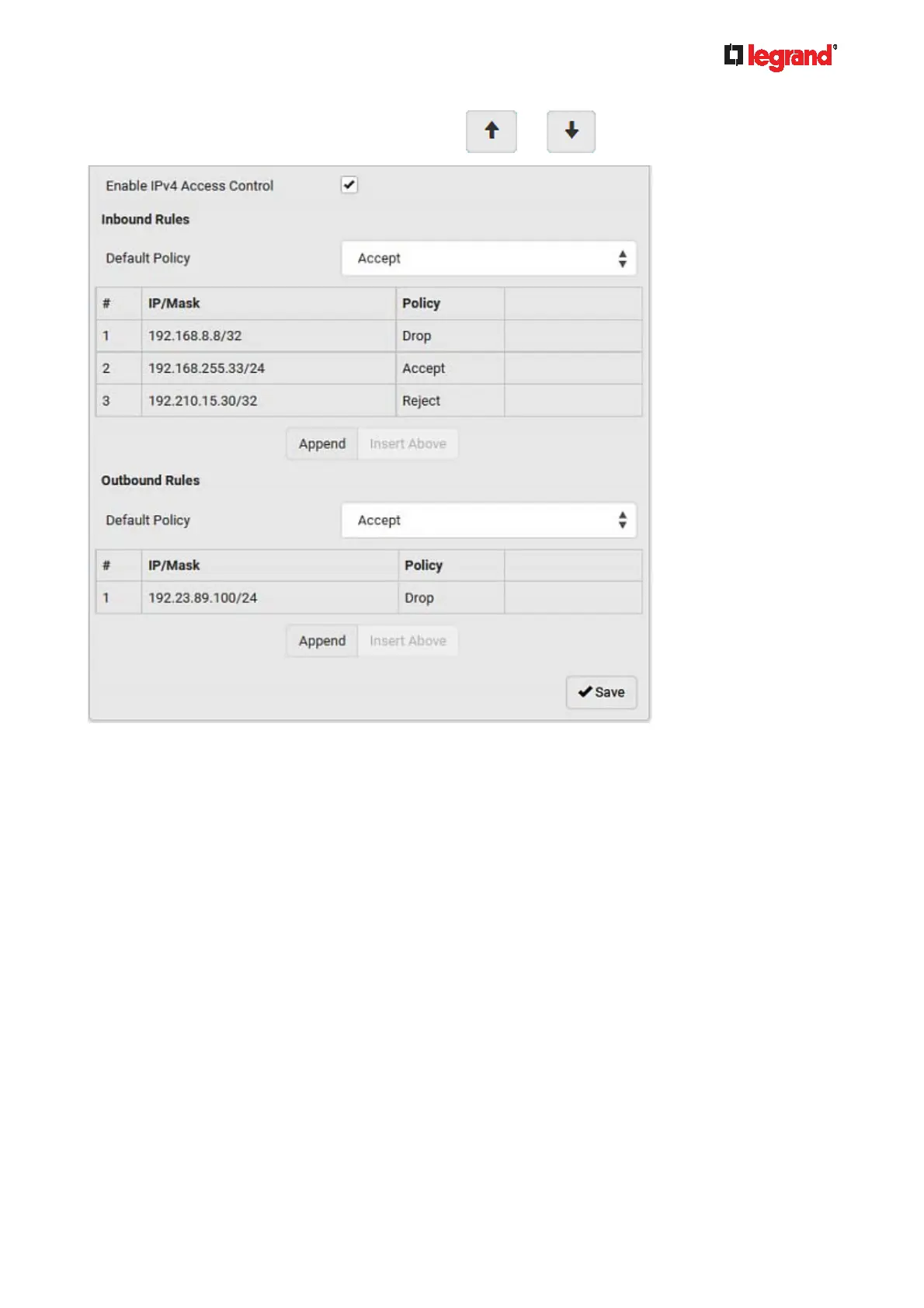
You can select any existing rule and then click or to change its priority.
7. Click Save. The rules are applied.
To configure IPv6 access control rules:
1. On the same page, select the Enable IPv6 Access Control checkbox to enable IPv6 access control rules.
2. Follow the same procedure as the above IPv4 rule setup to create IPv6 rules.
3. Make sure you click the Save button in the IPv6 section, or the changes made to IPv6 rules are not
saved.
Editing or Deleting IP Access Control Rules
When an existing IP access control rule requires updates of IP address range and/or policy, modify them
accordingly. Or you can delete any unnecessary rules.
To modify or delete a rule:
1. Choose Device Settings > Security > IP Access Control.
2. Go to the IPv4 or IPv6 section.
3. Select the desired rule in the list.
Ensure the IPv4 or IPv6 checkbox has been selected, or you cannot edit or delete any rule.
4. Perform the desired action.
Make changes to the selected rule, and then click Save. For information on each field, see Creating
IP Access Control Rules (on page 165).



 To Next Page