June 2018
264 Legrand PDU User Guide
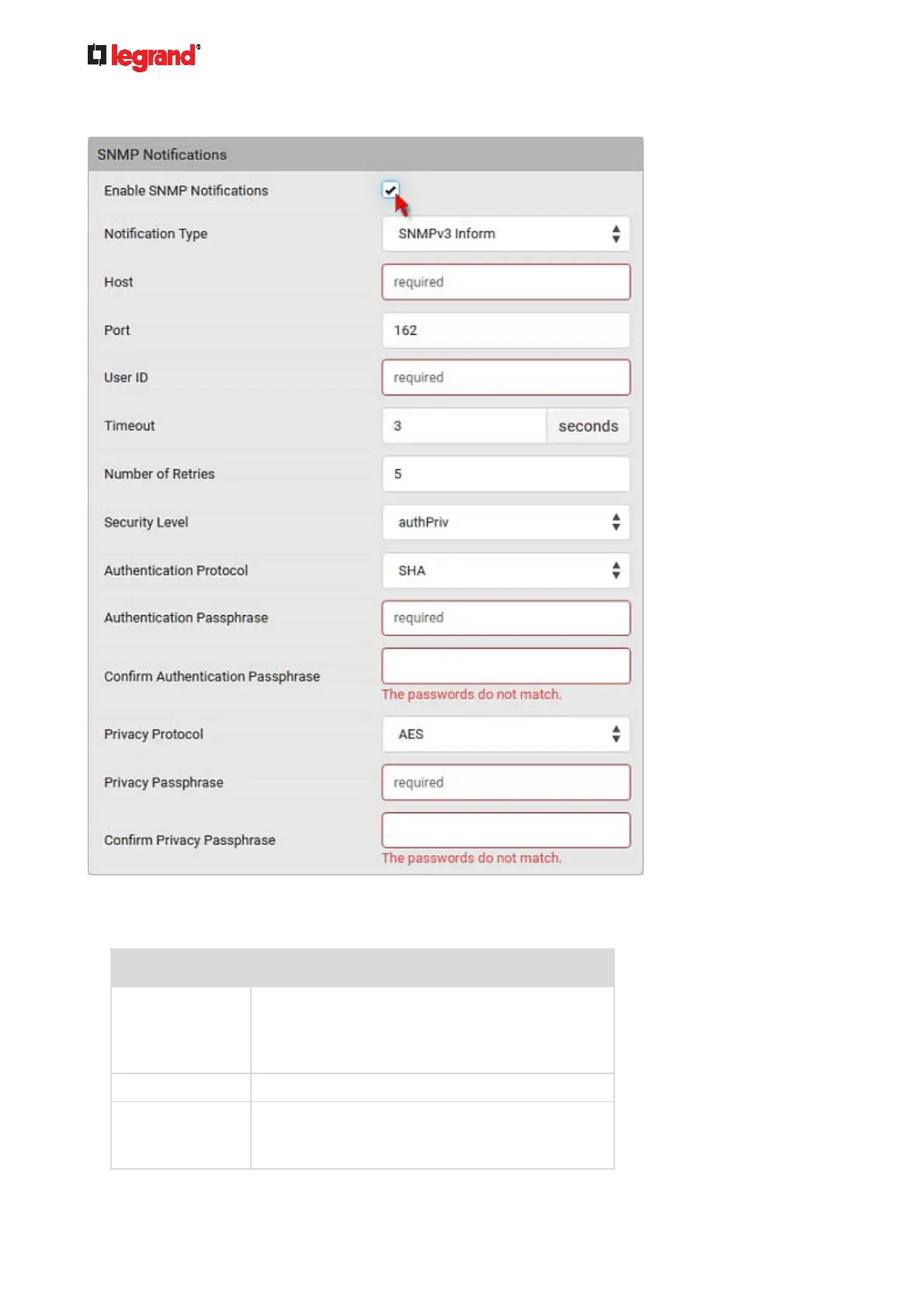
3. In the SNMP Notifications section, make sure the Enable SNMP Notifications checkbox is selected.
4. Select SNMPv3 Trap or SNMPv3 Inform as the notification type.
5. For SNMP TRAPs, the engine ID is prepopulated.
6. Type values in the following fields.
Field Description
Host The IP address of the device(s) you want to
access.
This is the address to which notifications are sent
by the SNMP agent.
Port The port number used to access the device(s).
User ID User name for accessing the device.
Make sure the user has the SNMP v3 access
permission.



 To Next Page