June 2018
Leg
and PDU User Guide 27
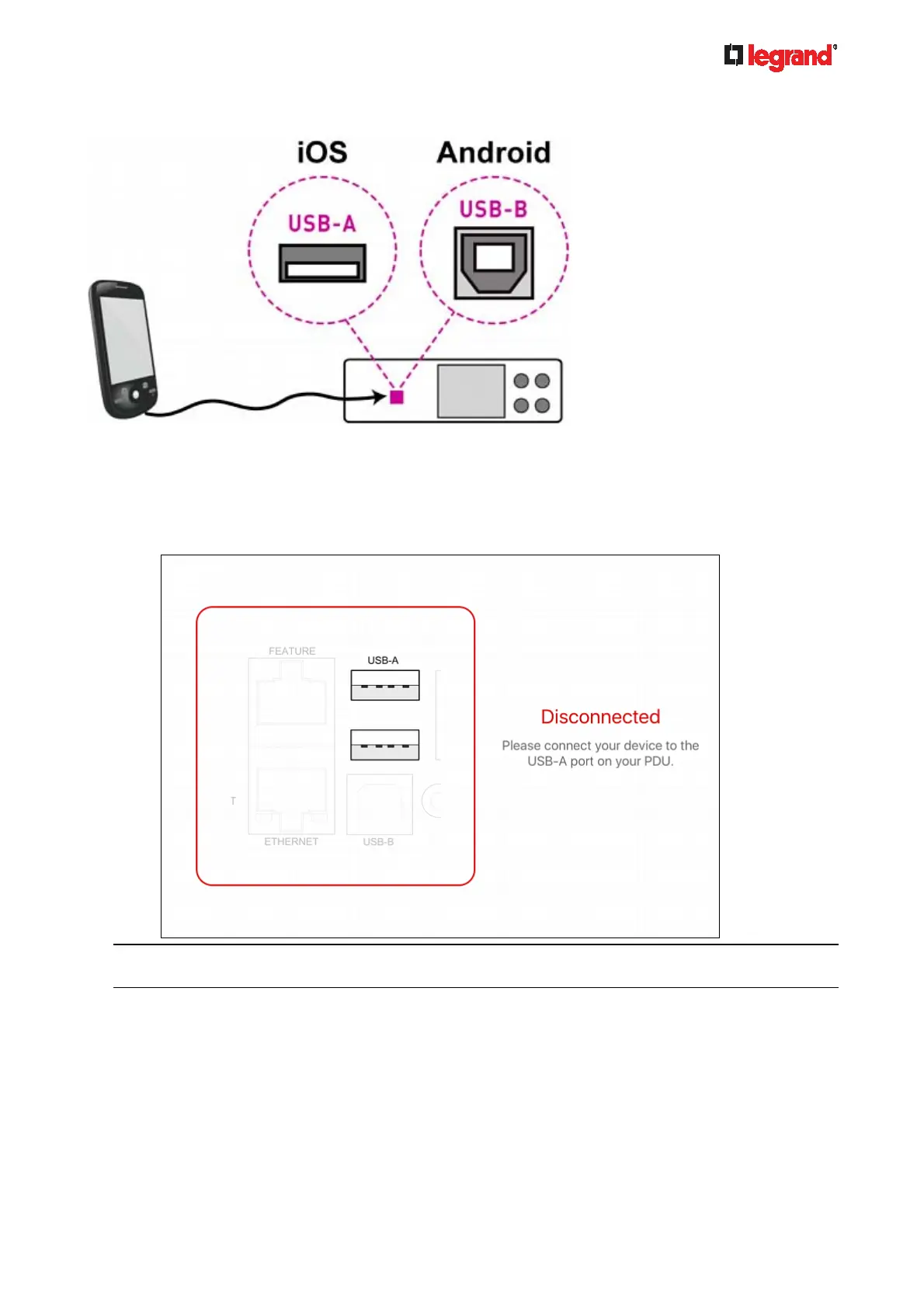
Android: USB-B port
Step C: Launch PDView to access the Legrand PDU
1. Launch the PDView app from your mobile device. Below illustrate iPad's PDView screens.
a. The "Disconnected" message displays first when PDView has not detected the Legrand PDU yet.
A diagram in PDView indicates the appropriate USB port your mobile device should connect
according to your mobile operating system.
Note: PDView also shows the 'Disconnected' status during the firmware upgrade. If so, wait until the
firmware upgrade finishes.



 To Next Page