June 2018
70 Legrand PDU User Guide
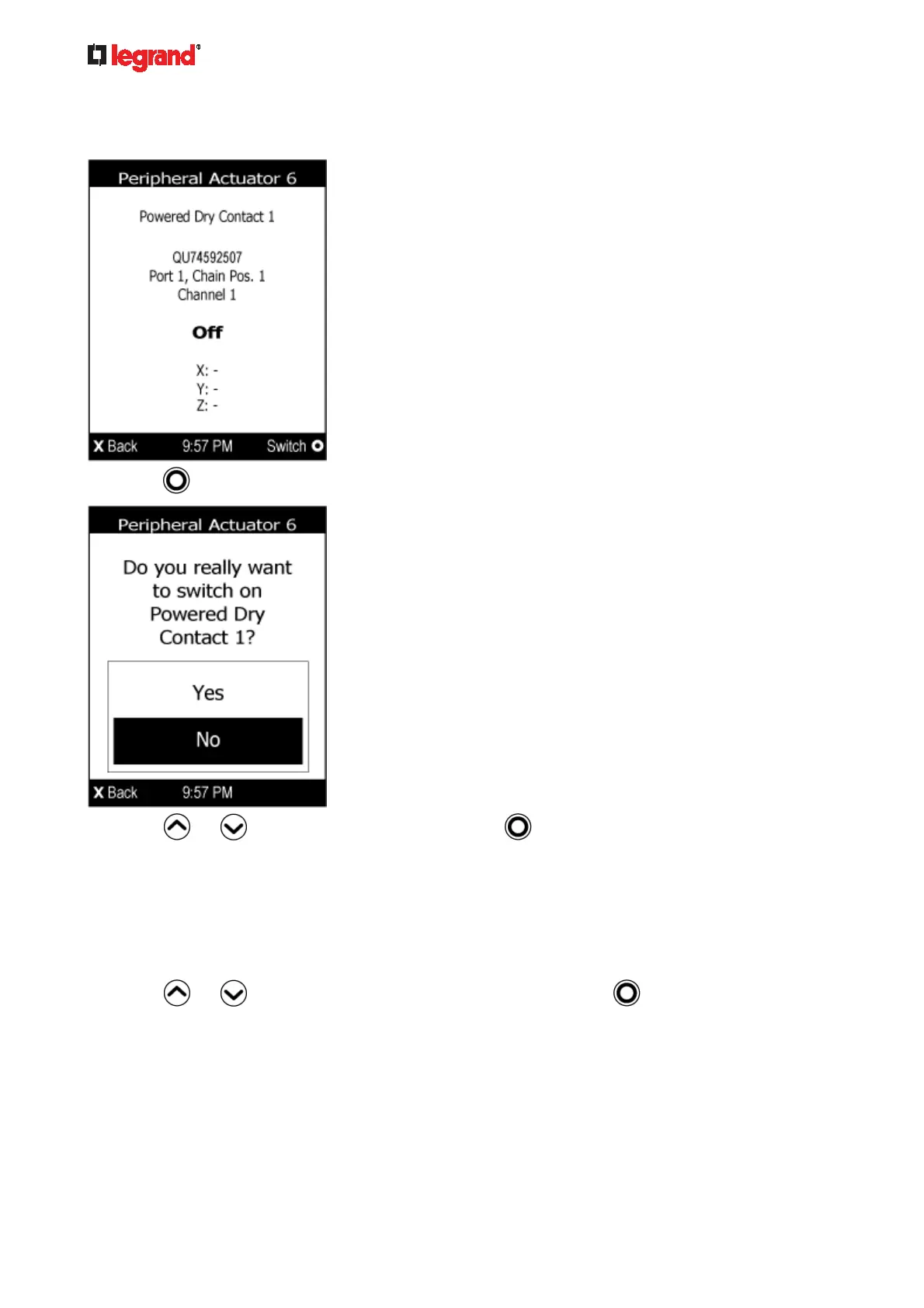
To switch on or off an actuator:
1. Follow the above steps 1 to 3 to select an actuator.
2. Press
to turn on or off the actuator. A confirmation message similar to the following is shown.
3. Press
or to select Yes or No, and then press .
4. Verify that the actuator status shown on the LCD display has been changed.
Device Info
The display shows the device's information, network and IPv4/IPv6 settings through various pages. Page
numbers are indicated in the top-right corner of the LCD display.
To show the device information:
1. Press
or to select "Device Info" in the Main Menu, and press .



 To Next Page