June 2018
Legrand PDU User Guide 99
Inlet's power chart, which is the same as Dashboard - Inlet History (on page 92)
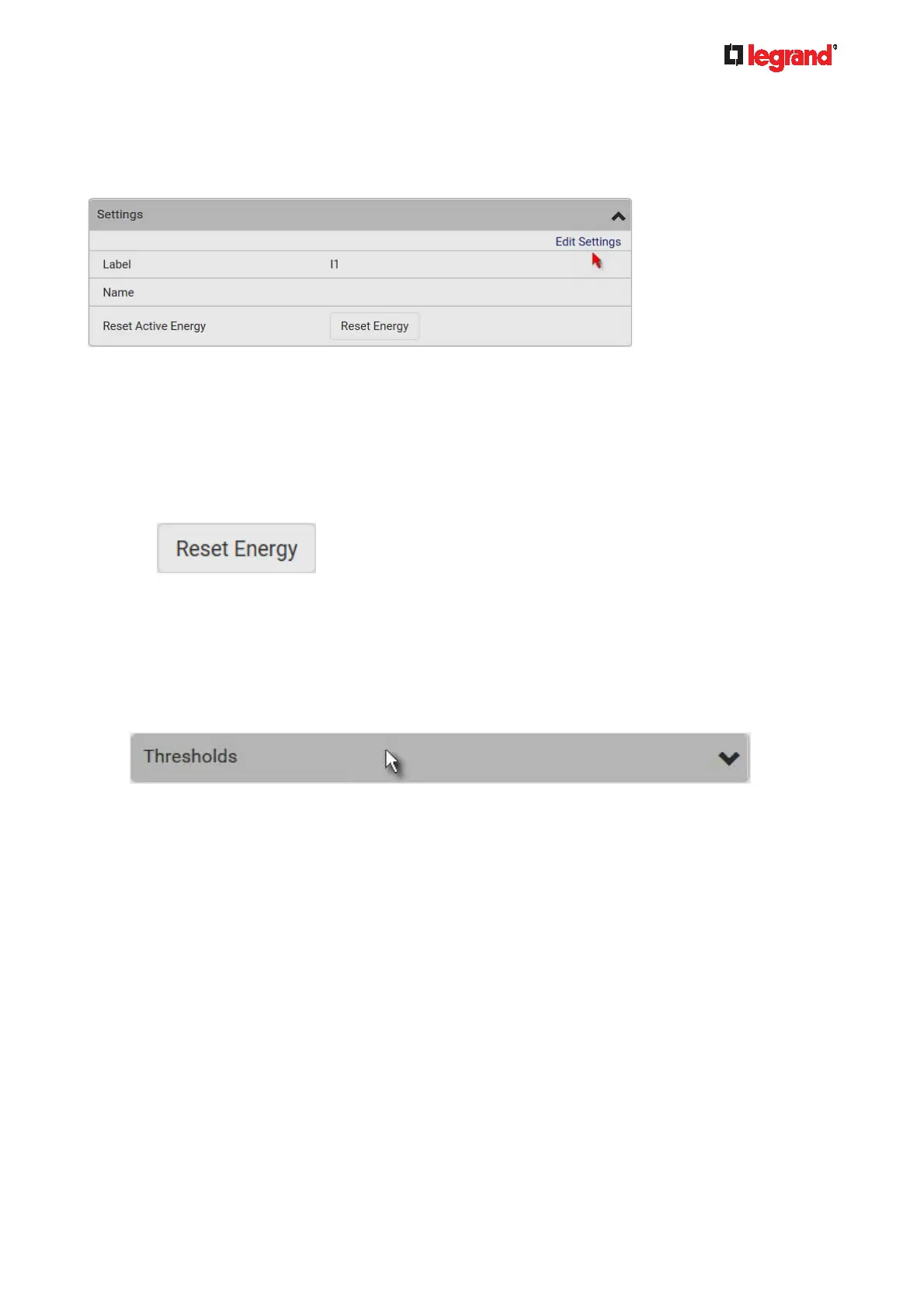
To customize the inlet's name:
1. Click Edit Settings.
2. Type a name for the inlet.
For example, you can name it to identify the power source.
3. Click Save.
4. The inlet's custom name is displayed on the Inlet or Dashboard page, followed by its label in
parentheses.
To reset the inlet's active energy counter:
Only users with the "Admin" role assigned can reset active energy readings.
1. Click
.
2. Click Reset on the confirmation message.
This inlet's active energy reading is then reset to zero.
To configure inlet thresholds:
Per default, there are pre-defined RMS voltage and current threshold values in related fields. See Default
Voltage and Current Thresholds (on page 479). You can modify them to meet your needs.
1. Click the Thresh
olds title bar at the bottom of the page to display inlet thresholds.



 To Next Page