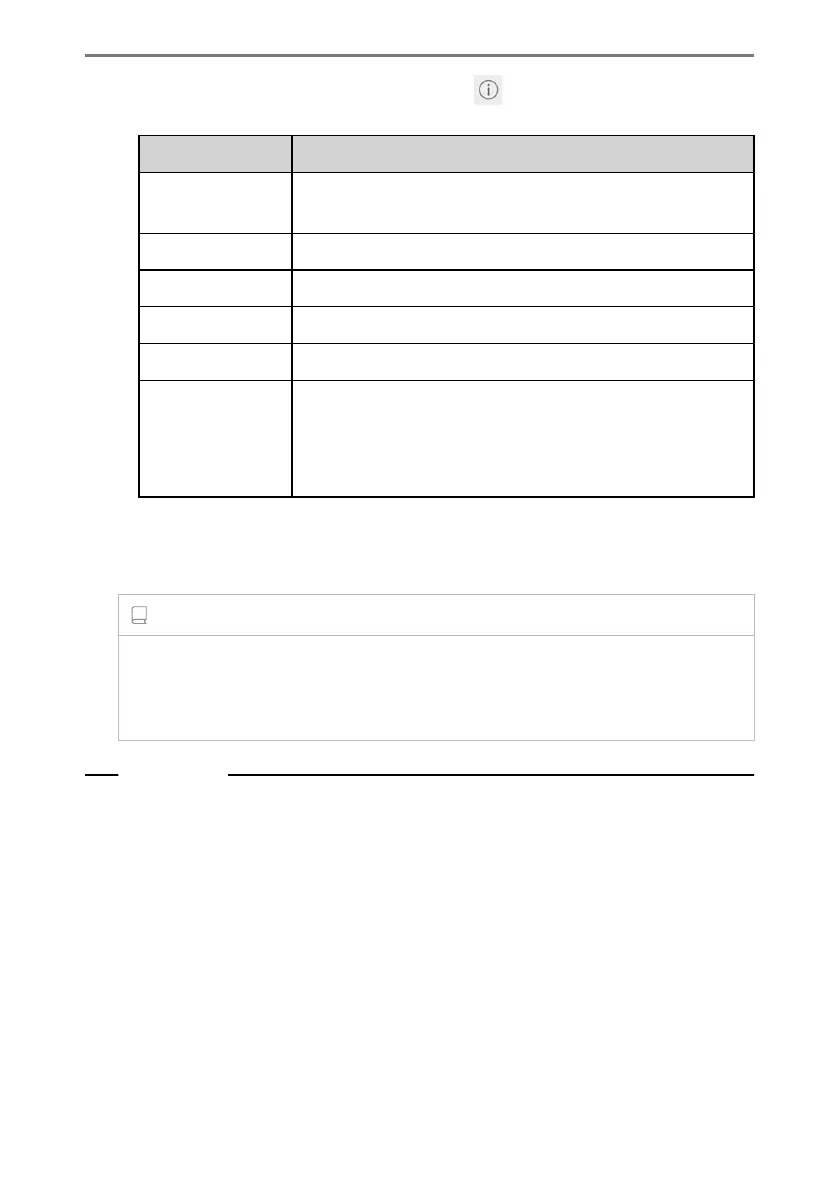
● Network information display (Displays when [ ] for the network name is
touched.)
Setting Content
[Auto connect]
*1
Turns on or off the setting to automatically connect when
searching for networks.
"Network SSID" Displays the network name (SSID).
"MAC address" Displays the MAC address of the network.
"Security" Displays the security protocol of the network.
"Frequency band" Displays the network frequency.
[Forget this net-
work]
*1
Deletes the connection history of the selected network from
the multimedia system.
The deleted network will be recognized as a network which
has never been connected to the system before.
• [Forget this network] does not disconnect the current Wi-Fi
®
network connec-
tion. The network information will not be remembered and not reconnect to this
Wi-Fi
®
network when restarting Wi-Fi
®
.
INFORMATION
● The network connection history retains up to 20 items, deleting the oldest when a
new one is saved.
● Insecure networks are not registered in the network connection history.
Related Links
Precautions when using Wi-Fi
®
devices(P. 122)
Connecting to a network using Wi-Fi
®
(P. 124)
*1 : Only networks with a connection history to the multimedia system are displayed.
2-10. Wi-Fi
®
settings
102













 To Next Page