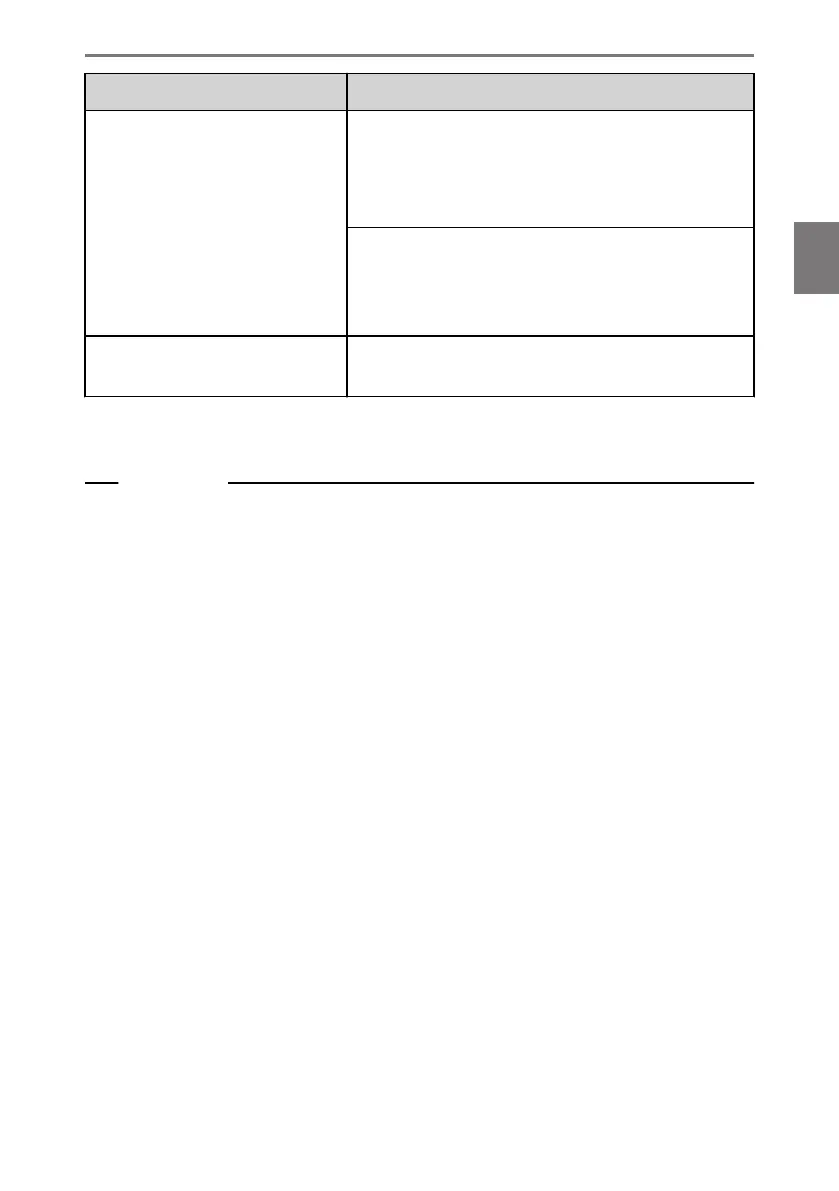
Symptom Solution
While using Android Auto,
hands-free call audio cannot be
heard from the vehicle's speakers.
End current call.
Disconnect the USB cable from the smartphone and
try using hands-free calling. Check whether audio
can be heard now.
Increase the volume on the multimedia system and
check whether hands-free call audio can be heard.
Try using another smartphone. Check whether audio
can be heard now.
The phone was connected after
Android Auto was stopped.
This operation is in accordance with the specifications
of the multimedia system, and is not a malfunction.
(1) "Apps that are not compatible with Apple CarPlay" refers to apps installed on an
iPhone that are not displayed in the app list on the Apple CarPlay screen.
Related Links
Setting Bluetooth
®
devices(P. 103)
Connecting the USB port(P. 39)
Audio system ON/OFF and volume adjustment(P. 34)
Connecting with a Bluetooth
®
device(P. 116)
Changing sound and media settings(P. 95)
Notes for operating the touch screen(P. 23)
3-3. Using Apple CarPlay and Android Auto
141
3
Connecting a smartphone or communication device













 To Next Page