[ ] : Switches the tracks.
Touch and hold to fast forward. Release to start playback from that
position.
[ ] : Performs repeat playback.
Each touch switches the repeat setting.
*1
[ ] : Displays the settable items.
List of submenu : Selects a track from the following conditions.
• [Playlists] : Select a track from the playlist.
• [Artists] : Select a track by artist name.
• [Albums] : Select a track from the album name.
• [Songs] : Select a track from the song name.
• [Genres] : Select a track from the genre.
• [Composers] : Select a track from the composer name.
• [Radio] : Select a track from the radio station.
• [Audiobooks] : Select a track from the audiobook name.
• [Podcasts] : Select a track from the Podcast name.
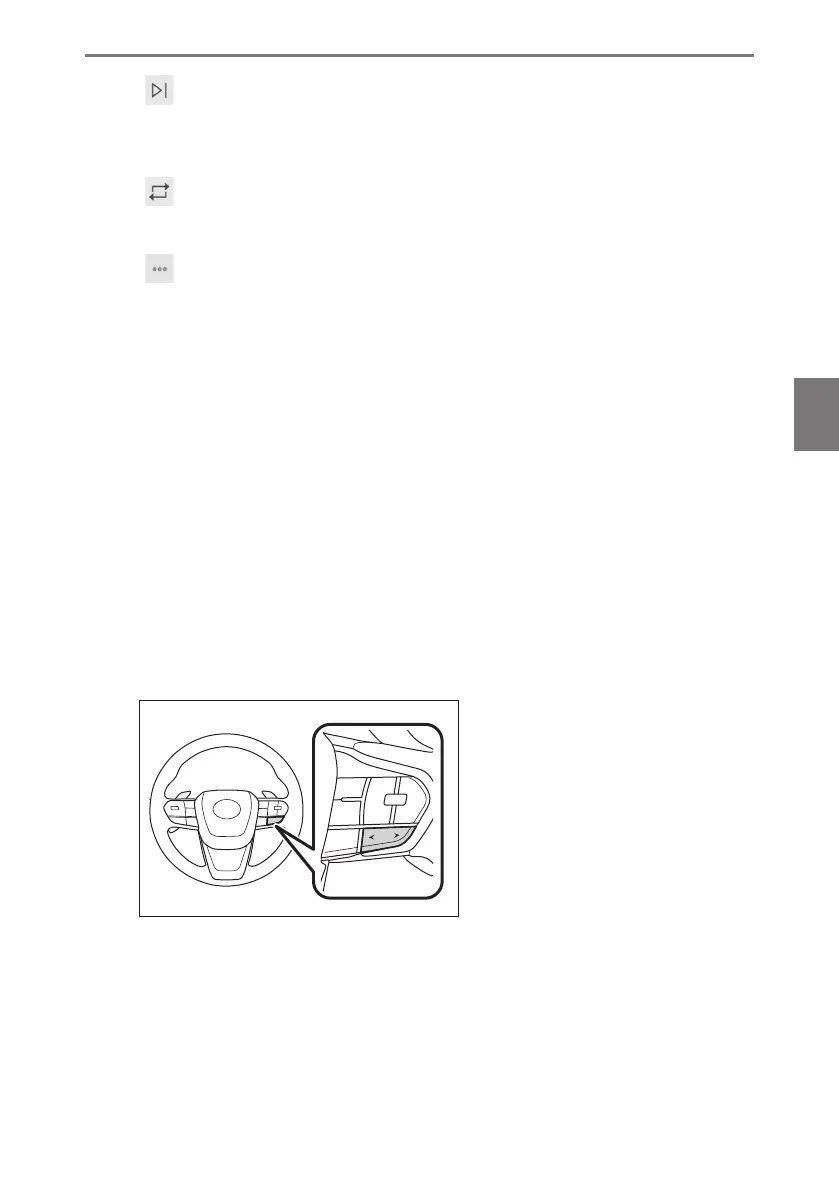
● Operating with the steering switches
▶ Type A
[<]/[>] switches
Switches the tracks.
Hold to fast rewind or fast forward. Release to start playback from that position.
*1 : The order in which shuffle or repeat settings switch depends on the connected device.
5-4. iPod/iPhone operation
197
5
Audio system













 To Next Page