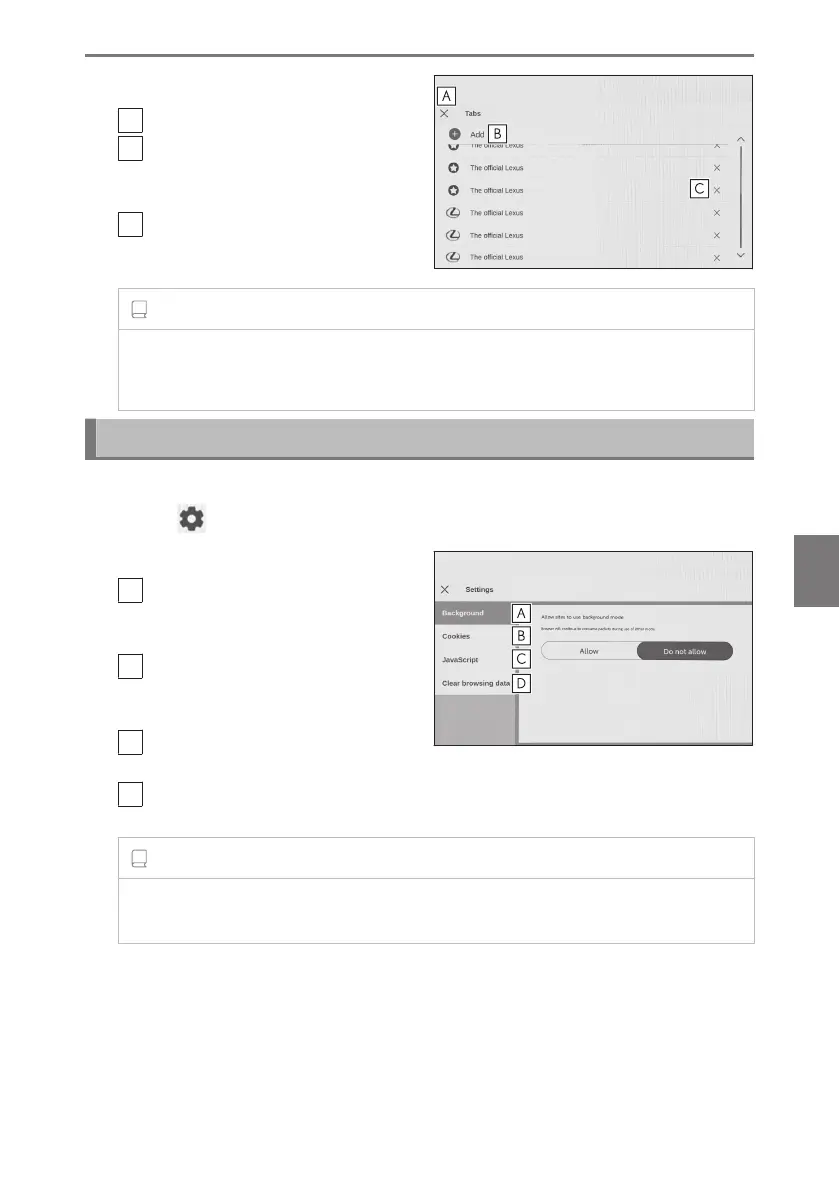
2 Touch the desired item.
A
Close the tab management screen.
B
Add a new tab. If the added tab is
touched, the home screen will be
displayed.
C
Delete the tab.
INFORMATION
● Up to 10 tabs can be opened.
● When a new tab is opened, video or music being played back may stop.
Setting web browser function
Settings related to the web browser function can be changed.
1 Touch [ ] on the toolbar.
2 Touch the desired item.
A
Touch to enabled/disable operation
of the web browser in the back-
ground while using other functions.
B
Touch to enable/disable saving and
loading of cookie data, and to block/
unblock third party cookies.
C
Touch to enabled/disable use of
JavaScript.
D
Touch to delete browsing history, cookies and other site data, and cached images
and files.
INFORMATION
If [Background] is set to [Allow], data transfer will occur even when using other
functions.
7-1. Web browser (Internet)
265
7
Connected services













 To Next Page