INFORMATION
For safety purposes, you cannot display the custom settings screen while the vehicle
is moving.
Related Links
Changing the body color(P. 319)
Changing the Lexus parking assist-sensor detection distance(P. 319)
Changing the body color
Change the vehicle body color displayed on the screen.
1 Touch [Vehicle Body Colour].
2 Select the desired body color.
3 Touch [OK].
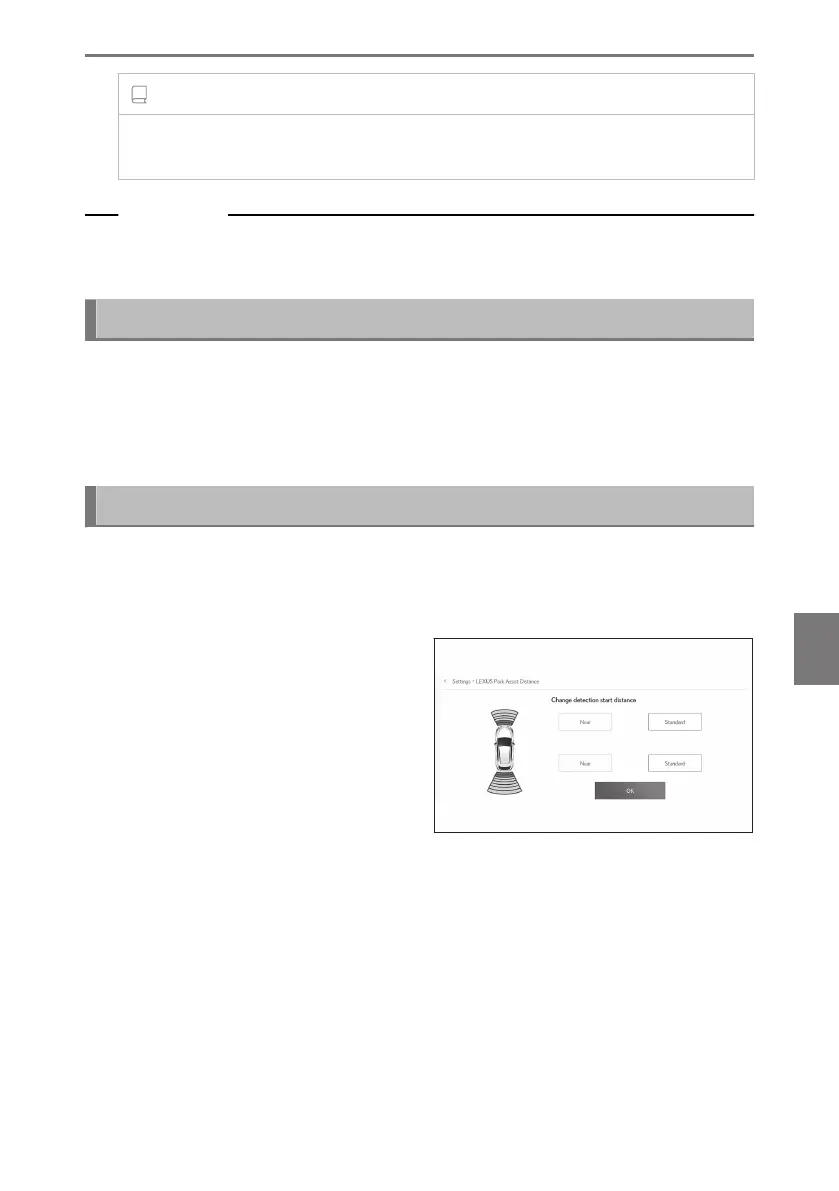
Changing the Lexus parking assist-sensor detection distance
Change the distance that the Lexus parking assist-sensor starts detecting obsta-
cles.
1 Touch [LEXUS Park Assist Distance].
2 Select the distance at which you want
to start detecting objects.
3 Touch [OK].
8-2. Panoramic view monitor
319
8
Parking assist system













 To Next Page