Related Links
Changing and registering a user profile(P. 59)
Setting up how to identify a driver(P. 62)
Changing the user profile
You can select the profile that you want to use on the user profile list registered on
the vehicle.
1
Touch [ ] from the main menu.
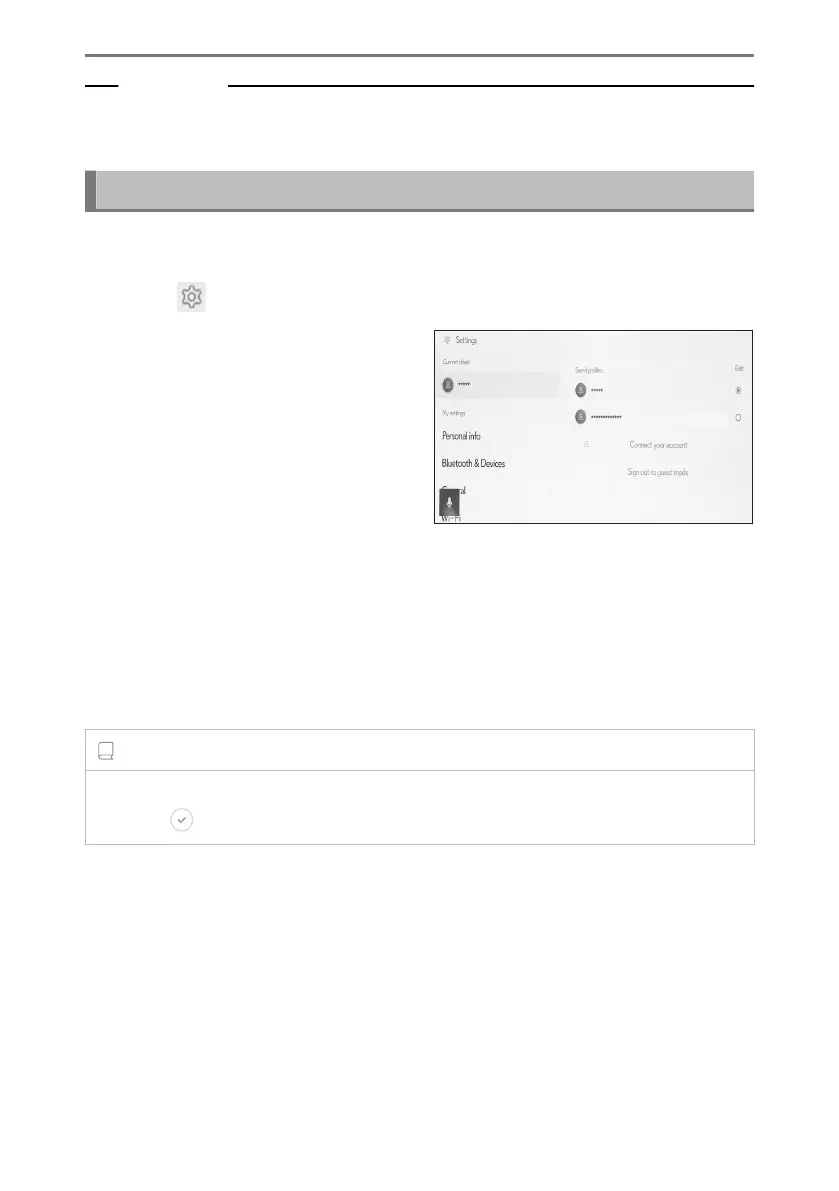
2 From "Saved profiles", select the user
profile name that you want to change
to.
3 Enter the PIN code or password.
● A user shall be prompted for authentication password at the time of Profile switch-
ing if the phone linked to the selected profile is not connected.
● Enter the password set on the Lexus app when the Lexus account was created.
● Enter the PIN code that you set when you created your user profile.
● Once the user profile has changed, a message is displayed on the screen.
INFORMATION
If the system detects a device set to another user profile, a pop-up message will appear.
Touching [ ] will enable the user profile to be changed.
2-1. Multimedia system initial setup
56













 To Next Page