L-DALI User Manual 149 LOYTEC
Version 5.2 LOYTEC electronics GmbH
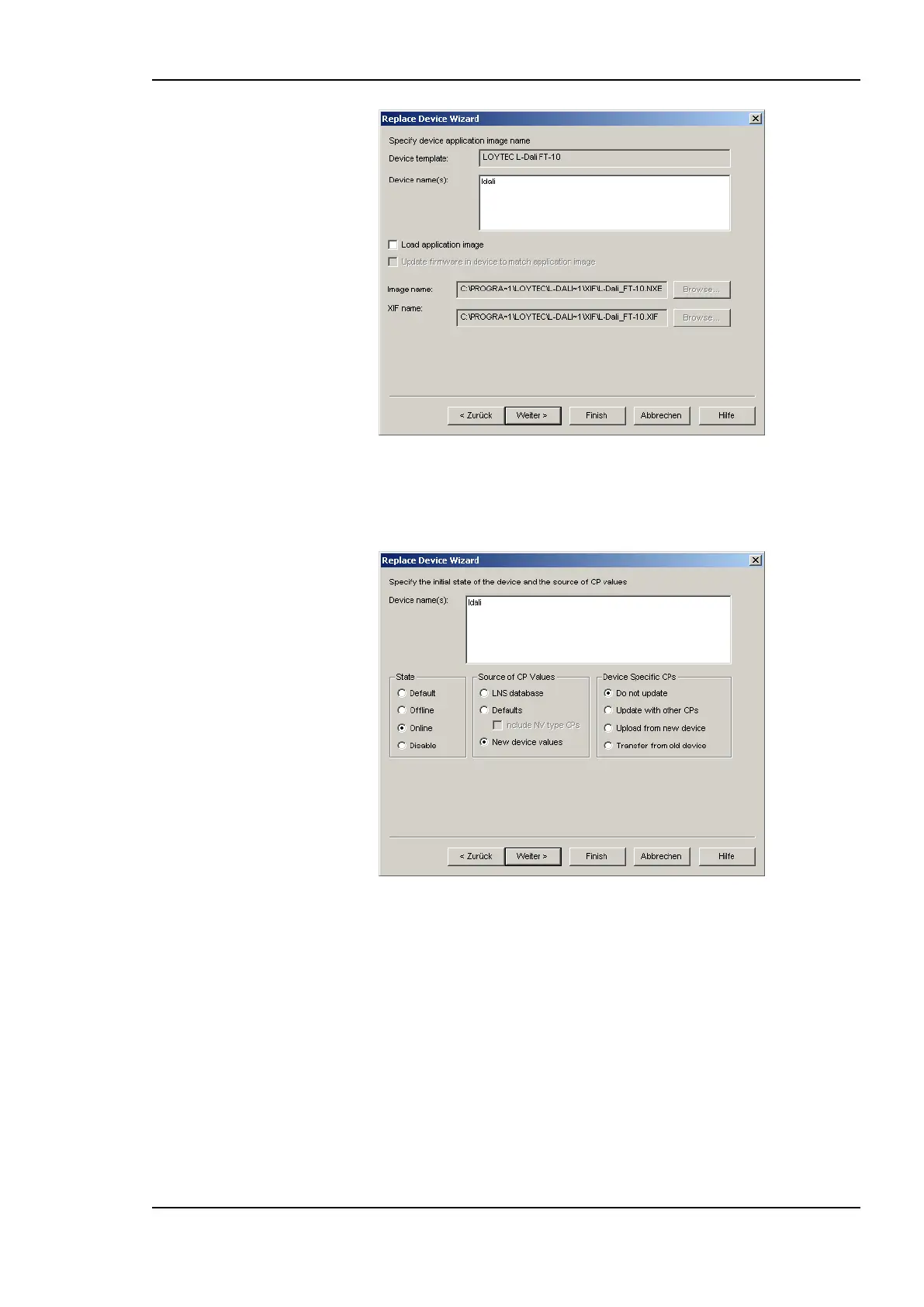
Figure 135: Click Next without loading an application image.
5. Then select Online for State and New Device Values for “Source of CP Values” as
shown in Figure 136 and click Next.
Figure 136: Select online state and source of CP values.
6. Select the Service pin method and click on Finish as shown in Figure 137.



 To Next Page