L-DALI User Manual 78 LOYTEC
Version 5.2 LOYTEC electronics GmbH
The scanned DALI devices have to be assigned to LONMARK or BACnet objects
respectively. This can be done by one of the following ways:
Auto Assign: Press the button Auto Assign to assign the scanned lamps, sensors
and buttons randomly to LONMARK or BACnet objects.
Manual Assign: For each detected DALI lamp/sensor/button a drop-down list of
available objects is displayed. Select an object and press the button Save
Assignment. To identify a DALI device press the Wink button. The duration for
how long a device winks can be configured.
Assignment Wizard: If the DALI devices have been set up during the off-line
preparation steps of the L-DALI configuration, a search wizard can be used to
locate and assign the DALI devices to the pre-configured objects in a convenient
way (see Section 5.3.4.2).
If a DALI device type (e.g. emergency lighting) has been configured during the off-line
preparation steps of the L-DALI configuration, this device type must match the device type
of the assigned device. In case of Manual Assign, the drop-down list will only offer
devices with matching device type.
Depending on the DALI devices type, devices can be identified by one or more of the
following ways:
Wink: Devices providing some means of visual feedback can be winked. Clicking
on the Wink button will trigger this visual feedback. DALI ballasts are typically
switched on and off for the wink process. DALI sensors and DALI emergency
lights usually come with a status LED which starts blinking when the device gets
winked. The duration of the wink process can be configured in the field Wink
Duration in the upper left corner of the DALI Installation page. Once a new wink
is triggered any other active wink is terminated. That is, only one device will wink
at a time.
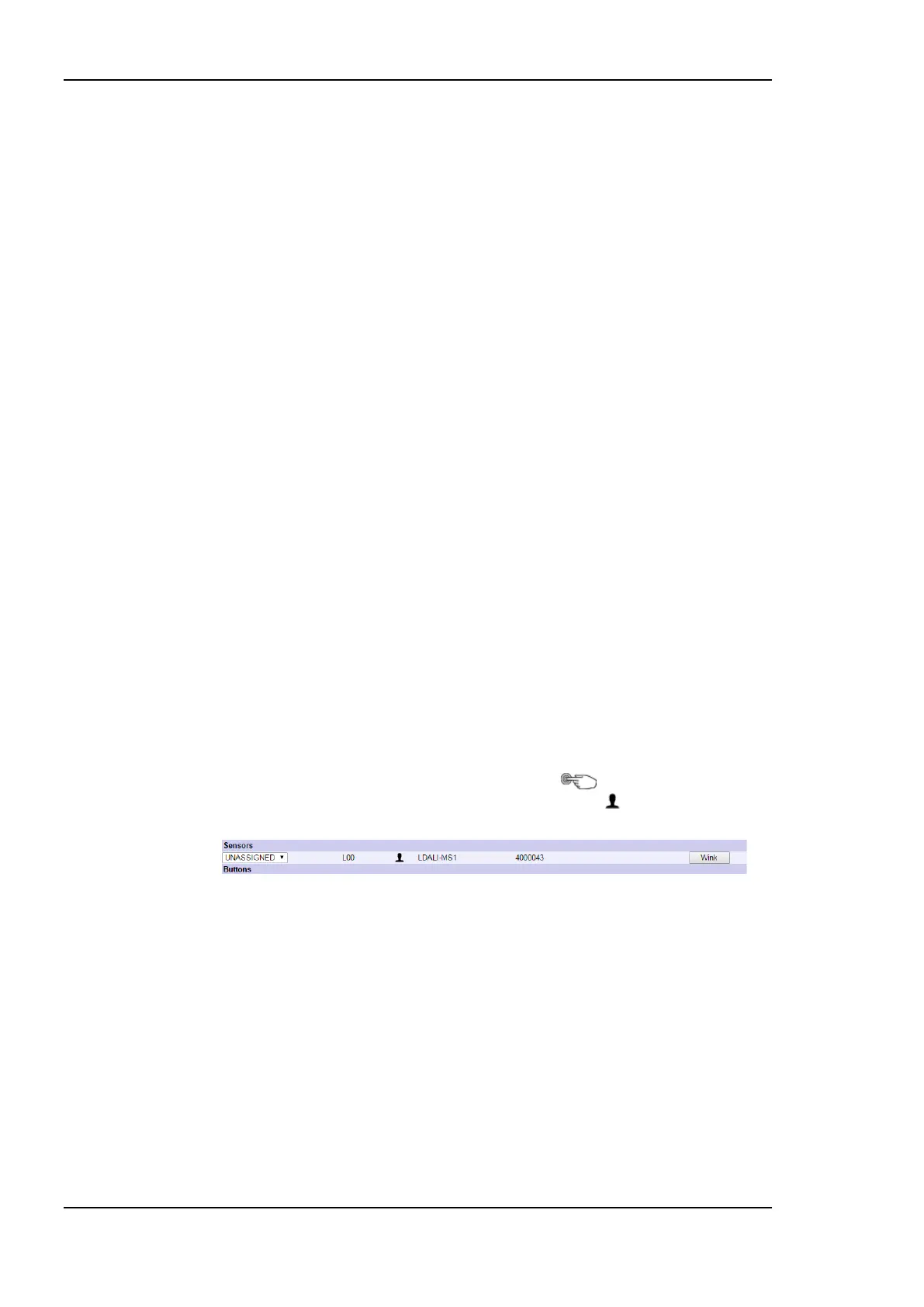
Physical selection: Devices which can be physically selected can be identified by
selection. A DALI button can be selected by pressing one of the buttons, an
occupancy sensor can be selected by triggering occupancy. The last unassigned
DALI button which was pressed is marked by a symbol, the last unassigned
DALI sensor which detected occupancy is marked by a symbol.
Figure 74: Sensor: Physical selection by occupancy.
If a single physical device is listed in different device type sections, because its
different functions are represented as different device types (e.g. the LDALI-MS1
is listed as sensor and its IR receiver is listed as LDALI-MS1 IRT in the button
section) all sub-devices are marked in case of physical selection.
Serial number: Most DALI devices come equipped with a serial number.
Specifically for sensors and buttons the serial number is a convenient way to
identify the device. For devices, which do not allow physical selection and cannot
provide visual feedback (e.g. DALI temperature sensors or relay modules) the
serial number might even be the only way to identify the device. Therefore, it is
highly recommended to document the serial number of a device – if known –
when the device is physically installed together with the location of the installed
device. For this purpose all LOYTEC DALI devices come with an additional
sticker showing the serial number of the device in text and as a bar-code. This



 To Next Page