Maintenance...Regular maintenance of the edger
5-102
LTO
5.7.2 REPLACING THE MILL BIT
5.7.2.1 PRELIMINARY REMARKS
It may be necessary to change the mill bit.
A change of mill bit may be necessary for the following reasons:
Broken bit
Worn bit (chips around the holes on the internal side of the lens);
Excessive use of the bit.
The machine is guaranteed to operate correctly if Briot mill bits are mounted.
5.7.2.2 PROCEDURE
To change the mill bit, follow the procedure below:
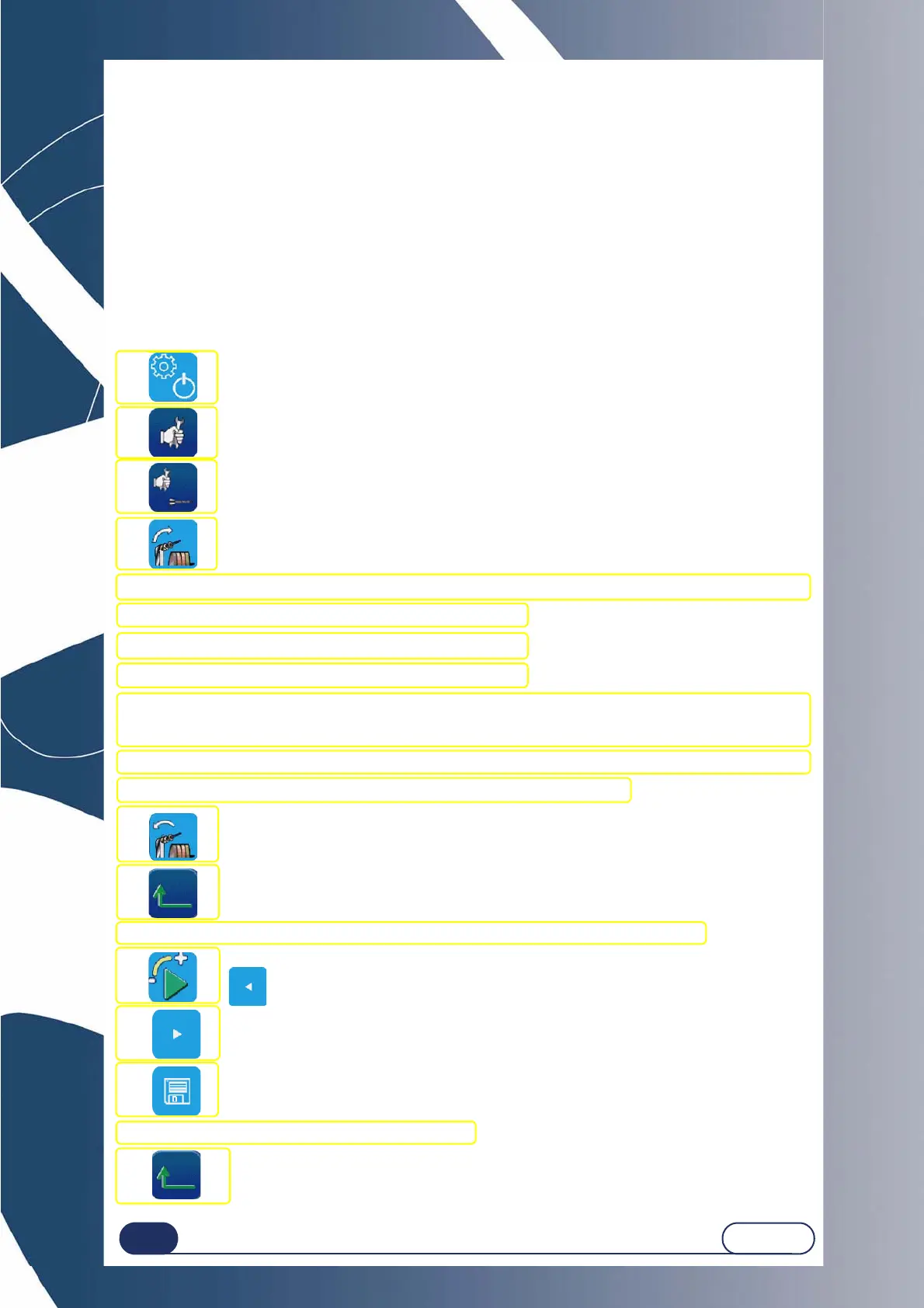
Flow chart 5-2: Replacing the mill bit
#1
#2
#3
#4
#5 Insert an Allen wrench or a screwdriver in the spacer hole to block the rotation of the spindle.
#6 Fit an 8 mm spanner on the chuck nut.
#7 Loosen the nut with one turn of the spanner, to free the bit.
#8 Use pliers to remove the bit from the chuck.
#9 Fit a new bit in the chuck. We advise you to apply a touch of grease to the end of the bit to ease its insertion
into the chuck.
Caution! Ensure that the bit is pushed home inside the chuck.
#10 Tighten the chuck nut lightly with the 8 mm spanner to immobilise the mill bit.
#11 When the bit is tightened, remove the Allen wrench or the screwdriver.
#12
#13
#14 Block the adjustment lens 10 00 205 in the centre and fit it on the lens holder shaft.
#15
#16
#17
#18 Remove the drilled lens from the edging station.
#19 x3
You are now in the bit flush settings screen
Bring the mill bit into contact with the lens using one of the keys below, and then validate (#16)
With slow movement



 To Next Page