Using your Edger...Usual procedure
3-60
LTO
3.2.8.5 SUB-FINISHING AND ASSOCIATED PARAMETERS
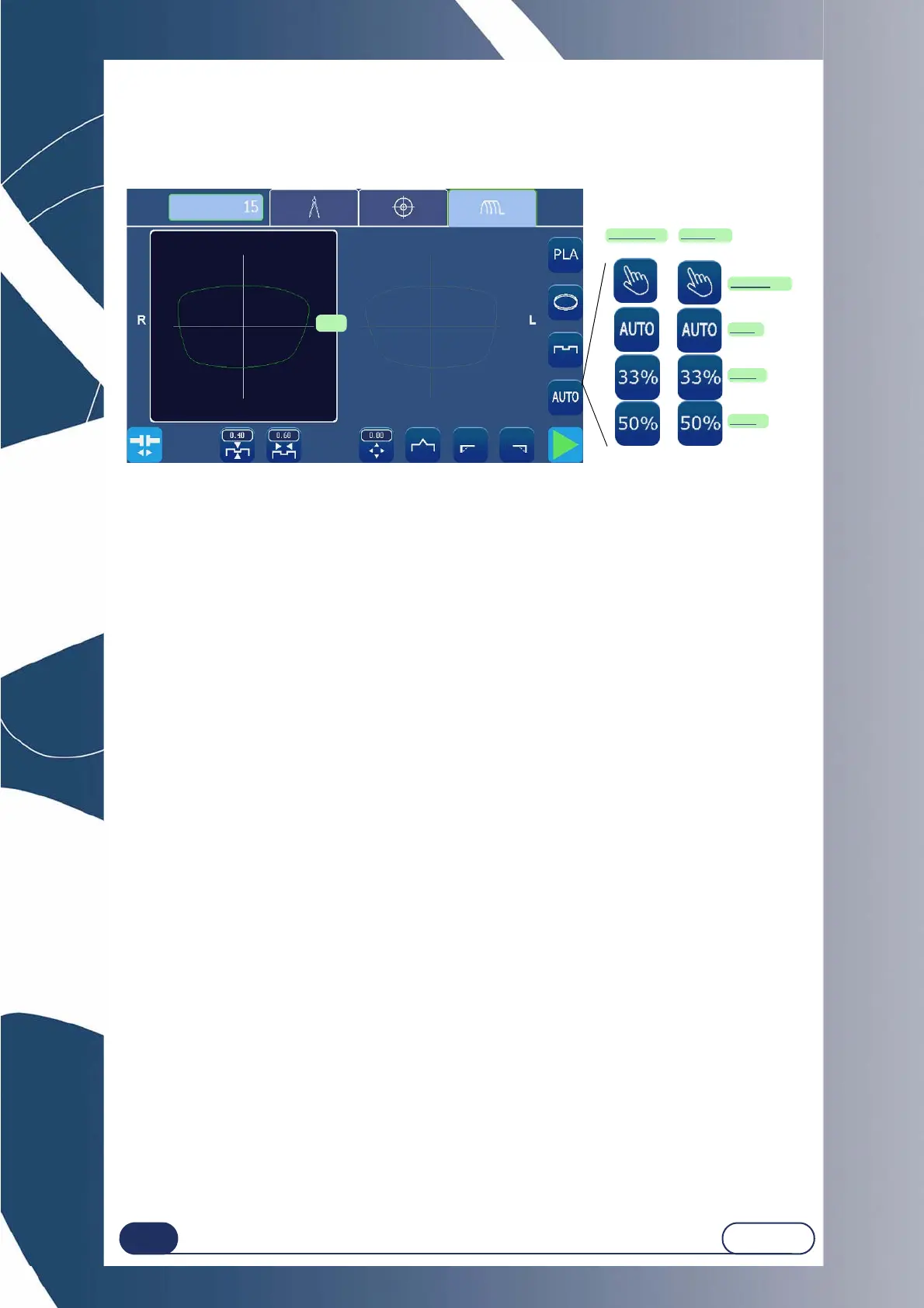
The following screen is a montage to show all possible sub-finishing.
Screen 3-30 : Sub-finishing type icons
Groove/Manual Bevel
By selecting this type of finish, you can check and reposition the bevel/the groove during the edging cycle
using a special screen which is displayed after the second lens feeling cycle.
.
Groove/Automatic Bevel
The apex of the bevel or groove is automatically positioned at 1/3 of the lens thickness from the front face.
Groove/33% Bevel
The apex of the bevel is positioned at 33% of the lens thickness from the front face.
Groove/50% Bevel
The apex of the bevel is positioned at 33% of the lens thickness from the front face.
Groove/Front Face Bevel
The bevel follows the front face of the lens and is positioned at a given distance in mm between the apex of
the bevel and the front face of the lens.
Groove/Rear Face Bevel
The bevel follows the rear face of the lens and is positioned at a given distance in mm between the apex of
the bevel and the front face of the lens.
IMPORTANT NOTE
If the maximum thickness of the lens is less than 2 mm, the applied bevel or groove will automatically be of
1/2 - 1/2 type, whichever type of bevel/groove is selected initially.
More information about limits: Click here or see “Points to remember”, page 78.
GROOVE
or
BEVEL
Manual
Auto
33%
50%



 To Next Page