Maintenance...Maintenance of the Scanform unit
5-97
LTO
5.5 MAINTENANCE OF THE SCANFORM UNIT
5.5.1 CLEANING THE SCANFORM
To clean the Scanform™, proceed as follows:
5.5.2 REPLACING A STYLUS HEAD
To replace a stylus head, proceed as follows:
#1 Switch OFF the machine if it is ON.
#2 Lift up the stylus head manually.
#3 Clean the stylus head with a brush, making sure no dusts enter the Scanform™ unit.
#4 Gently blow away any dusts from the Scanform™ unit using a compressed air spray.
#1 Switch OFF the machine if it is ON.
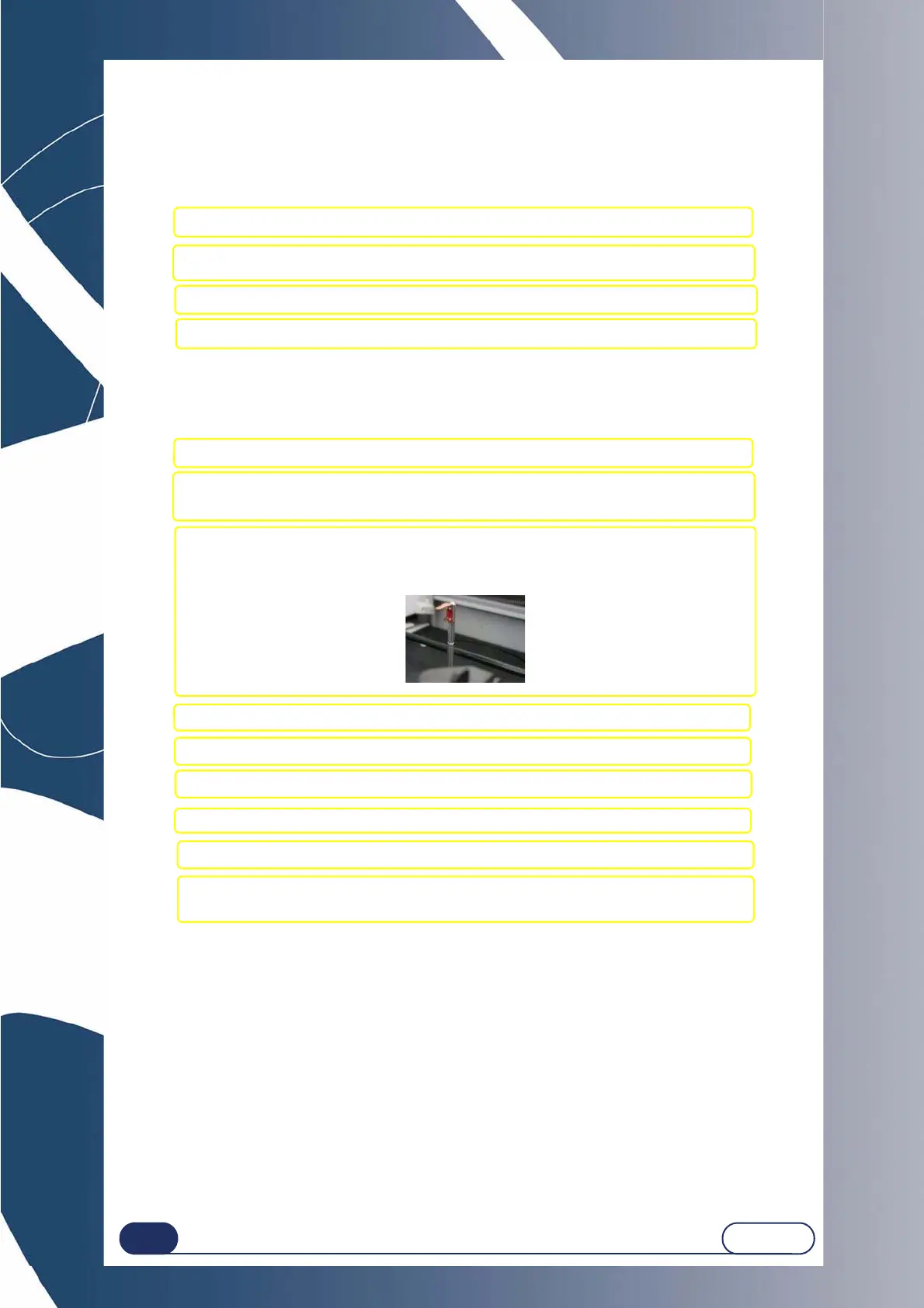
#2 Manually open the Scanform™ and lift up the stylus head.
Hold the elements in this position without applying force.
#3 Place a sheet of paper at the base of the stylus shaft to prevent screws from falling into
the Scanform™ and then loosen the fixing screws (A) from the stylus head using an
optician screwdriver.
#4 Remove the stylus head.
#5 Fit a new stylus head on the shaft.
#6 Attach the stylus head with the fixing screws.
#7 Release the pressure on the stylus head and the Scanform™.
#8 Restart the machine
#9 Adjust the Scanform™ (see § Adjusting the Scanform™, chapter Settings &
Adjustments).



 To Next Page