Using your Edger...Presentation
3-25
LTO
3.1.3 PRESENTATION OF THE APPLICATION SCREEN
3.1.3.1 WORK INTERFACE
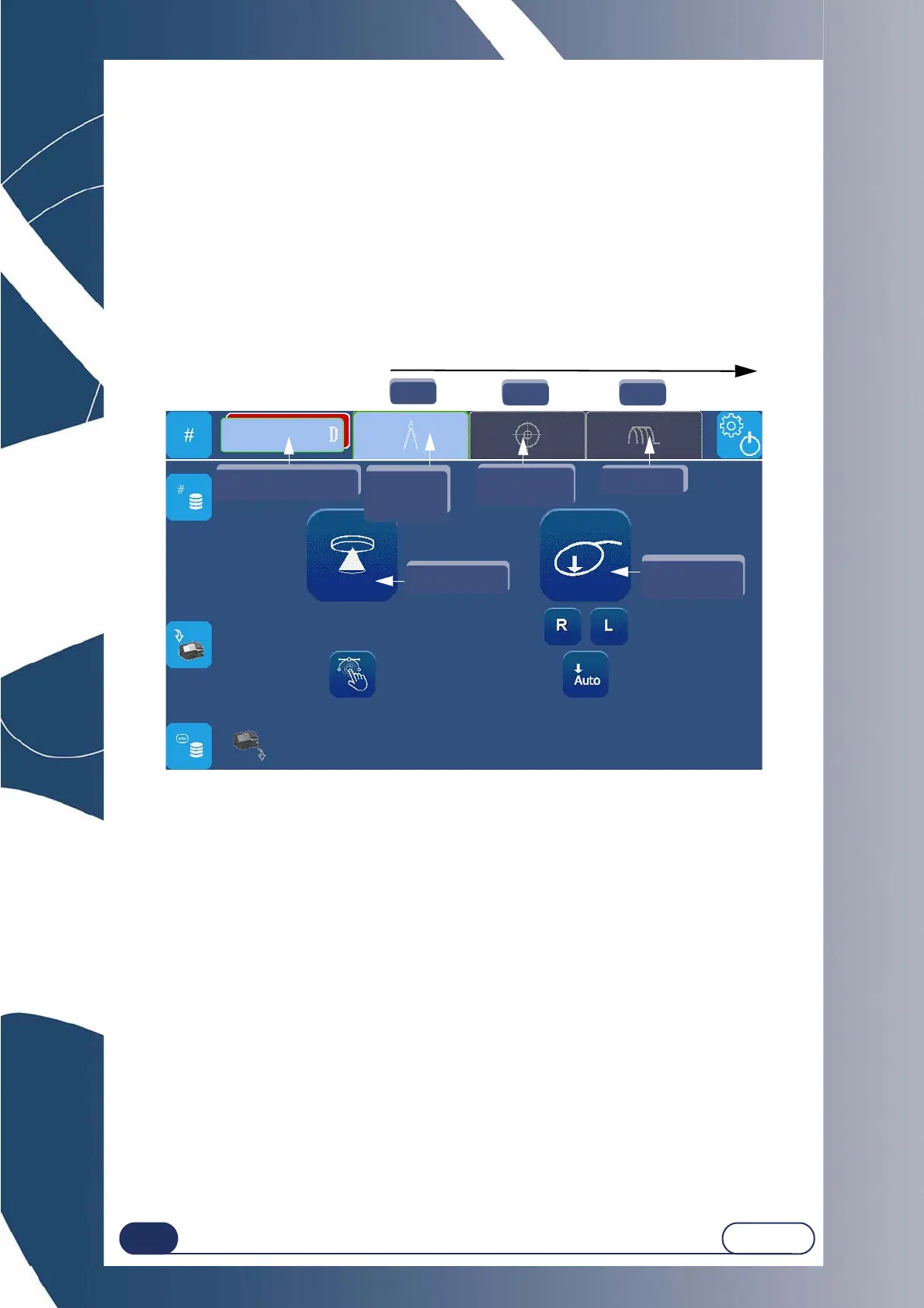
The screen below (Screen 3-1) is displayed after initializing the equipment at start-up.
The screen is organised so that you can follow the steps in logical order.
The interface includes 4 tabs giving access to the preparation/production steps of the spectacles.
1 Creation (Scanform/Selection of a job) / OMA loading
2 Centering/blocking system
3 Edging operation
The parameters for each operation are defined in each of the related tabs.
For a more detailed description of the use of the equipment, see “Usual procedure”, page 27.
Screen 3-1 : Application screen
Note : The numbers and arrows show the sequence of the procedure for general use.
1.
2. 3.
Job no. / Choice
of dual Job
GravitechTM
Edging
Centering
Creation /
Select
a Job
Scanform
(emotion2 only)



 To Next Page