Maintenance...Adjustments
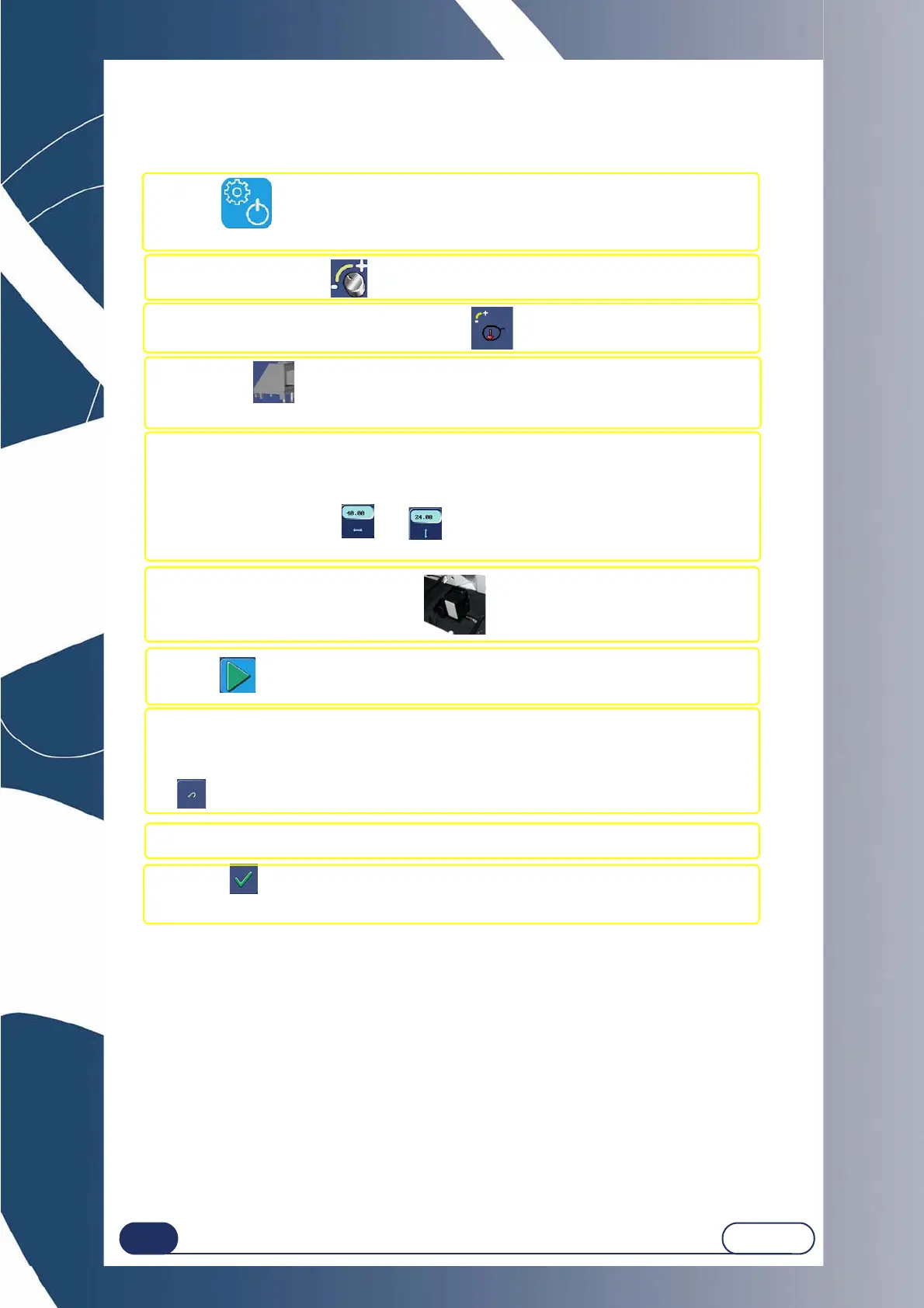
#1 Press on the top of the application screen.
Result: The menu access screen is displayed.
#2 Press this key .
#3 Press this key:
Result: The Scanform™ starts operating.
#4 When the icon appears, equip yourself with the gain adjustment tool
no. 14 04 218.
#5 Ensure that the R and H values marked on the tool are the same as those
displayed on the screen.
If the values are the same, go to the next step.
If the values are not the same, enter the values marked on
the tool using the keys and .
Note: the value R must be close to 40 mm, the value H must be close to 24 mm.
#6 Position the tool in the Scanform™.
#7 Press to start the adjustment.
#8 When the adjustment is finished, check the measured values which are displayed on
the screen.
Adjustment is correct when all the dots in front of the parameters are green.
Note: If one or more dots are red, repeat the step by pressing the
key. If the problem cannot be solved, please contact your distributor.
#9 Remove the tool.
#10 Press .
Result: The edger validates this adjustment and proceeds to the next one.



 To Next Page