Maintenance...Handling the covers
5-112
LTO
5.8 HANDLING THE COVERS
5.8.1 REMOVING THE COVERS
5.8.1.1 WHEN?
The machine is clamped during transport to ensure maximum stability.
To access the internal components, the uncovering operation must only be performed by a technician.
5.8.1.2 HOW?
To remove the machine covers, follow the procedure below:
Flow chart 5-6: Removing the covers
As shown...
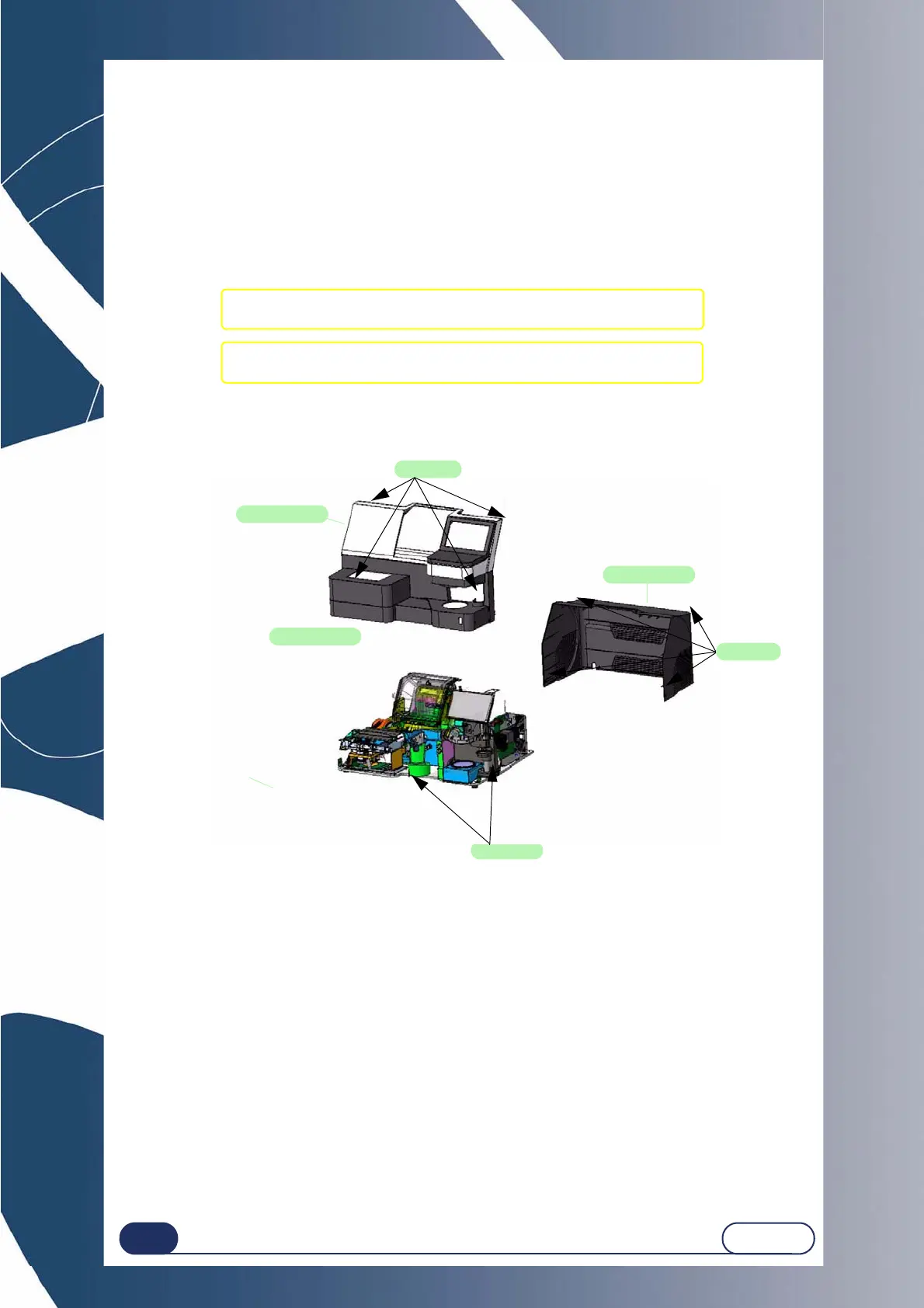
Illustration 5-10: Removing the covers
5.8.2 REPLACING THE COVERS
To replace the machine covers, follow the above procedure in reverse order.
#1 Loosen and remove the four fixing screws from the rear cover
and remove the cover.
#2 Loosen and remove the four fixing screws from the upper cover
and remove the cover.
2 screws
4 screws
Upper cover
Scanform cover
Rear cover
4 screws



 To Next Page