Configuration...Adjustment of setting values
4-83
LTO
4.2 ADJUSTMENT OF SETTING VALUES
4.2.1 PRELIMINARY REMARKS
The machine is factory-adjusted to meet the needs and requirements of the majority of users.
Any modifications of the standard setting values can affect the performance of the machine.
If you wish nonetheless to use the value adjustment function, first target your needs with precision and then
modify the values with full knowledge of our recommendations.
4.2.2 PROCEDURE
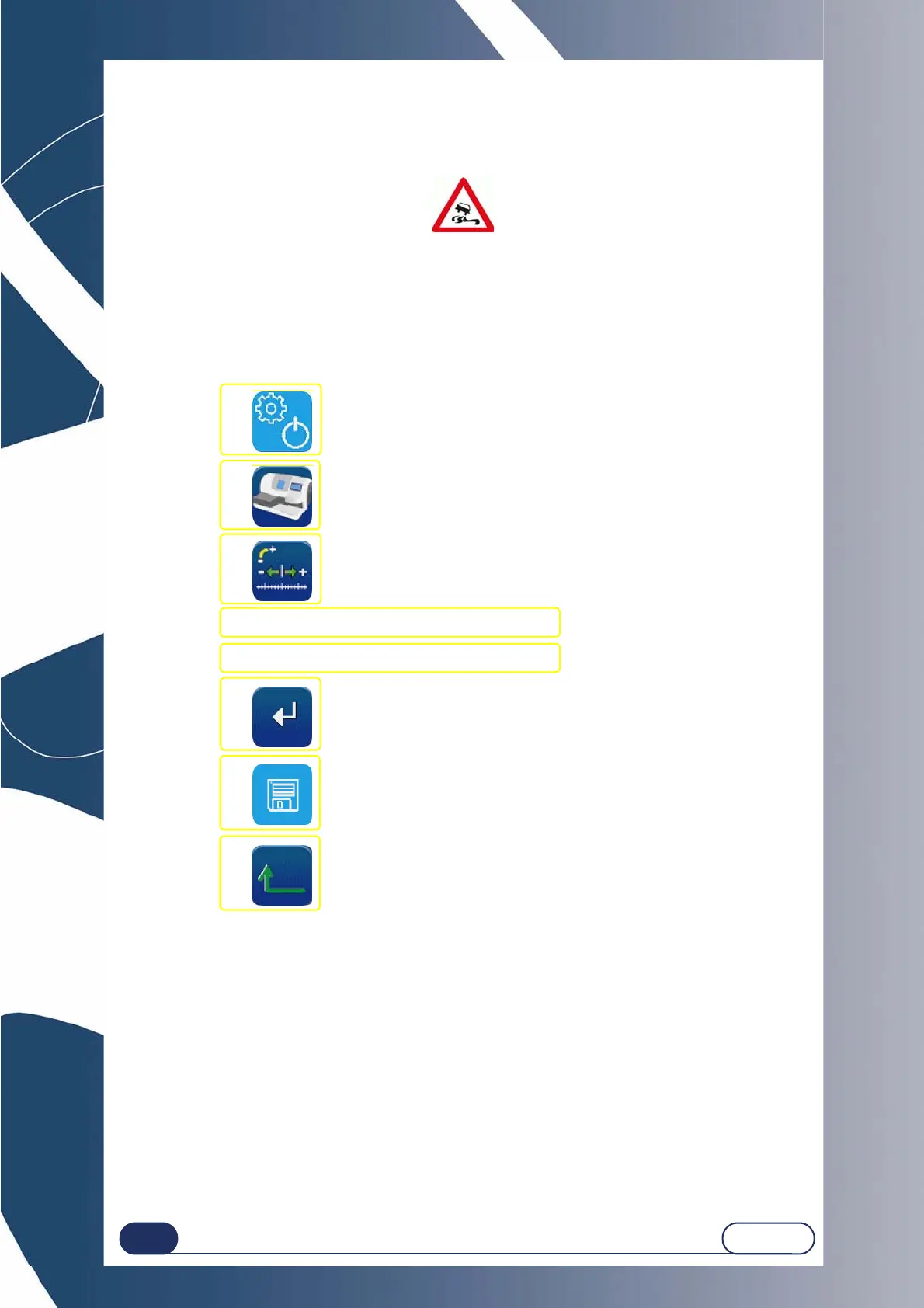
To adjust the setting values, proceed as follows:
Flow chart 4-1: Adjustment of setting values
4.2.3 SAVING THE NEW CONFIGURATION
When you leave the screen, the default values that you have selected are memorised automatically.
When you return to the application screen, you will see that the default values displayed are those you have
just entered.
#1
#2
#3
#4 Press the value to be corrected.
#5 Enter a value using the number key pad.
#6
#7
#8



 To Next Page