Using your Edger...Usual procedure
3-42
LTO
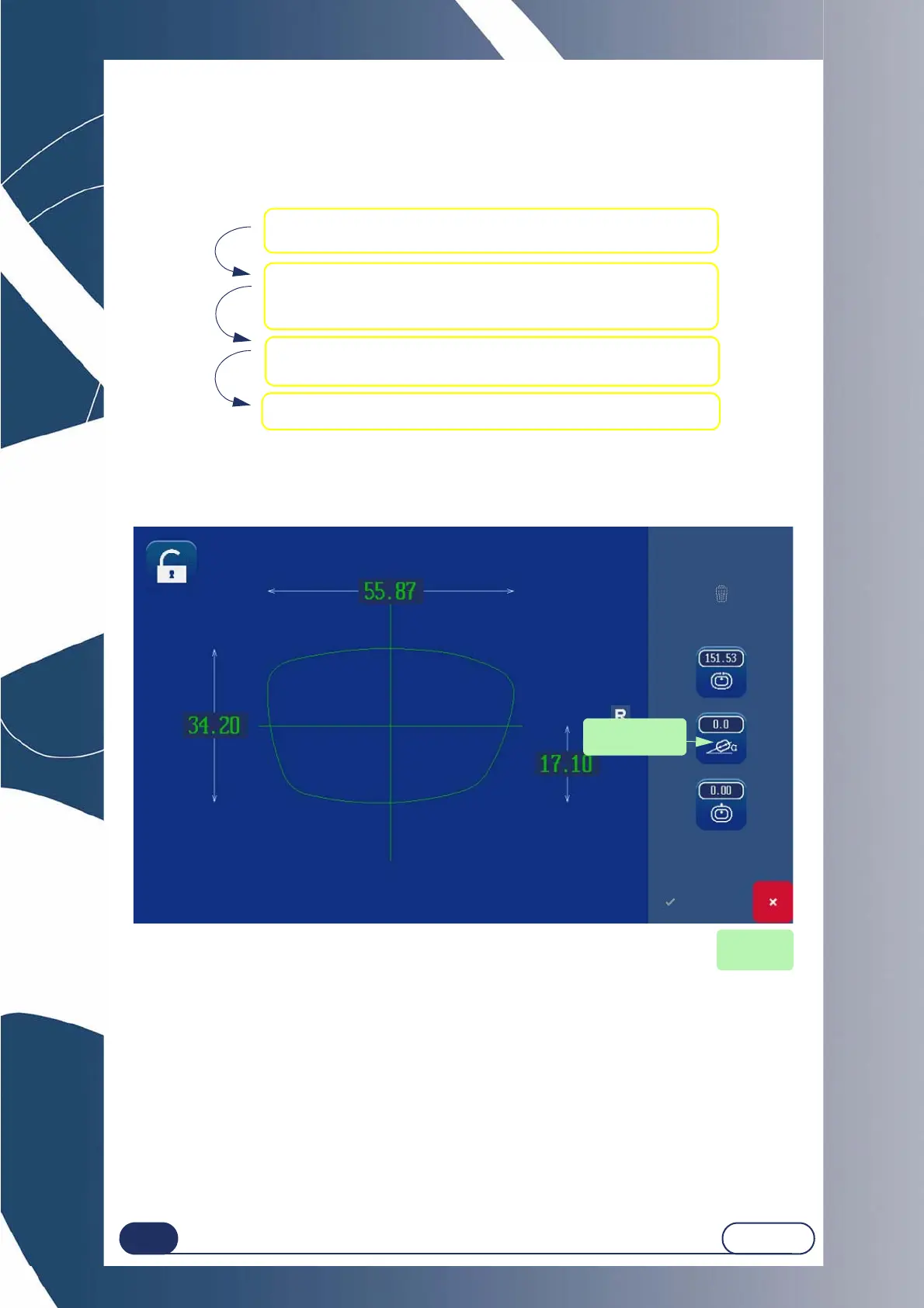
3.2.4.3 PIVOTING THE SHAPE OF A JOB
This function is used to pivot the shape to the degree desired.
Proceed as follows to pivot a shape:
Screen 3-19 : Pivoting a shape
1 Open the initial saved shape.
2 Press the rotation key.
Using the number key pad, enter the desired degree.
(Example : 10°)
4 Use the new shape as if it were a new job.
3 Confirm the modifications and quit the Digiform
function.(the chosen value appears).
Cancel the
deformation
Degree of
rotation desired



 To Next Page