Using your Edger...Usual procedure
3-27
LTO
3.2 USUAL PROCEDURE
3.2.1 JOB CREATION/SELECTION
3.2.1.1 CALLING UP A JOB
Press this button .
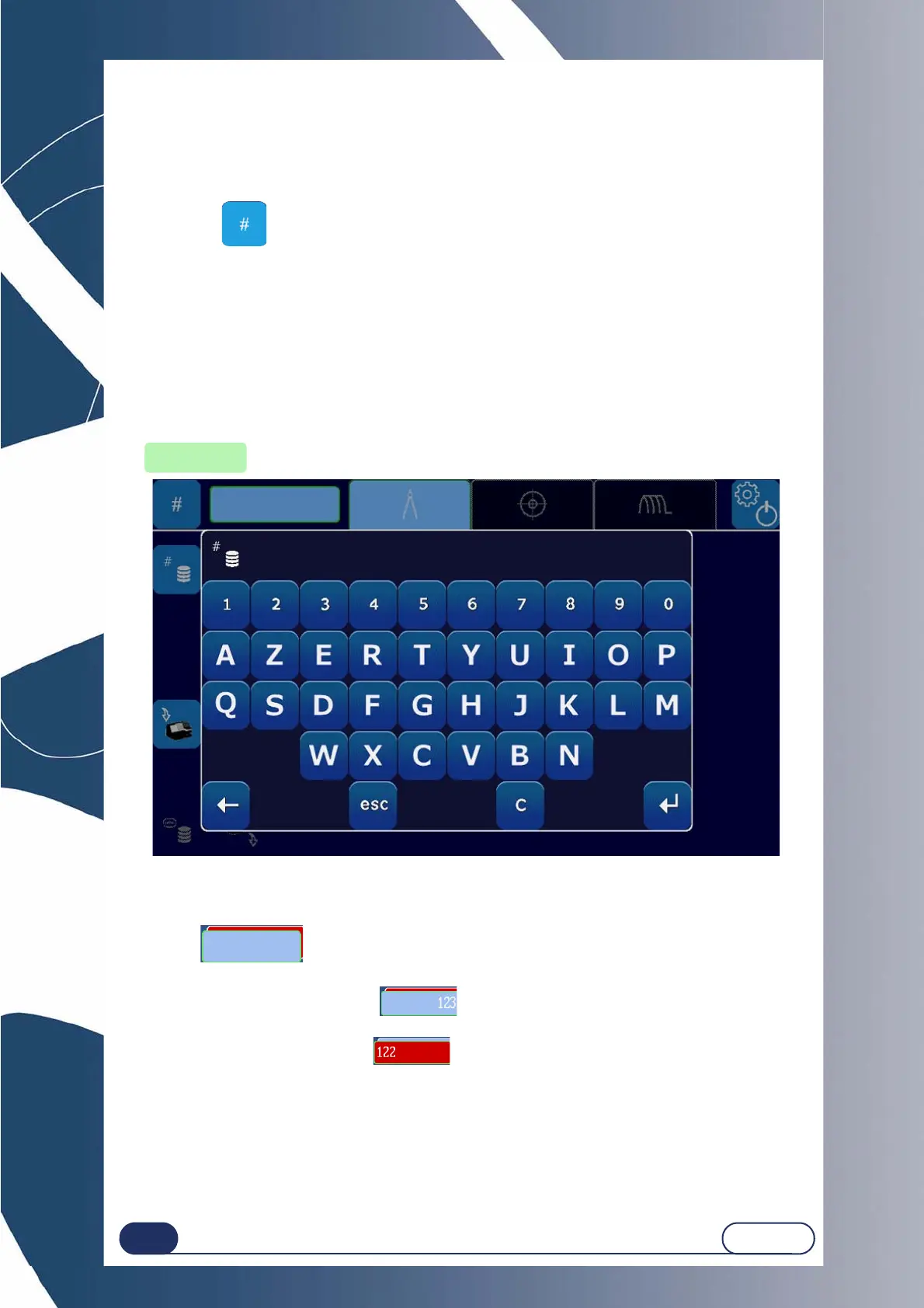
Short press: Used to enter a Job number.
When the numeric key pad is displayed, enter the job number and confirm it.
Long press: Used to access the Jobs database.
Result : After a Job number is entered, and if a job exists with this number in the Job database, it is
displayed and can then be used or copied over with a new shape entry.
Note : Loading a job causes the lens material data, finishing data, etc. to be specified...
automatically.
Screen 3-2 : Entering a pattern
The dual JOB function is used to prepare two jobs in parallel.
Example : the blue JOB is selected:
the red JOB is selected:
Note : To activate or deactivate the dual JOB function, see “Configuration of general opera-
ting parameters”, page 87.
Job number
input key



 To Next Page