Installation...Starting the edger
1-17
LTO
1.7 STARTING THE EDGER
1.7.1 PROCEDURE
Flow chart
To start the edger, proceed as follows:
Flow chart 1-6: Starting the edger
As shown...
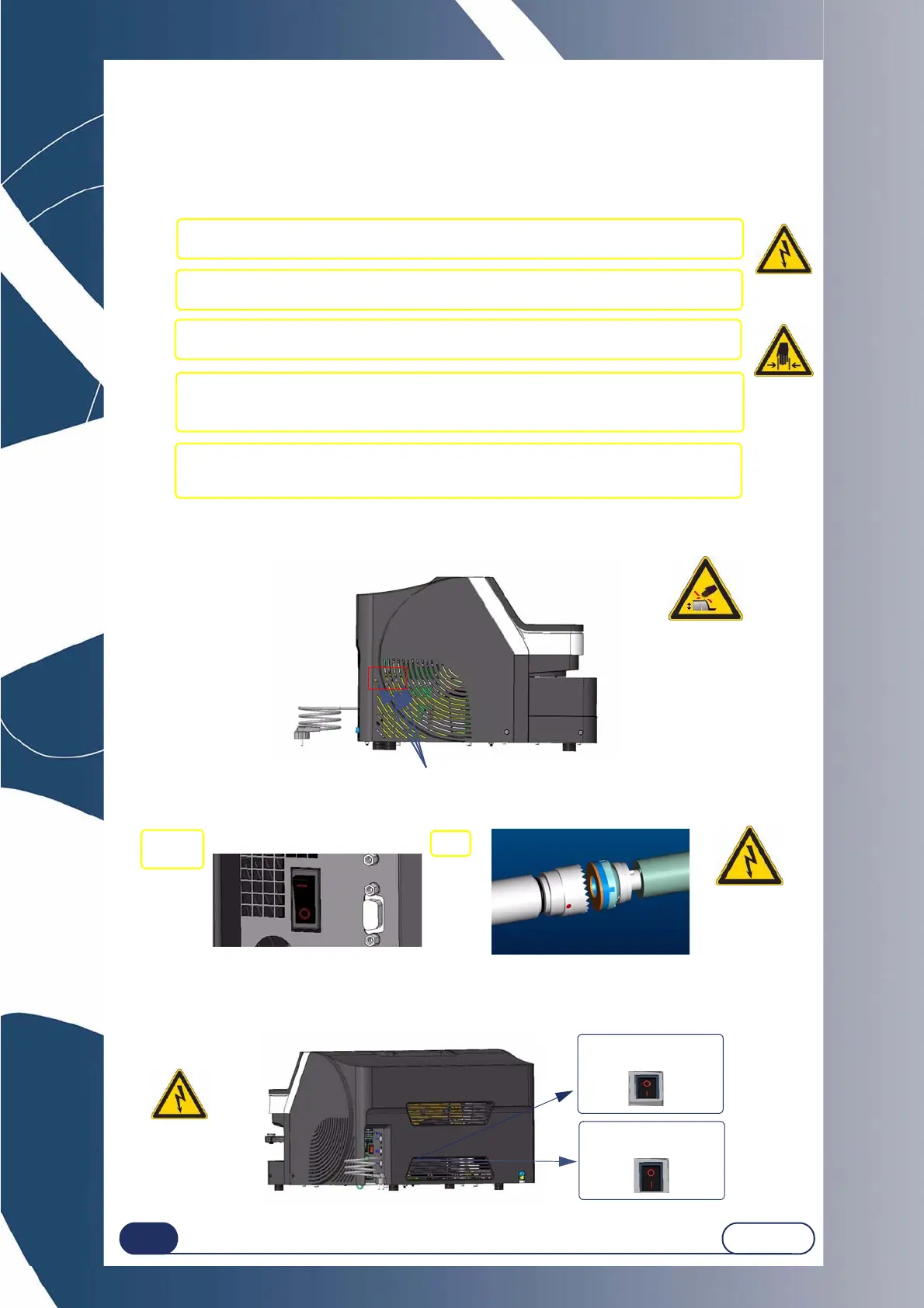
Illustration 1-8: Starting the edger
Illustration 1-9: Switching the machine ON/OFF
1.7.2 SWITCHING THE MACHINE ON/OFF
#1 Check that the machine is switched off: On/Off switch OFF and mains plug
disconnected.
#2 Fit the lens clamping and lens holder adaptors on the shafts.
#3 Plug in the machine and switch on (On/Off switch lit).
#4 Start a dummy cycle and adjust the water flow of the visor and edging
chamber sprays using the flow adjusting screws located on the
left side of the machine (use a tubular screwdriver for 5.5 mm nuts).
#5 Carry out one or two jobs to check that the machine operates correctly.
ON position
"1" pushed
OFF position
"0" pushed



 To Next Page