Using your Edger...Presentation
3-26
LTO
3.1.3.2 VISUAL REFERENCES
3.1.3.2.1 TYPES OF BUTTONS
There are different types of buttons corresponding to the different types of action or information to be entered :
IN ALL OF THE MENUS
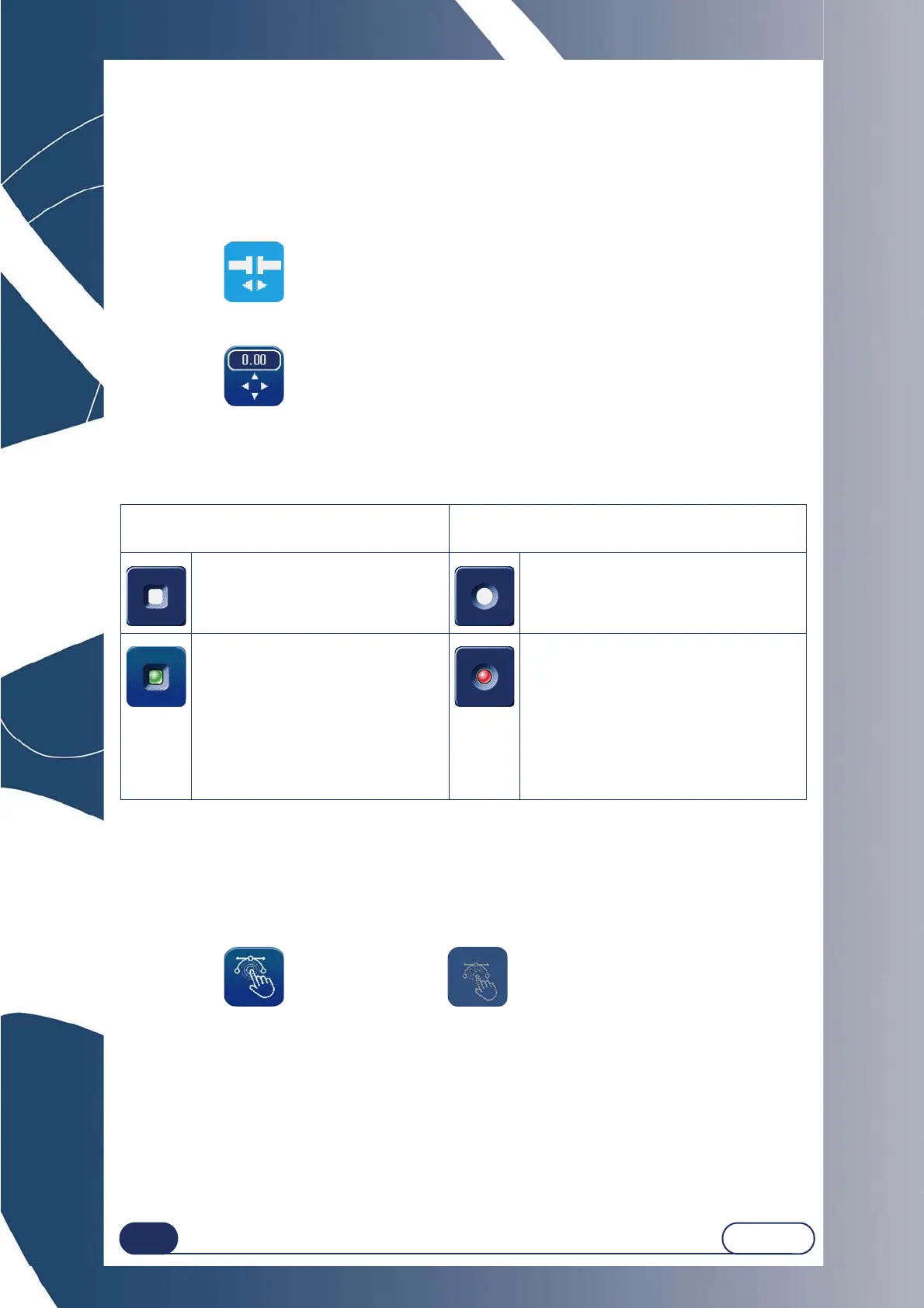
The action button: Produces an immediate action or is used to make a selection in a pull-down list.
Example :
Entry button: used to enter a value using the numeric keypad and to display it.
Example :
IN THE TECHNICAL MENUS
The selection button: used to select a function.
3.1.3.2.2 ACCESSIBILITY OF FUNCTIONS
The accessible menus or functions also follow distinct graphic codes.
The buttons or menus which can be enabled are highlighted, those which cannot be enabled are grayed.
Example : Can be enabled Cannot be enabled
SEVERAL POSSIBLE SELECTIONS
You can enable one or more functions.
ONE POSSIBLE SELECTION ONLY
You can enable one function only.
The function is not selected. The function is not selected.
The function is selected and enabled.
Example : The type of Percentage
bevel will be displayed in the Bevel sub-
finishing menu of the main application
screen.
You can select all or part of the bevel
types.
The function is selected and enabled
exclusively.
Example : When the Bevel finishing type is
selected in the personalisation menu, it will
be displayed by default on the Finishing
button of the main application screen.
One finishing type only can be displayed by
default.



 To Next Page